


 (137 votes, average: 3.91 out of 5)
- Review
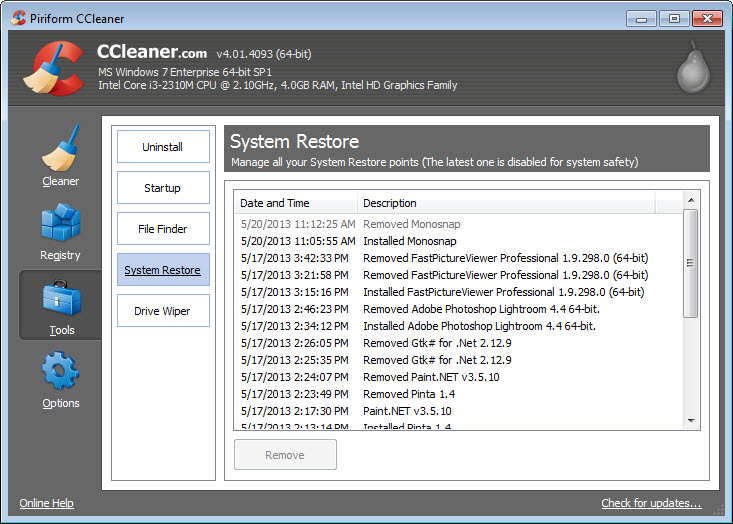
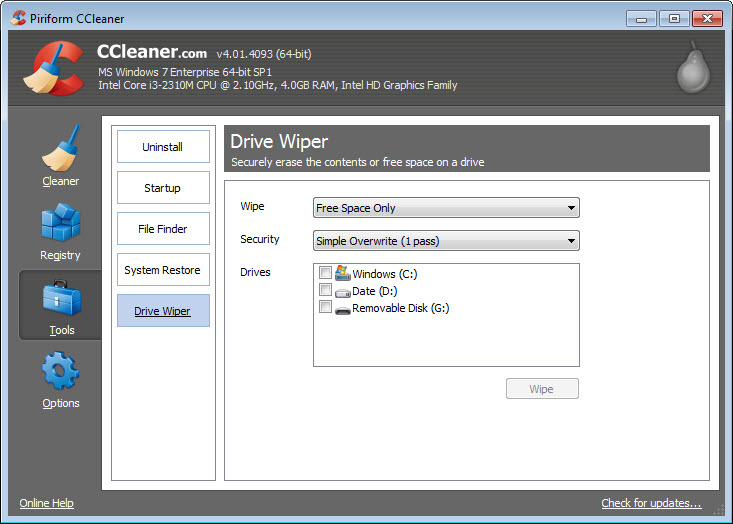
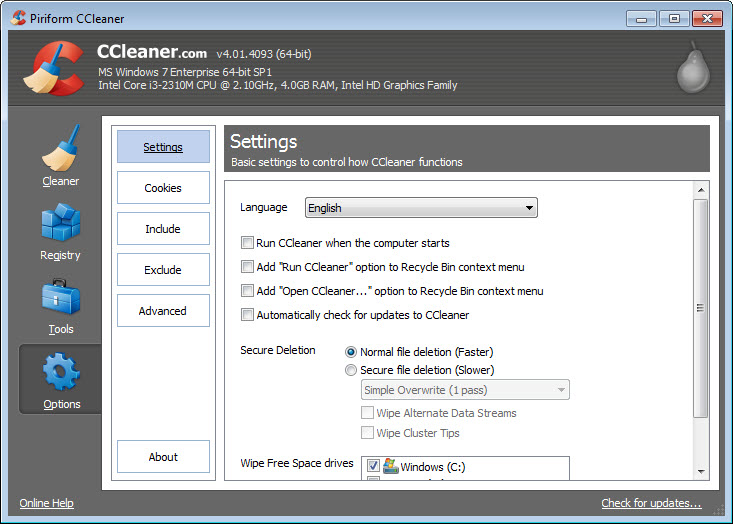
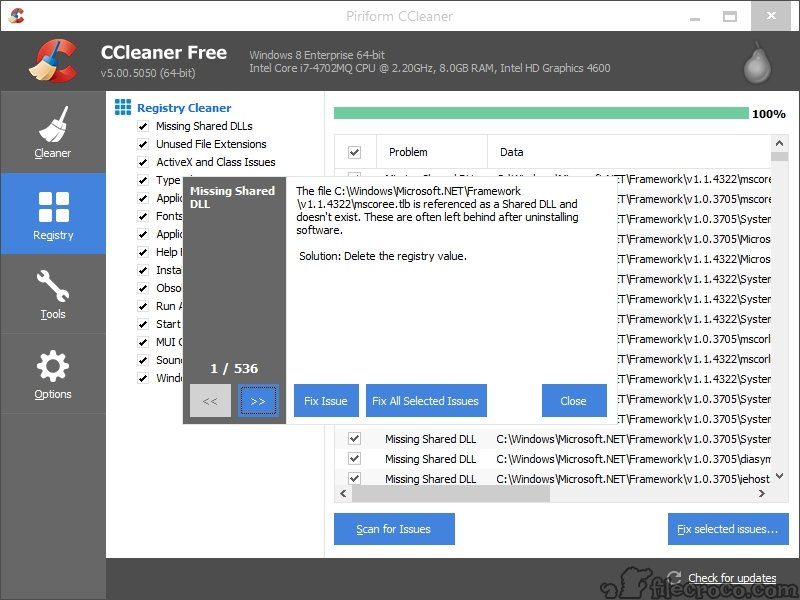
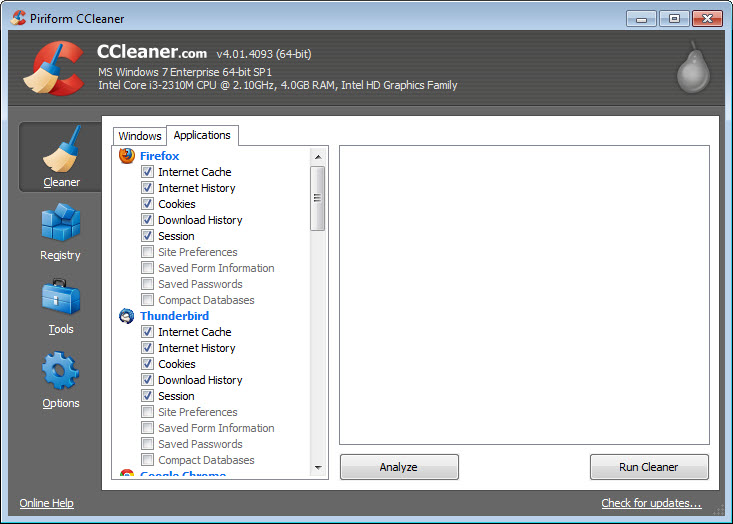
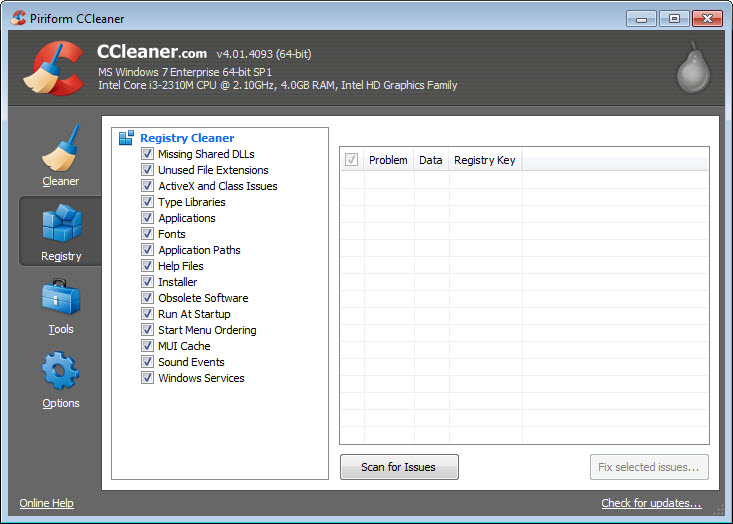
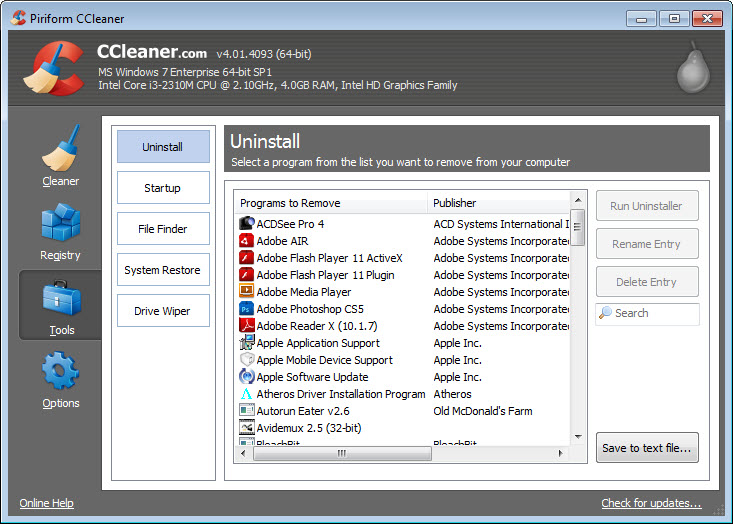
Make sure your computer is as clean as possible, thanks to CCleaner. It will help you remove all the junk content from your computer that you don’t need, fix broken registries, and some more advanced tools to enhance your PC’s performance.
Keep Junk Files Away
Today, there is a lot of content you can download from the internet. And consequently, you’ll almost certainly end up with a lot of junk that you’ll only need once, or you might not ever need.
This content will clog up your computer and take up valuable computer space and resources. But what is more, these files might even be malware, which can hurt you if you’re not careful.
With CCleaner, you can ensure you don’t have such content on your computer. It will help you remove all the files and folders you don’t need, as it will scan your computer thoroughly to find potentially dangerous files on your PC.
Additionally, this tool allows you to fix broken registry entries, which can help you when you need to customize your computer’s performance.
Organize Your PC and Get Rid of Junk
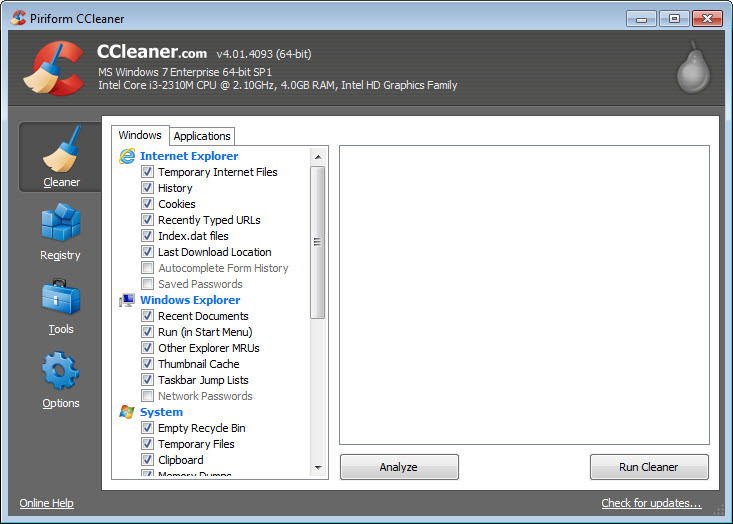
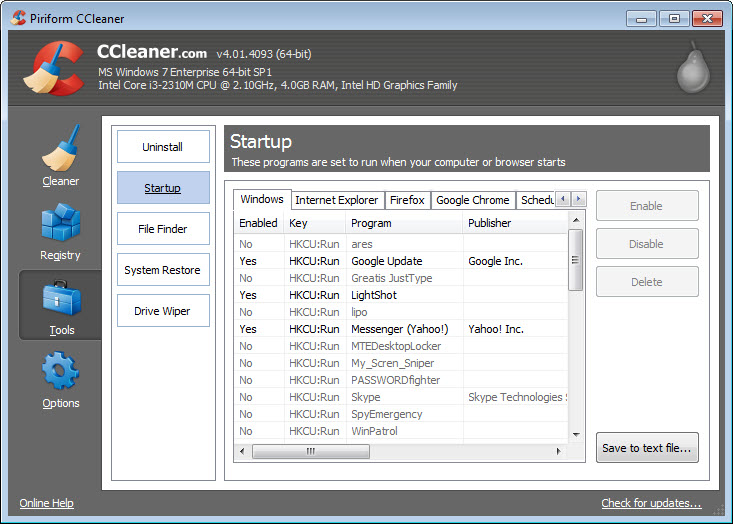
When you start working with this utility, you’ll notice it has quite a minimalistic interface. All the tools are visible on the main window, where you can select which tool you want to use first to clean your computer. The rest of the space on the main window is taken by various important data and information pieces.
When you want to start, you’ll need to pick one of the tools from the library of tools within CCleaner. The main feature is the Cleaner feature, which will help you eliminate junk files from your PC.
It will first scan your computer, which doesn’t take that long, and it will then identify files that might need to be deleted, including various software pieces and cookies.
Conclusion
CCleaner helps you clean your computer of junk files and things you don’t need to save space and optimize your PC’s performance.
Technical details
Alternative software


User reviews
Most downloaded software


