CATEGORIES
Mac
EDITOR'S PICKS
Calibre 0.9.35
Great e-book library management application
Business and Finance - Office Suites and Tools
AllMyNotes Organizer FREE Edition 2.71
Perfect solution for notes, ideas, diary
Business and Finance - Office Suites and Tools
Acronyms Master 4.61
Creates tables of acronyms for your MS Word document
Business and Finance - Office Suites and Tools
GT4T 4.32
Integrates Google Translate into all text applications
Business and Finance - Office Suites and Tools
DocTranslate 3.1.0.0
A Microsoft Word and Power Point translator
Business and Finance - Office Suites and Tools
Todomoo 0.10
Manage your paid projects with ease
Business and Finance - Office Suites and Tools

Calibre 0.9.35

Your rating
(4.2) 5 Votes
Date updated
June 17, 2013
Developer
Kovid Goyal | (more products)
All time downloads
6,120
License
Platform
Windows
Size
49.60 MB
User ratings

Description of Calibre 0.9.35

Great e-book library management application
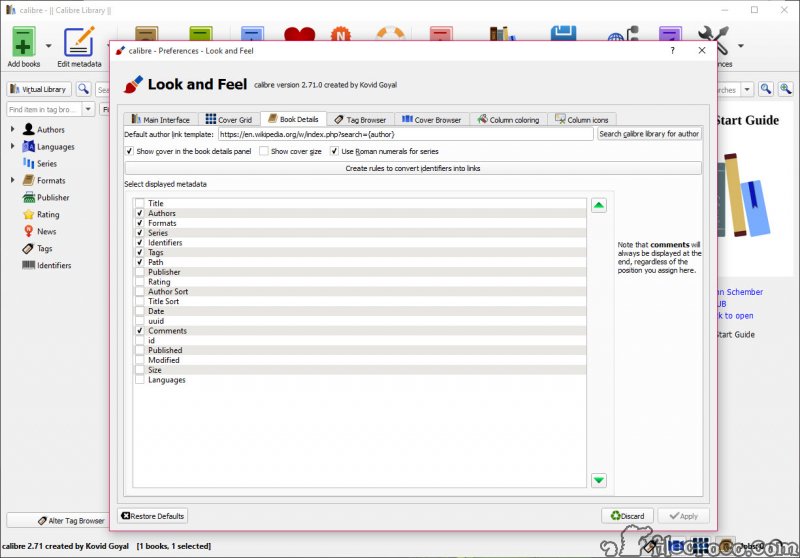
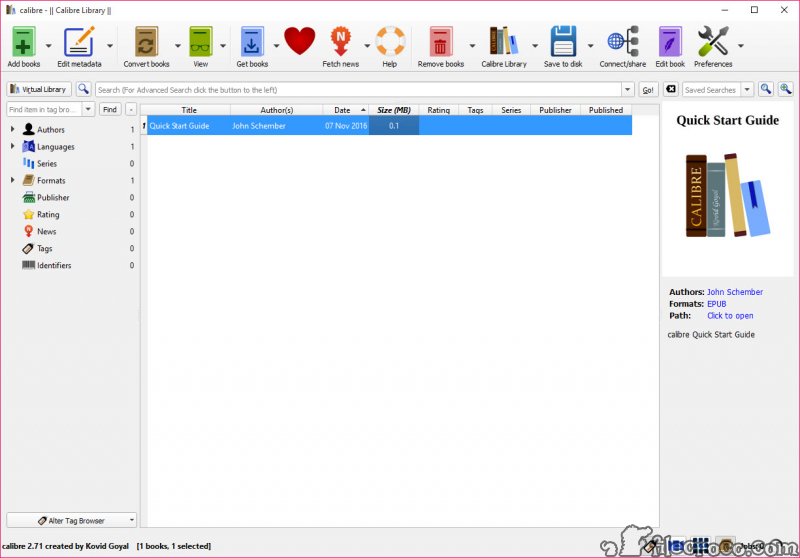
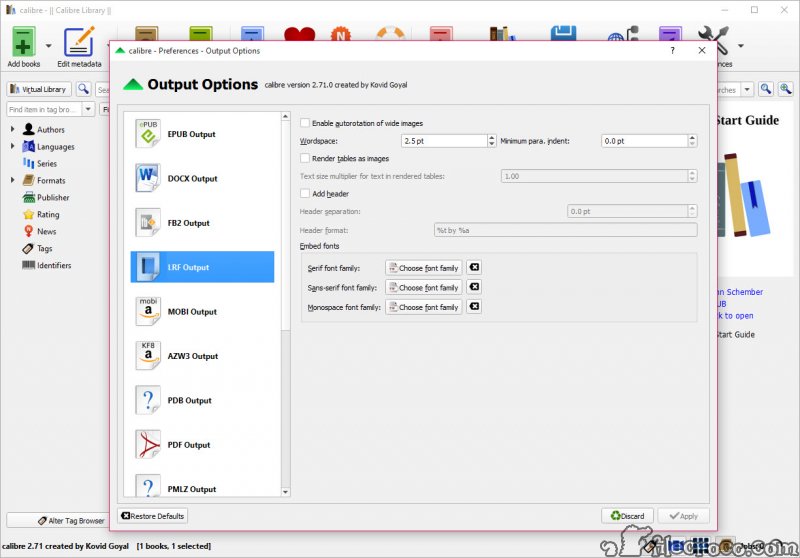
Calibre was designed to be a e-book library management application. Calibre is meant to be a complete e-library solution and thus includes, library management, format conversion, news feeds to ebook conversion as well as e-book reader sync features.

Key features

• Library Management
• E-book conversion
• Syncing to e-book reader devices
• Downloading news from the web and converting it into e-book form
• Comprehensive e-book viewer
• Content server for online access to your book collection

Calibre video preview

You need to upgrade your Flash Player

Editor's review for Calibre

EBooks have, in many people's eyes, been a blessing for book fans and casual readers alike around the world in terms of making printed material available both quickly and easily for viewing in any number of formats ranging from desktop computers to personal portable devices. Unfortunately, for many people, at the same time, this has brought about a number of problems that were not anticipated by most. Namely, with such a massive amount of print material available for viewing around the world how can books be easily organized and stored for reference as well as made to fit to specific formats that one eBook reading software may require yet another may not be able to handle?

Enter Calibre - an eBook filing and referencing program. It is a completely free and open source program that has been designed by eBook readers for eBook readers and is a perfect way to simplify the eBook referencing process. Working only partly to manage a large library of online books, it also works in a number of other ways to help readers, including converting eBooks to necessary formats for many readers, synchronizing eBook distribution to various portable devices, downloading news stories from the internet and convert it into formats that will be compatible with various eBook reading programs, read various forms of eBooks on its own that may require multiple different readers to access and even serve as a content server to access your own personal eBook collection online from any computer connected to the internet around the world.

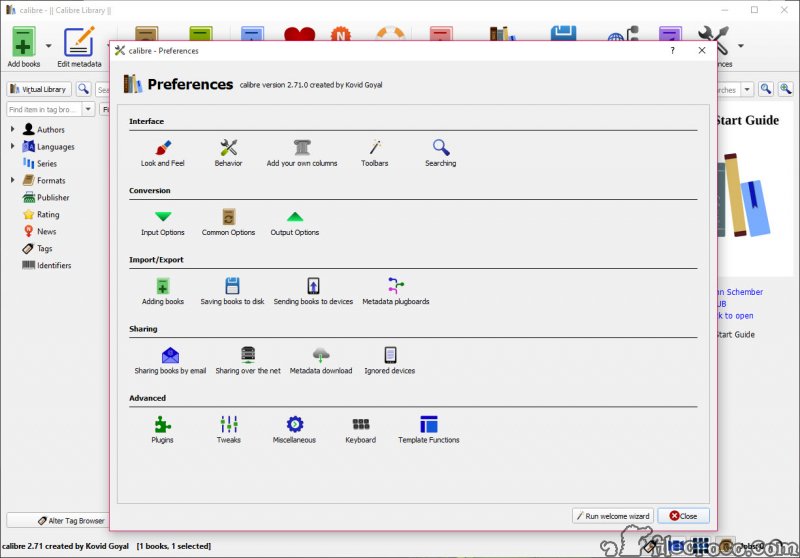
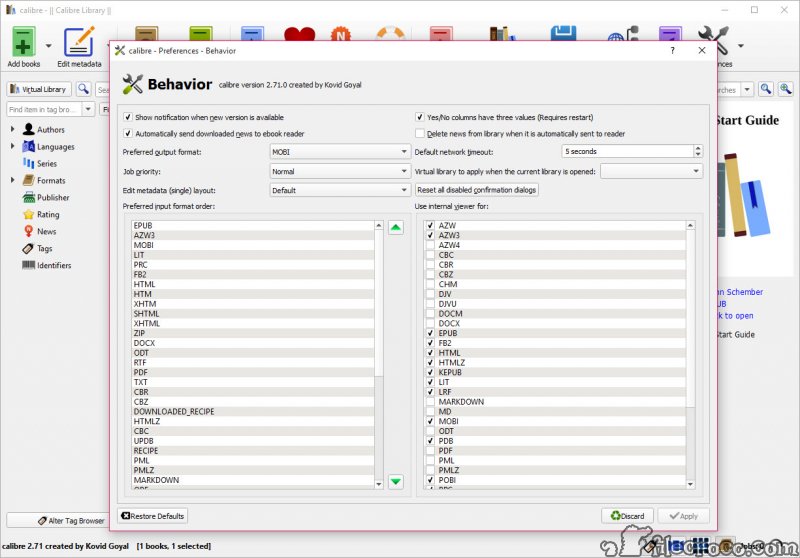
All of this can be done through a convenient, easy to use graphical interface that makes sorting and conversion a breeze. Most of the controls for the program are highly intuitive and can be used with little reference to any other supporting documentation, meaning that the application can be downloaded and used by most people looking to optimize their eBook experience straight away without sacrificing any precious time dedicating themselves to further organization or conversion tools that may not be effective.

In fact, this software is particularly effective as a tool for converting many documents for viewing on many portable eBook readers as well. Amazon's Kindle, for instance, requires a special document formatting for any information to be viewed on it - one of the formats that this application can handle quickly and effectively on its own. This means it can end up saving you both time and money by bypassing other costly conversion methods and allowing you to truly make all of your documents portable.

In short, it is one of the most comprehensive eBook tools available to users today in terms of what it can bring to you and your personal reading pleasure, available to everyone absolutely free of charge. This means that eBooks, already growing in popularity, can take one step further - and you as a personal reader can go forward with them without worrying about organizing your own files, developing your own system or relying upon expensive (and sometimes unreliable) other organization methods on your own computer.

What is new in version 0.9.35

New Features:
• News download: Add a framework for scraping javascript heavy sites using a full WebKit browser. Used by the new recipe for time.com
• DOCX Input: Add a markup analyzer that identifies and removes redundant markup generated by Word. This can result in much cleaner HTML and reductions in markup size of up to 50%
• DOCX Input: Add support for theme fonts
• calibredb list: Add an option to limit the number of results
• Get Books: Allow stopping an in progress search. While doing a search, the Search button becomes a Stop button, and clicking on it stops the current search.
• When viewing the list of jobs in calibre, display the time at which the job was started.
• Conversion settings: When selecting the input/output profiles, show the profile screen size along with its description.

Bug Fixes:
• Get Books: Fix searching using the title/author being case-sensitive and therefore sometimes not returning results if uppercase characters were used in the query.
• EPUB/AZW3 Output: When splitting HTML on page breaks, preserve tag structure in the split files. This fixes splitting losing some styling information for HTML files that define page breaks on deeply nested tags.
• DOCX Input: Fix some manual page breaks being ignored
• DOCX Input: Fix empty paragraphs not being rendered
• DOCX Input: Fix some text being underlined incorrectly. The 'none' underline style was being translated incorrectly.
• E-book viewer: When viewing EPUB files, ignore any encoding declarations in the HTML and assume that the HTML is encoded in UTF-8, unless decoding with UTF-8 fails. This is what the EPUB specification specifies.
• AZW3 Output: Fix a typo that could prevent conversion of some files
• calibredb list: When outputting data in columns, handle multibyte and east asian characters correctly.
• Get Books: Fix unable to change case of words in the title/author/keywords boxes because of completion.
• Fix unable to clear custom date columns using the bulk metadata edit dialog
• MOBI Output: Fix regression that breaks conversion of some documents

New news sources:
• Neu Osnabrucker Zeitung

Improved news sources:
• La Nacion
• Frontline
• New York Time Sports Beat
• Time
• Times of India
• Las Vegas Review Journal
• Folha de Sao Paolo

User reviews

by pjto on December 20th 2010, 10:32
Excellent ebook management/conversion tool.

Add your review

Your name:*
Overall conclusion:*
Be descriptive:*
min 100 chars (0)
Your rating:*
Verification:*

Top popularity in Office Suites and Tools

1
Microsoft Publisher 2010 14.0
Create high quality magazines and marketing materials
2
Microsoft Project Professional 2010 SP1
Easily manage all your projects and programs
3
Calibre 0.9.35
Great e-book library management application
4
Microsoft Visio Professional 2010 14.0
A new level in diagramming and project management
5
Microsoft Outlook 2010 14.0
Manage your time better with these e-mail and calendar tools
6
Nitro PDF Professional 8.5.0.26
Create or edit PDF files faster
7
AllMyNotes Organizer FREE Edition 2.71
Perfect solution for notes, ideas, diary