


 (8 votes, average: 3.25 out of 5)
- Review
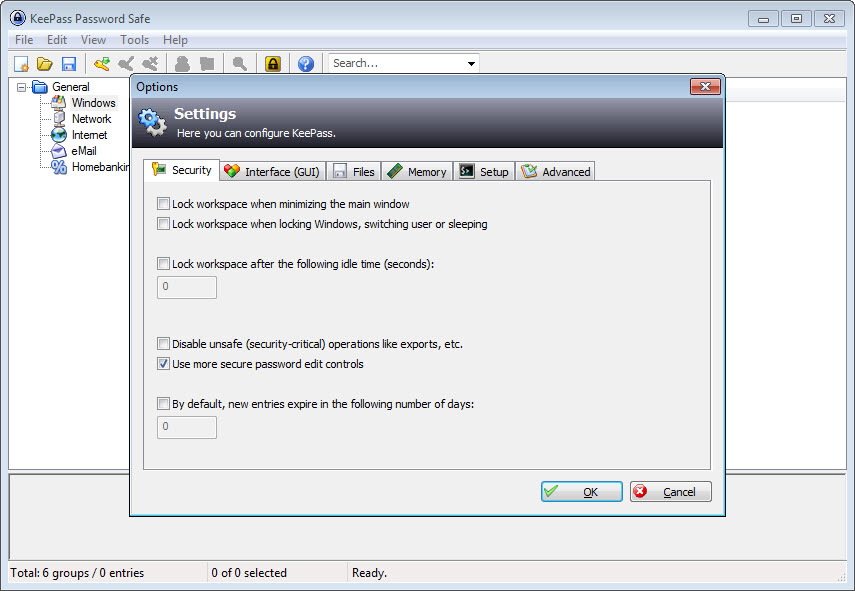
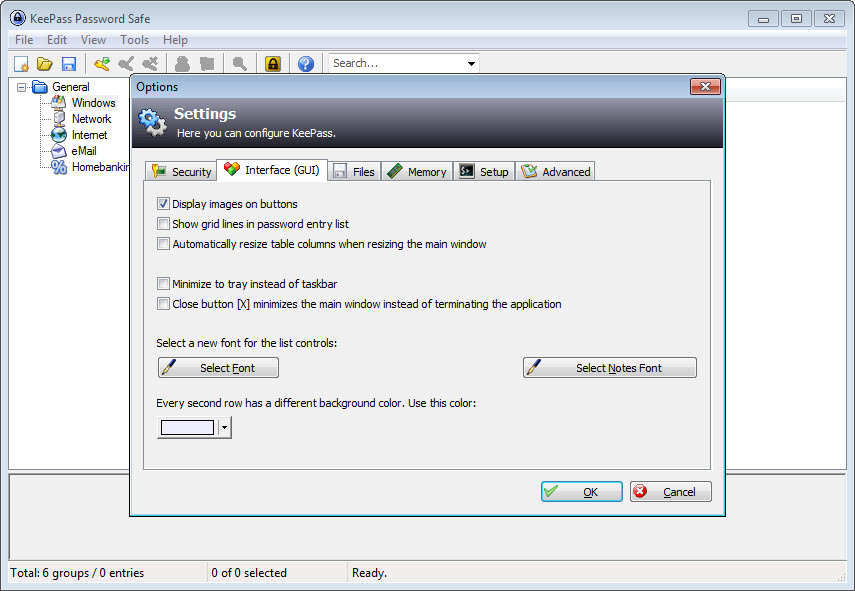
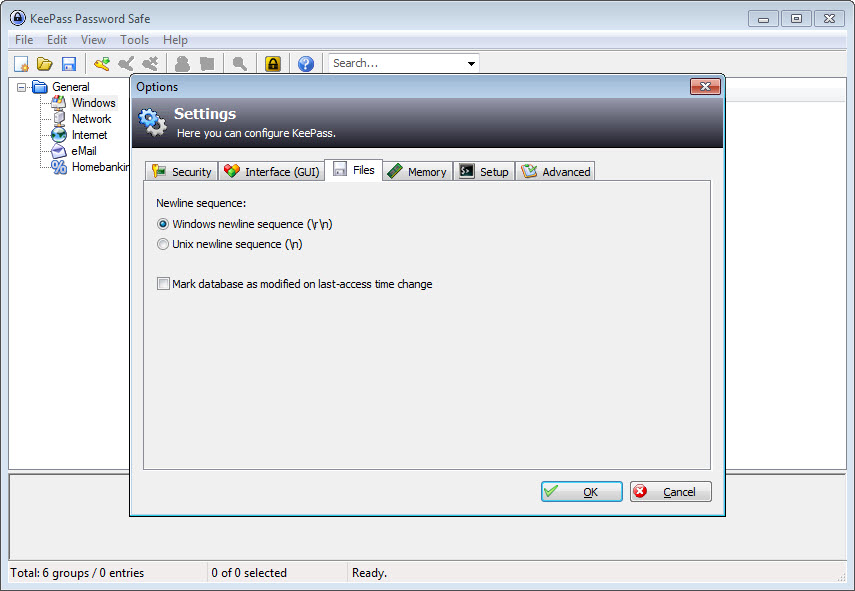
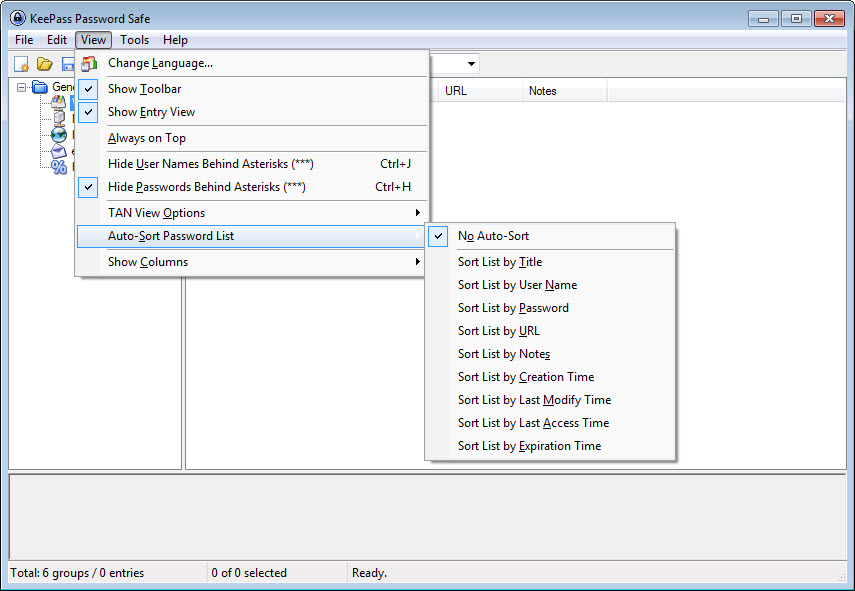
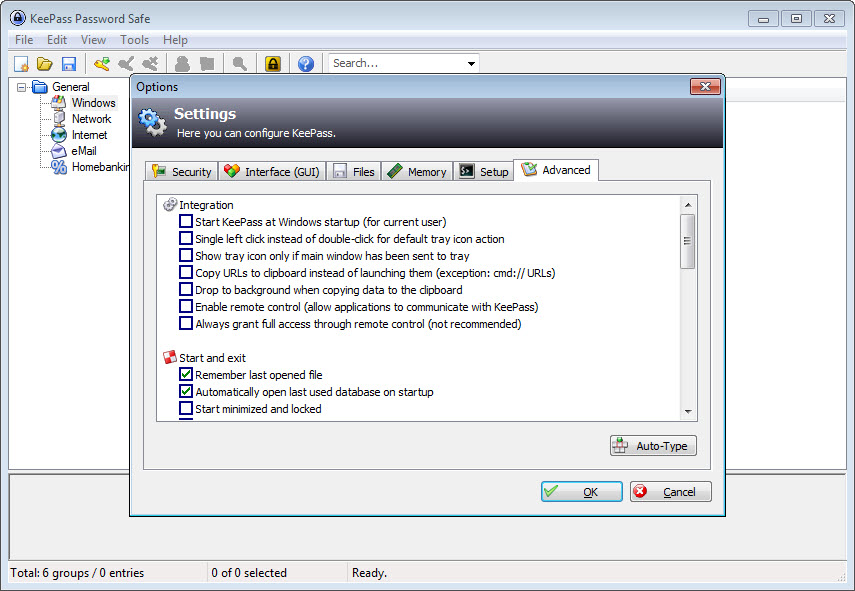
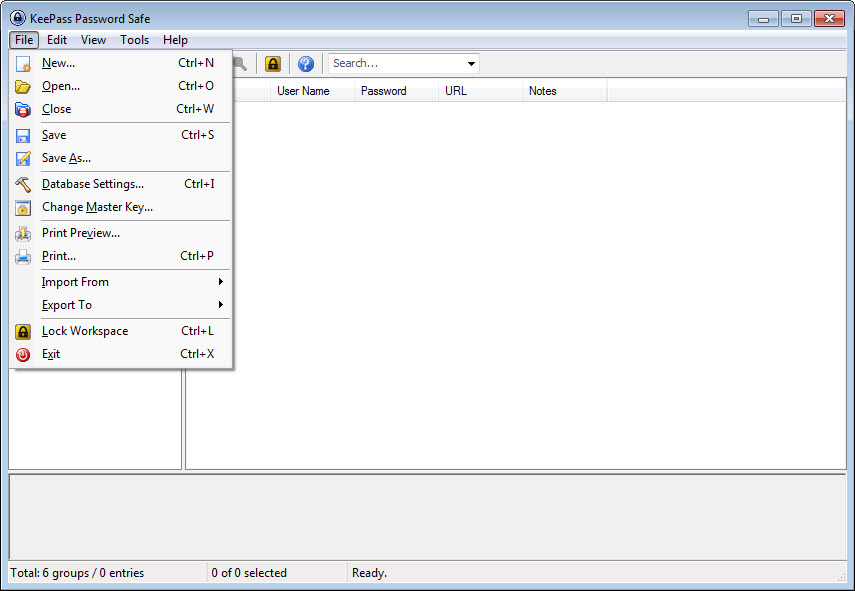
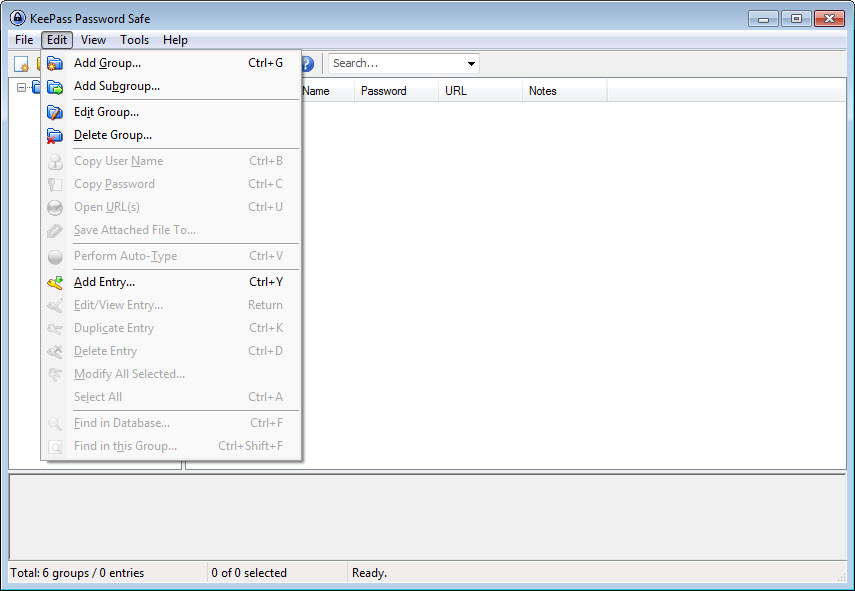
If you’re looking to store your passwords and make them secure from potential attacks, then you need an app like KeePass. This compact app lets you create databases to store and manage your passwords and credentials for online and other accounts.
It can protect you from unauthorized entries and potential intrusions to your accounts.
Store Your Passwords in Databases
For those who use a lot of passwords daily, the key is to remember these passwords and store them somewhere. However, if you use a lot of passwords, this can be easier said than done. You can create an entire database with this app, where all this information will be stored safely and securely.
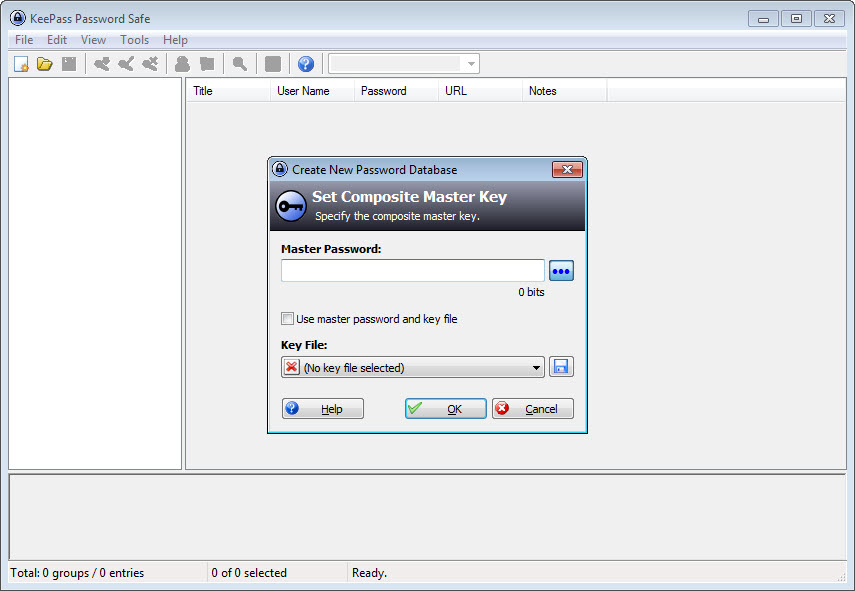
To protect this database of your passwords, you’ll need to set up your password or protect it with a key file. Both are effective, but another way is protecting the database with user information.
You’ll want to combine all three for the best effects, which will put your security to another level.
Customize the Database
Inside the database, you’ll have the option to create folders and subfolders, improving your organization. You can also personalize the database with custom colors, icons, and tags. By doing this, you’ll be able to organize your passwords and make it easier to find your passwords quickly.
In addition to passwords, the database allows you to store critical information needed to log in to your accounts online. It can be your user details, descriptions, website address, and other vital information that might otherwise be hard to remember.
More details, such as the bank account number and shipping address, can be added.
Attach Files To the Database
To make the database even easier to use, you can attach various files to make it easier for you to remember the contents of the database. These files can be images, text, HTML, and other file types to complete the database.
Some other useful features make it easier for you to control your passwords. It includes the Auto-Type function, which can be enabled when you enter a website. With this function, you can instantly enter the login information by connecting with your database and your webpage.
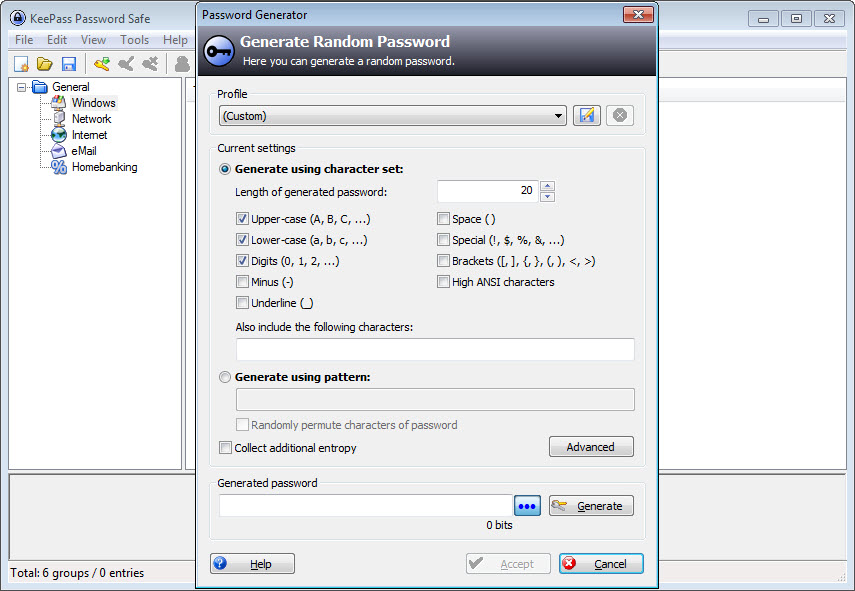
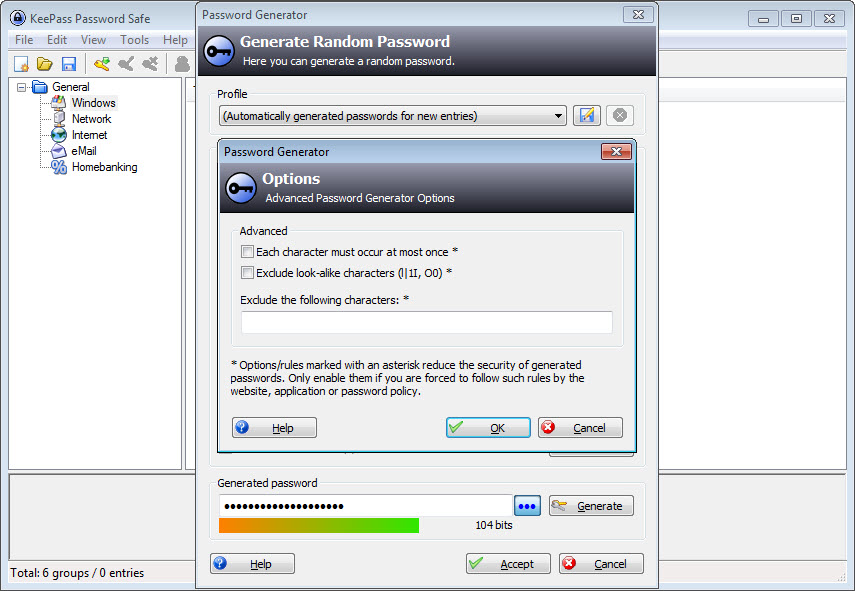
Then there’s the password generator function. It allows you to generate passwords that are unique and hard to replicate, making your passwords even more secure.
And the best of all is that you can store this password easily in the database, so you’ll never forget it.
Conclusion
KeePass helps you store all of your login information and your passwords in an organized database where you can store all of your passwords for your online accounts.
Store your password information by creating password databases with this application, which is lightweight and intuitive to use and comes with many configuration options.
- Strong security
- Multiple user keys
- Portable and no installation required, accessibility
- Export to TXT, HTML, XML and CSV files
- Import from many file formats
- Easy database transfer
- Support of password groups
- Time fields and entry attachments
- Auto-Type, global auto-type hot key and drag&drop
- Intuitive and secure clipboard handling
- Searching and sorting
- Multi-language support
- Strong random password generator
- Plugin architecture
Technical details
Alternative software


User reviews
Most downloaded software


