Internet Download Manager 6.08.9
Date updated
January 28, 2012
Developer
Price
$24.95
All time downloads
94,950
License
Platform
Windows
Our rating
0 / 5

User ratings
Description of Internet Download Manager 6.08.9
Manage your downloads. Increase download speed
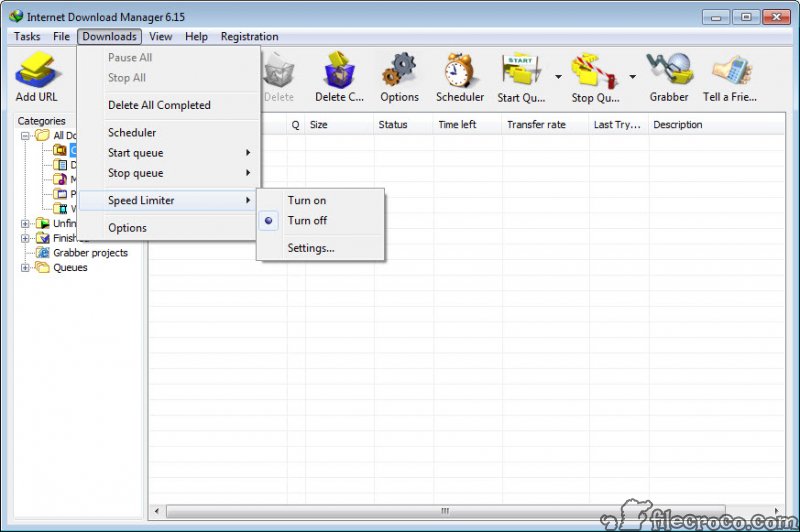
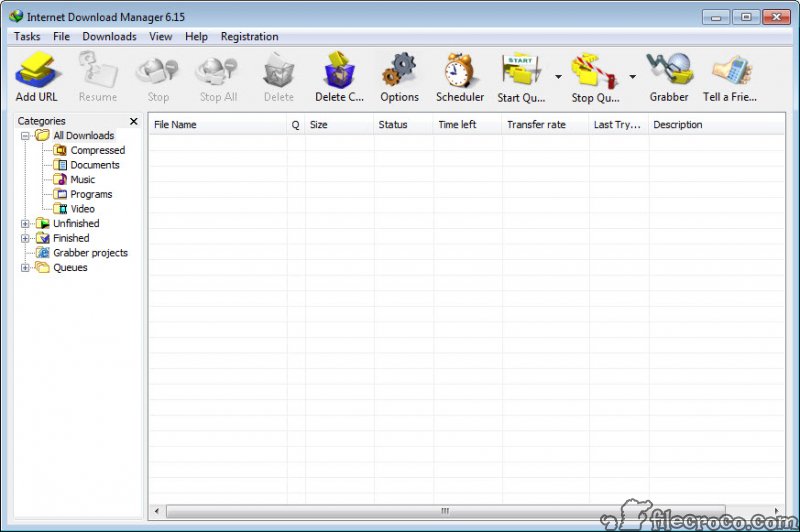
Internet Download Manager (IDM) is a tool to increase download speeds by up to 5 times, resume and schedule downloads. Comprehensive error recovery and resume capability will restart broken or interrupted downloads due to lost connections, network problems, computer shutdowns, or unexpected power outages. Simple graphic user interface makes IDM user friendly and easy to use.Internet Download Manager has a smart download logic accelerator that features intelligent dynamic file segmentation and safe multipart downloading technology to accelerate your downloads.
Unlike other download managers and accelerators Internet Download Manager segments downloaded files dynamically during download process and reuses available connections without additional connect and login stages to achieve best acceleration performance.
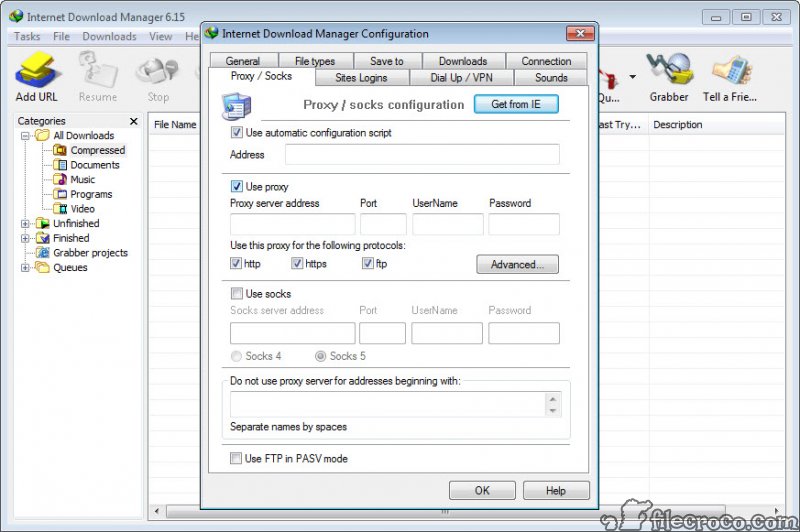
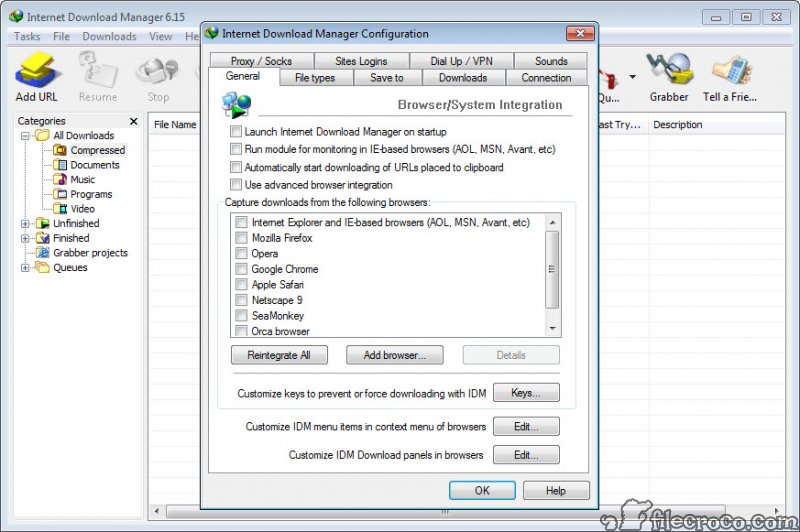
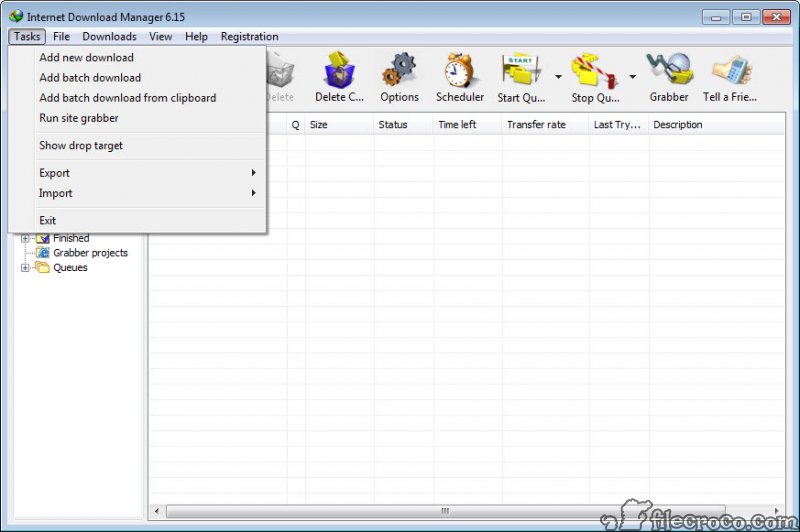
Internet Download Manager supports proxy servers, ftp and http protocols, firewalls, redirects, cookies, authorization, MP3 audio and MPEG video content processing. IDM integrates seamlessly into Microsoft Internet Explorer, Netscape, MSN Explorer, AOL, Opera, Mozilla, Mozilla Firefox, Mozilla Firebird, Avant Browser, MyIE2, and all other popular browsers to automatically handle your downloads. You can also drag and drop files, or use Internet Download Manager from command line.
Internet Download Manager can dial your modem at the set time, download the files you want, then hang up or even shut down your computer when it's done.
Other features include multilingual support, zip preview, download categories, scheduler pro, sounds on different events, HTTPS support, queue processor, HTML help and tutorial, enhanced virus protection on download completion, progressive downloading with quotas (useful for connections that use some kind of fair access policy or FAP like Direcway, Direct PC, Hughes, etc.), built-in download accelerator, and many others.
Key features
• All popular browsers and applications are supported!
• Download Speed Acceleration.
• Easy downloading with one click.
• Download Resume.
• YouTube grabber.
• Simple installation wizard.
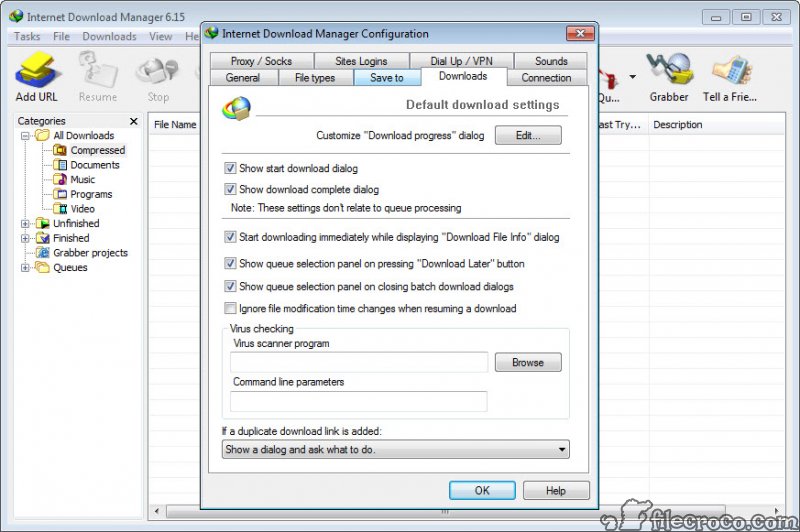
• Automatic Antivirus checking.
• Built-in Scheduler.
• Drag and Drop.
• Advanced Browser Integration.
• IDM includes web site spider and grabber.
• Customizable Interface.
• IDM supports many types of proxy servers.
• IDM supports main authentication protocols: Basic, Negotiate, NTLM, and Keberos.
• Download All feature.
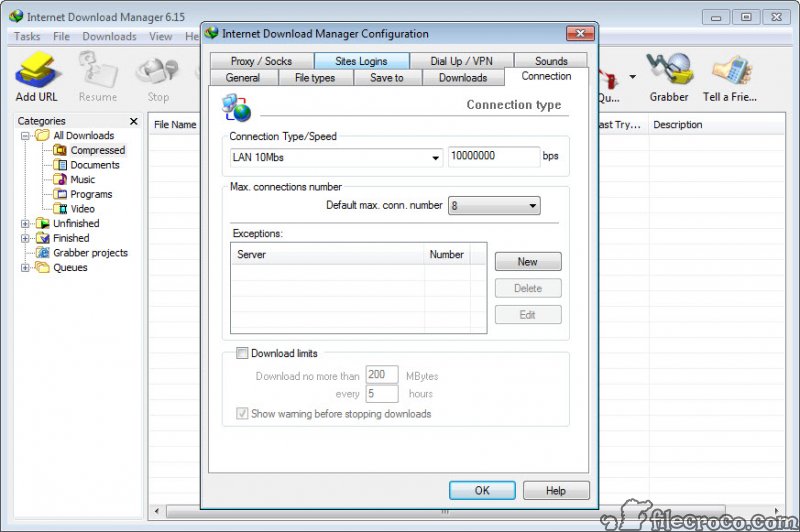
• Download limits.
• IDM is multilingual.
• Quick Update Feature.
• Download Categories.
• Dynamic Segmentation.
Internet Download Manager video preview
You need to upgrade your Flash Player
Editor's review for Internet Download Manager
Let's face it - being able to safely and effectively download information from the internet today is a key feature that is the center point of most of our internet browsing experiences. Still, with regular site connectivity issues, download speed problems and connection discrepancies being able to quickly and effectively download some files can be a pain at best.
With the Internet Download Manager (IDM), however, being able to download your information quickly and effectively at any time can be a breeze. IDM software is one of the best ways to accelerate your download speeds on a wide range of sites up to five times faster than what you may normally expect to see otherwise.
Still, speed alone isn't everything in the download world. With the capability to schedule and resume downloads as well as scan all downloads with a comprehensive error recovery system to prevent broken files from occurring the IDM works to make sure that your computer is always working at its peak performance to download what you want when you want it. In addition to this is also has full support for many other features such a proxy servers to bypass some website blocks, ftp and http protocols for direct downloading, firewall and redirect handling, cookie and authorization management and even .mp3 and .mpeg content processing. This means that you can even download music and videos from websites such as YouTube, Google Video and MySapceTV.
While it's true that for most people built-in downloaders on browsers such as Firefox and Internet Explorer may be adequate for small file transfers, for any major processes having a reliable download manager is key. This is especially important if you don't like using many other P2P software alternatives available out there such as Torrent clients that, in some cases, may open up your machine to unwanted third party access if you're not careful.
Having a simple download manager such as IDM can help save you countless hours of frustration and headaches trying to get some files onto your machine quickly and safely, especially if you simply want to download one segment only of a compressed ZIP or RAR file and don't want to download the whole file just to get it (as IDM allows you to preview compressed documents and download accordingly).
Overall, it's worth a try - especially since it will cost the overall price of free to download and starting using its basic features today.
What is new in version 6.08.9
Complete Windows 7 support, completely redeveloped scheduler, YouTube grabber that download FLV videos from YouTube, Google Video, MySpaceTV and other popular sites, MMS protocol support, speed limiter and the site grabber feature. Added support for miltiple links in clipboard.
User reviews
by
Coach on March 24th 2011, 10:44
Idm is very good
by
oukham on February 22nd 2011, 15:27
very good
Add your review
Top popularity in Download Managers