Password Safe 3.27
Date updated
November 1, 2011
Developer
All time downloads
8,257
License
Platform
Windows
Our rating
5 / 5

User ratings
Read user reviews (0)
Description of Password Safe 3.27
Secure all your passwords with this application
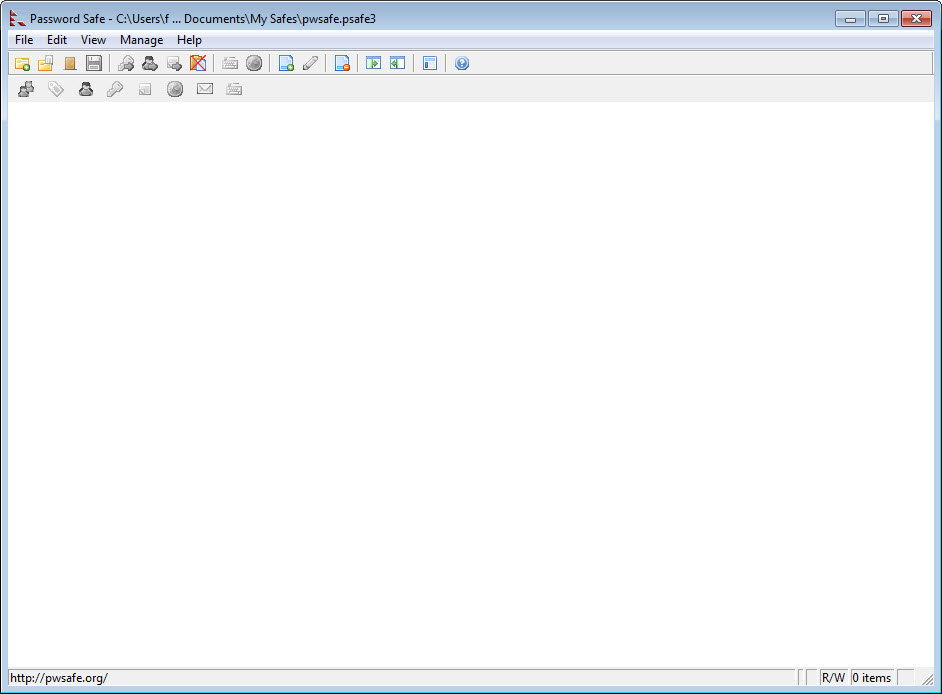
Password Safe allows you to safely and easily create a secured and encrypted user name/password list. With Password Safe all you have to do is create and remember a single "Master Password" of your choice in order to unlock and access your entire user name/password list.
Security starts with you, the user. Keeping written lists of passwords on scraps of paper, or in a text document on your desktop is unsafe and is easily viewed by prying eyes (both cyber-based and human). Using the same password over and over again across a wide spectrum of systems and web sites creates the nightmare scenario where once someone has figured out one password, they have figured out all your passwords and now have access to every part of your life (system, e-mail, retail, financial, work).
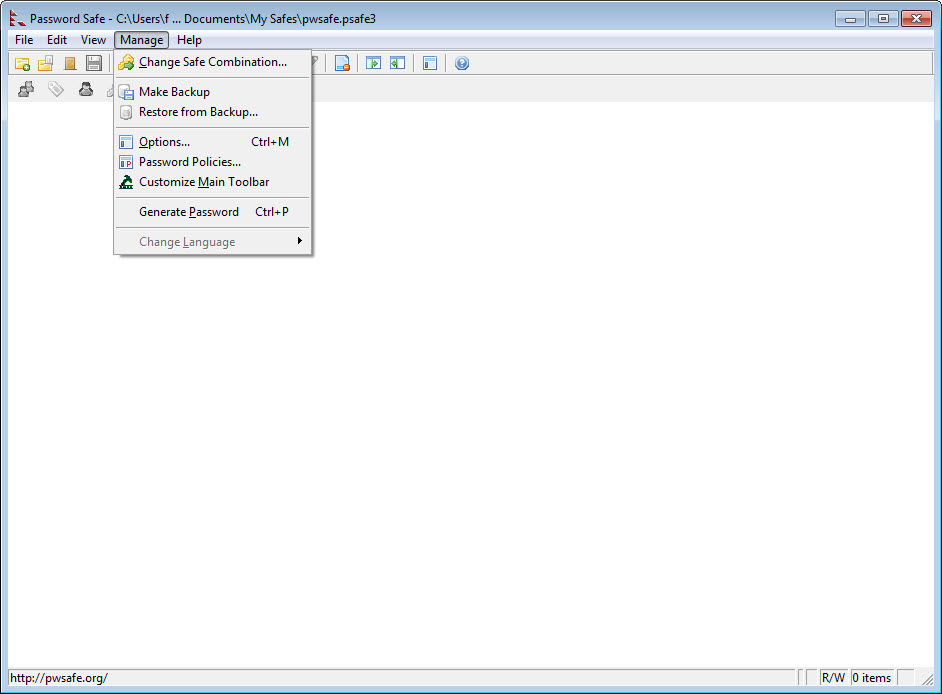
Password Safe allows you to manage your old passwords and to easily and quickly generate, store, organize, retrieve, and use complex new passwords, using password policies that you control. Once stored, your user names and passwords are just a few clicks away.
Using Password Safe you can organize your passwords using your own customizable references—for example, by user ID, category, web site, or location. You can choose to store all your passwords in a single encrypted master password list (an encrypted password database), or use multiple databases to further organize your passwords (work and home, for example). And with its intuitive interface you will be up and running in minutes.
Password Safe video preview
You need to upgrade your Flash Player
Editor's review for Password Safe
A major bonus for some and the bane of their existence for others, passwords have nevertheless become an integral part of our society in many ways and cannot be separated from many of the functions that we have to do day in, day out. Unfortunately, while the easiest solution of simply using the same password across any number of platforms may appear to be effective at first this is, in fact, a security nightmare as once your one password is determined your whole private life may be at jeopardy.
While utilizing a range of usernames and passwords is well known to be the best option to nearly everyone using computers today tracking these either physically on a piece of paper or electronically in a document on a system can be a challenge and major security risk - at least, it is without the Password Safe. Designed to keep to keep your personal information secure and keep prying eyes (electronic or otherwise) away from your precious passwords, Password Safe allows for the quick and easy access to all of the information you need most without needing to worry about going through any number of hurdles in the process.
Requiring only a single master password to unlock its database (or databases, should you so wish to divide up your stored information), Password Safe allows for any number of usernames and passwords to be stored and organized as you see fit for ease of access and flexibility of application. When this is coupled with the fact that Password Safe can be set up to automatically fill in the necessary passwords or other information in various programs or websites, Password Safe can help make your life one step simpler in today's hectic world.
Best of all is that for all users around the world Password Safe is absolutely free of charge, released to the public for general use in an open source format so programmer can even customize its base code to meet their specific requirements. Additionally a U3 version for portable usage on any system is also available, meaning you can take the power and convenience of Password Safe with no to work, school or any other location that normally restricts many programs from being run.
Download a copy of Password Safe now and start making your password-driven computer experience more secure than ever before.
What is new in version 3.27
New features:
• User can now add a database name and description via the Properties diaolg.
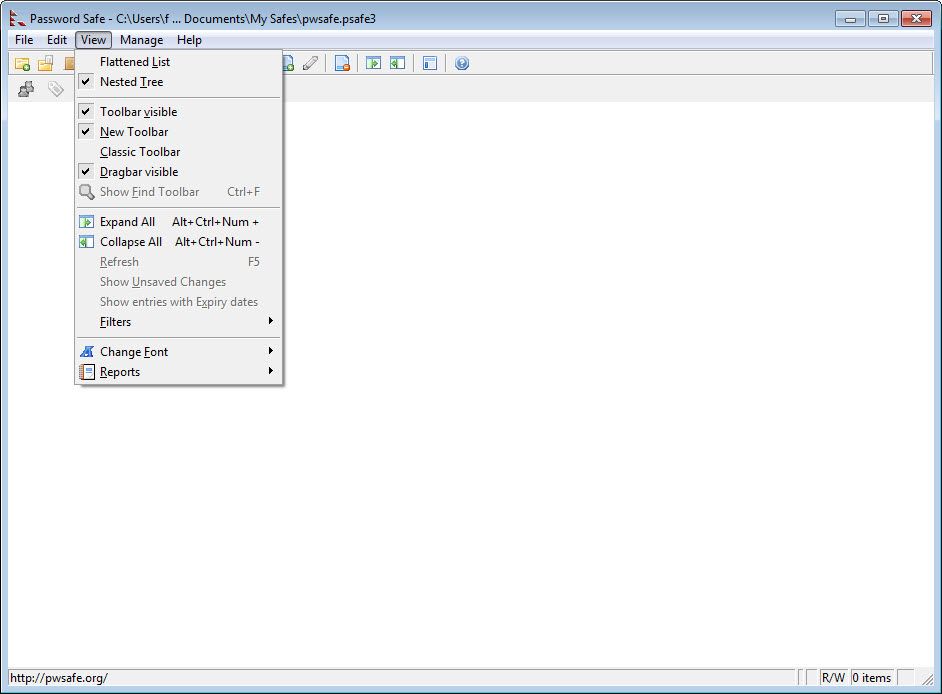
• Allow filters to match on rules based on the password's length.
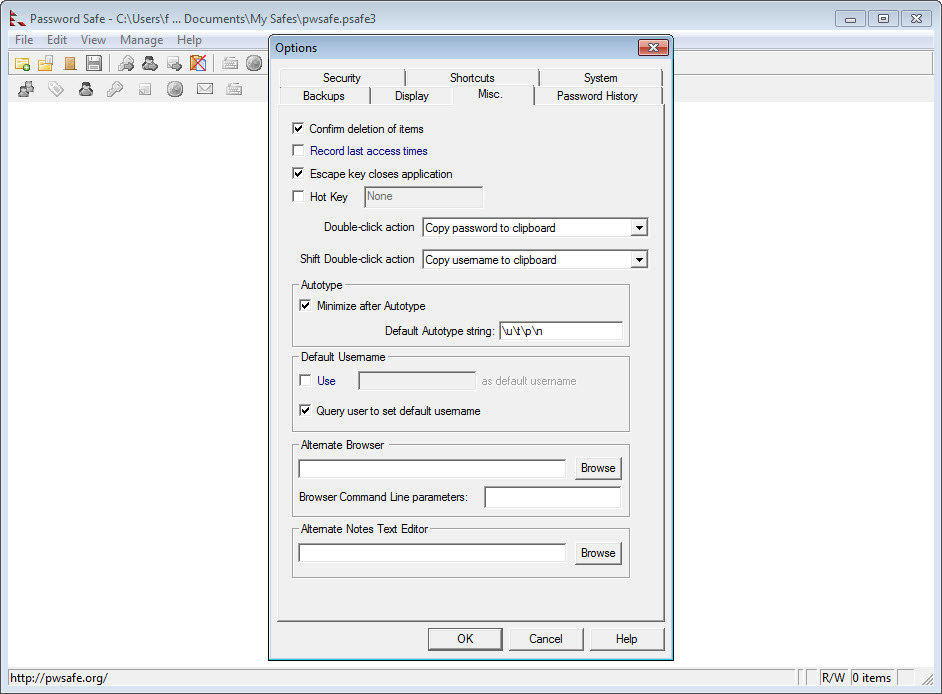
• Shift + "left mouse button 'Double-Click'" now configurable for user. The default is copy the username to the clipboard.
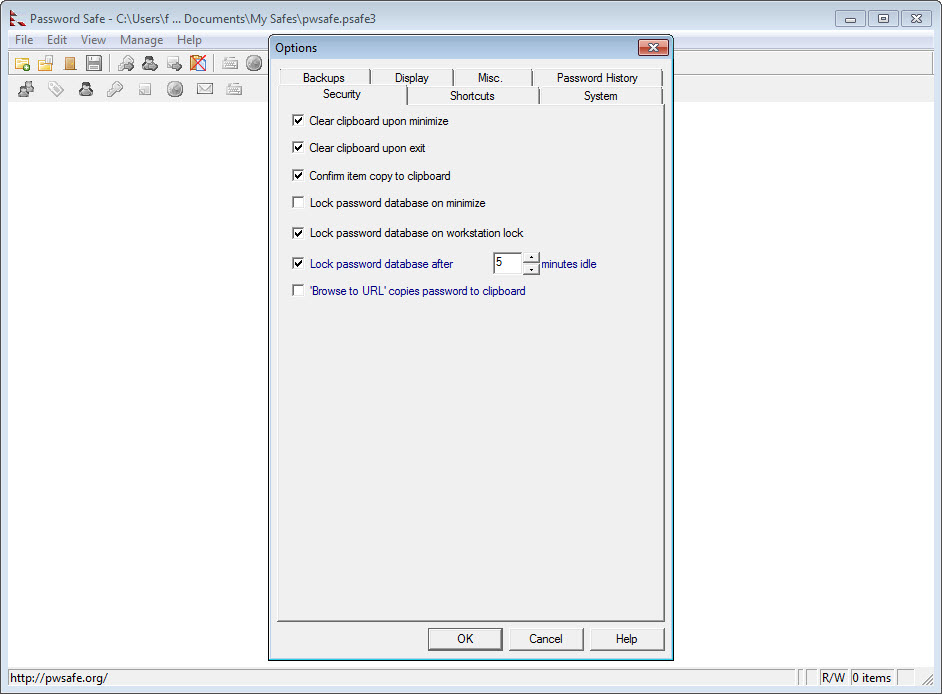
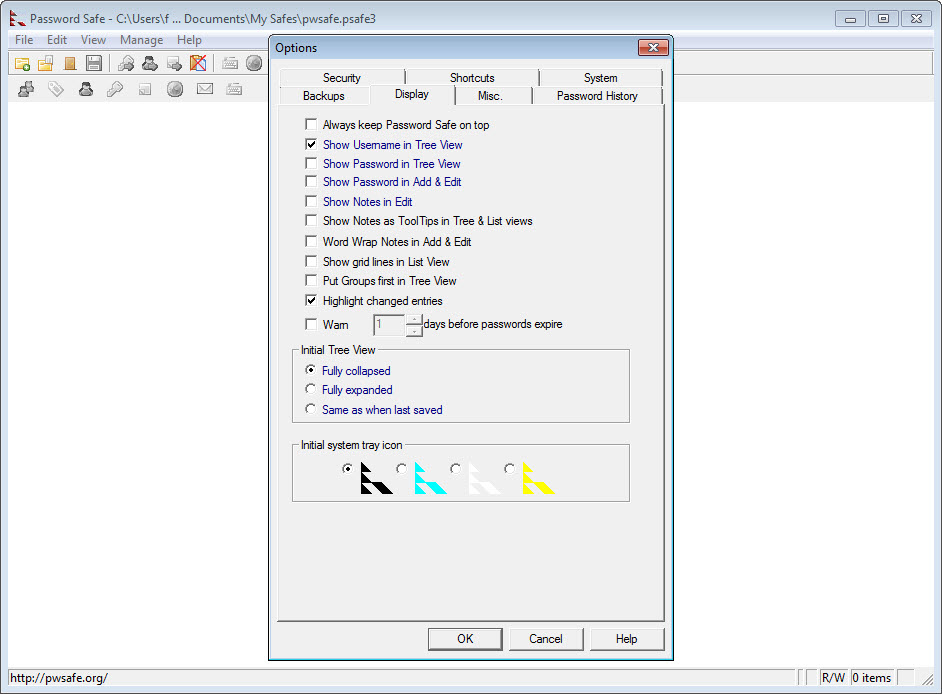
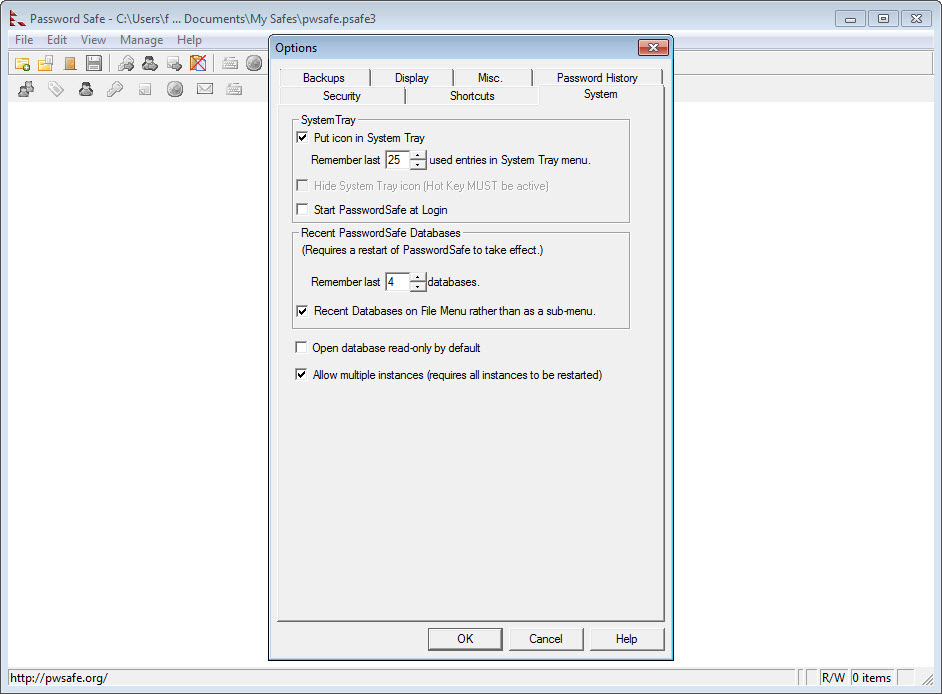
• Preferences stored in the database are shown in blue in the Options dialogs.
Changes:
• Tooltip for System tray (displaying database file path) is now limited to 40 characters (replacing text in the middle with '...' if needed).
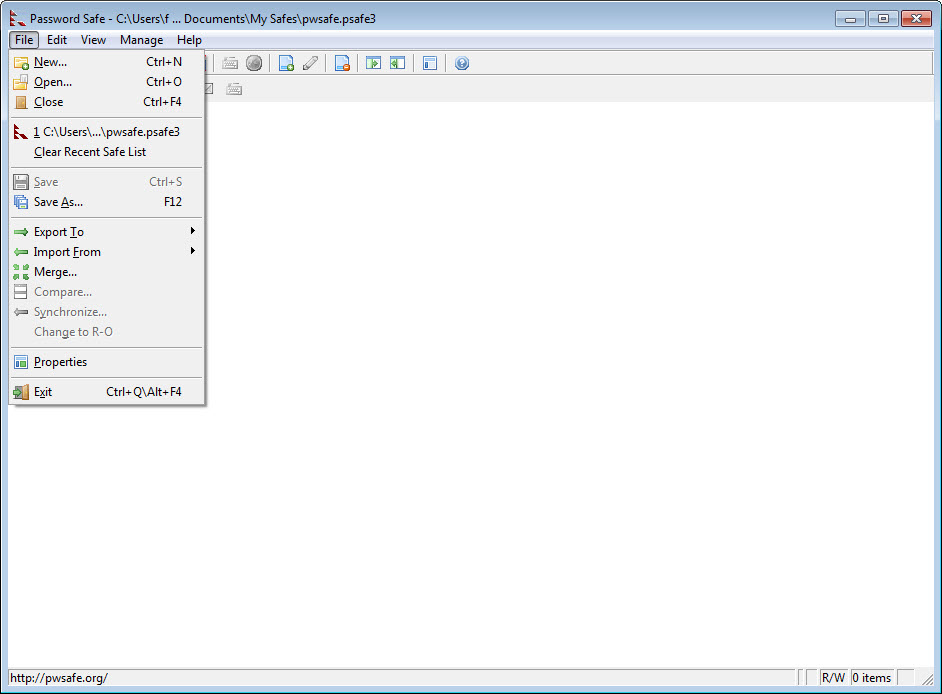
• The passphrase is now required to change from read-only to read/write.
Bugs fixed:
• No longer crashes when unlocking with Subset Password dialog box opened.
• PasswordSafe now displays forms correctly on Netbooks.
• Toolbar now updated to reflect R/W or R-O mode when user dynamically changes mode.
• User can now save database after manually taking a backup./td>
• System Menu 'X' now closes the Edit/View PropertyPages when the database is in R-O mode or the entry is protected.
• Filter image in Status bar is no longer replaced by 'Filter1' after changing preferences via Manage?Options.
• Selecting hexadecimal passwords as the database policy no longer causes validation to fail.
• Correctly show database has been modified (to allow saving) if database preferences have been changed.
Add your review
Top popularity in Password Tools