
categories
Mac
editor's picks
IncrediMail 2.0 build 6.25.4824
An advanced e-mail client. Get to the next level
Internet - Email Clients Utilities
List Mailer Utility 0.3.35
Send HTML e-mail merge messages to a list of contacts
Internet - Email Clients Utilities
e-Mail Checker 3.0
Keep track of several e-mail accounts at once
Internet - Email Clients Utilities
Baruwa 1.0.1
Ajax enabled MailScanner web frontend
Internet - Email Clients Utilities

The Bat! 4.2.xx

Date updated
June 23, 2010
Developer
RITLABS | (more products)
Price
$45
All time downloads
1,180
License
Platform
Windows
Our rating
5 / 5
User ratings
Read user reviews (0)

Description of The Bat! 4.2.xx

Versatile e-mail client and more
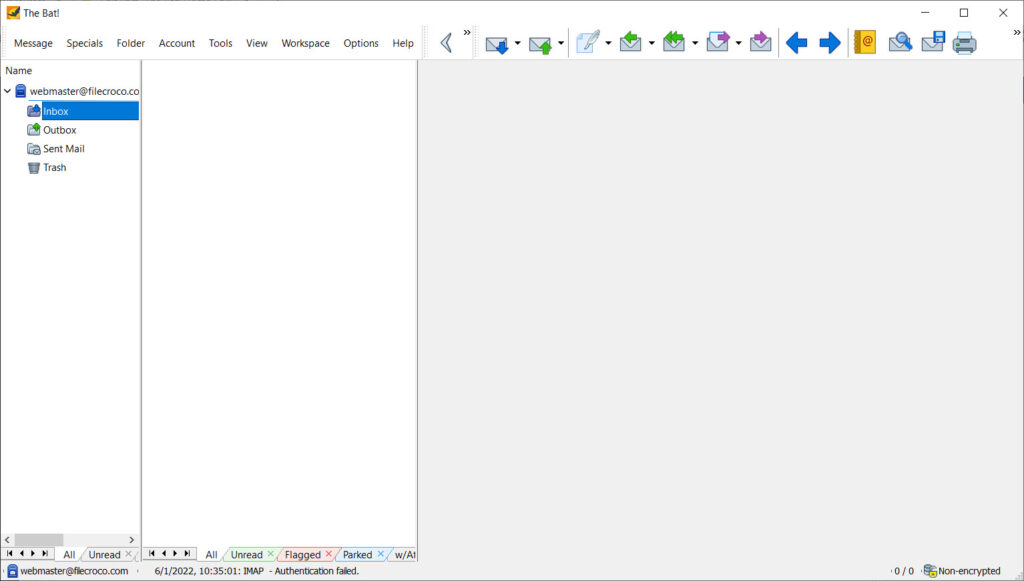
The Bat is an e-mail application that supports multiple POP3 accounts, true multithreading, MIME and UUencode standards, multimedia, message templates, minimization to the system tray, message notification, APOP authorization, and PGP. You also will find a fast and comfortable message editor with text highlighting, as well as a mail dispatcher for managing messages on servers.

English, Russian, German, Dutch, Polish, Swedish, Italian, Lithuanian, and Romanian interfaces are built in, as is a multilingual spelling checker. The application's other features include automatic dial-up networking (configurable for multiple accounts) and the option to include a photo with each address-book entry.

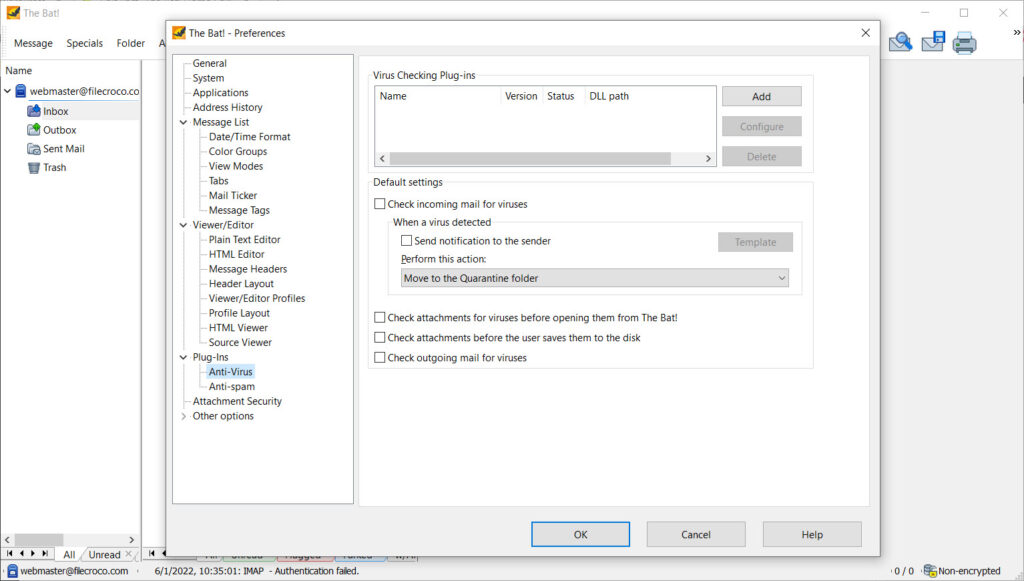
There also are enhancements, such as message coloring, flagging, advanced filtering, speed improvements, and virus protection.

Key features

• Handling large volumes of e-mail
• Anti-spam Protection
• Efficient Antivirus Protection
• Unique MailTicker
• Comprehensive Scheduler
• Smart Sorting Office
• Handy Message Templates
• Quick Templates
• Microsoft Exchange Connectivity
• Message Parking
• Built-In Backup and Restore
• Mail Synchronisation
• Extended Support of National Codepages
• Convenient Message Dispatcher
• Fast Address Book
• Multilanguage Interface
• Submission Forms
• Strong Cryptography
• Powerful Import Wizard
• Supports Windows Vista.

Editor's review for The Bat!

Whether you’re a personal user who would like to enjoy complete email privacy or a larger company wishing to deploy a secure email solution, The Bat! is uniquely suited to give you maximum protection from viruses and hackers alike. These days, emails are intercepted and read all the time. Plain vanilla, unsecured POP3 email invites any passerby to easily interpose themselves somewhere along the process and view your supposedly confidential correspondence. With The Bat! Interfaced with compliant servers, you won’t need to worry about your email privacy again.

The Bat! supports the most encryption and authentication protocols of any email client on the market today. The professional version even supports hardware authentication for those situations where authenticity is paramount. When you’re sending a message, you can use the Smart Security buttons to quickly set a security level for the current message. These levels can be custom defined to use any of the available encryption algorithms and certificates.

Today’s emails are also swarming with viruses, worms and other nasty surprises that can ruin your day or even your year. With The Bat!, neither will happen. It keeps scripts quarantined and does not start them automatically when you open a message. In addition, it uses its own HTML viewer rather than the one built into the operating system. This allows it to isolate messages so that they can’t access your system and potentially cause problems. The same is true of the picture viewer in The Bat!. In addition to simply viewing pictures, it allows you to rotate, crop and brighten photos on the fly before printing or saving them.

Aside from privacy and anti-malware features, The Smart Sorting Office is probably the most powerful feature in The Bat!. Not only will it sort your incoming and outgoing mail just as many email programs can, but it will also automatically respond to messages with pre-written text, redirect them to a different account, run an external program upon receipt and more. It’s the most sophisticated yet easy to use filtering system available in an email program today.

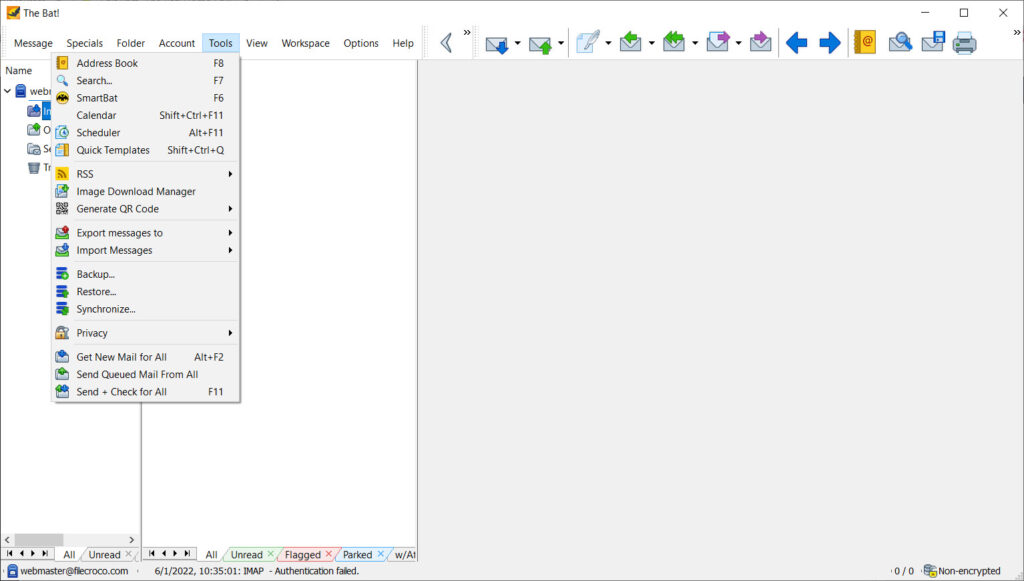
The Bat! also offers the ability to create message templates complete with macros that make sending complex messages a snap. Quick Templates let you insert blocks of text on the fly, regardless of where they are on your computer. You can also attach files and vCards without using the menus.

Everyone has experienced the frustration of deleting a message they really didn’t mean to delete. This is a thing of the past with message parking in The Bat!. Once you park a message, it is just that: parked. You won’t be able to move it or delete it, and it will remain if you set an automatic deletion event in that folder.

The Bat! has too many other features to go into here, but as you can see, it’s an email client that goes well above and beyond the norm.

Add your review

Your name:*
Overall conclusion:*
Be descriptive:*
min 100 chars (0)
Your rating:*
Verification:*

Top popularity in Email Clients Utilities

1
Thunderbird 10.0
Mail application using the XUL user interface
2
Spiffy 0.5.11
Free Gmail notifier. Totally customizable
3
IncrediMail 2.0 build 6.25.4824
An advanced e-mail client. Get to the next level
4
GSyncit 1.15.34
Synchronize Google Calendars and Gmail with Microsoft Outlook
5
WebMail Pro 4.4.8
Webmail front-end for your existing POP3/IMAP mail server
6
Yahoo! Zimbra Desktop 1.0 Build 1537
Next-generation application that makes email easy again
7
Hash Email Extractor Plus 3.0
Extract email IDs from files, search engine, websites, outlook
