categories
Mac
editor's picks
WinToFlash 0.7.0026
Install your Windows OS from USB stick
Utilities - System Utilities
PartitionRecovery 1.0
Recover accidentaly deleted partitions
Utilities - System Utilities
Auto Shutdown PC 2.0
Automatically shut down computers at scheduled time
Utilities - System Utilities
DateTime Calculator 2.2
Calculate the difference between two date time
Utilities - System Utilities
Chronager 3.5
Schedule the time when your child can use the computer
Utilities - System Utilities
Procon 2.2.1.5
Application terminate service
Utilities - System Utilities

WinToFlash 0.7.0026

Date updated
November 8, 2011
Developer
Novicorp | (more products)
All time downloads
1,285,620
License
Platform
Windows
Our rating
5 / 5
User ratings

Description of WinToFlash 0.7.0026

Install your Windows OS from USB stick
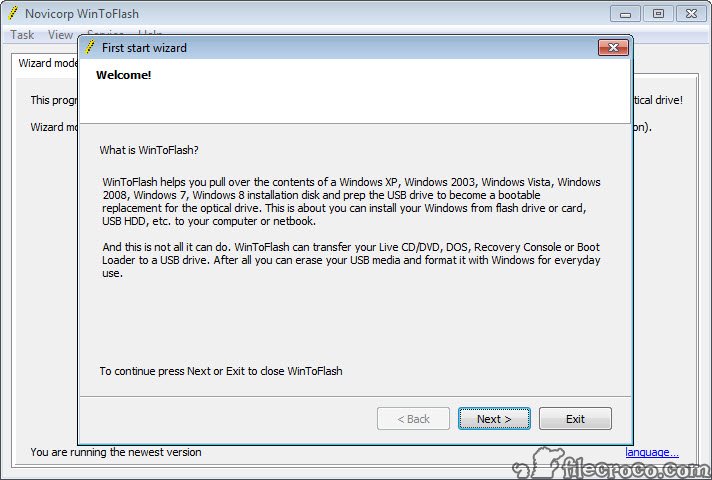
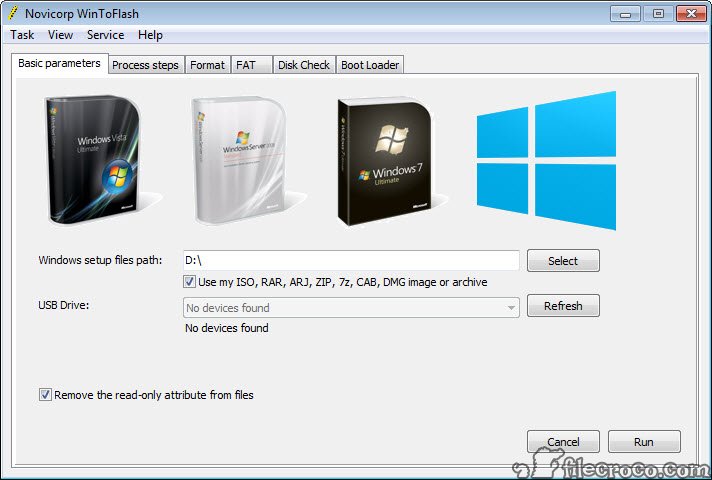
WinToFlash is a software for transfer your Windows XP, Windows 2003, Windows Vista, Windows 2008, Windows 7 setup from CD or DVD to flash in some mouse clicks. This allows you to install your Windows Operating System from flash card, USB stick, HDD, etc. to your computer or netbook. And this is not all it can do.

WinToFlash can transfer your live CD/DVD to flash card, for example, BartPE. After all you can erase your Flash card and format it with you Windows for every day use.

WinToFlash video preview

You need to upgrade your Flash Player

Editor's review for WinToFlash

If you manage multiple PCs at your small business, you need a way to quickly install Windows onto a new or existing PC that works every time. You don’t have time for CD’s that don’t boot or incomprehensible setup error messages. There are several software options and setup modes that let you do this to some extent, but Novicorp WinToFlash makes it so much easier to install any modern version of Windows from your flash drive in a fraction of the time.

WinToFlash works on any of the last few versions of Windows: Windows 7, Vista, 2008, 2003 and XP. It is also compatible with Windows PE. If you use Linux, it can also transfer the Live CD of several distros to a flash device. Believe it or not, DOS isn’t even left out. If you pine for the good old days of DOS, WinToFlash can transfer it to a USB drive for installation.

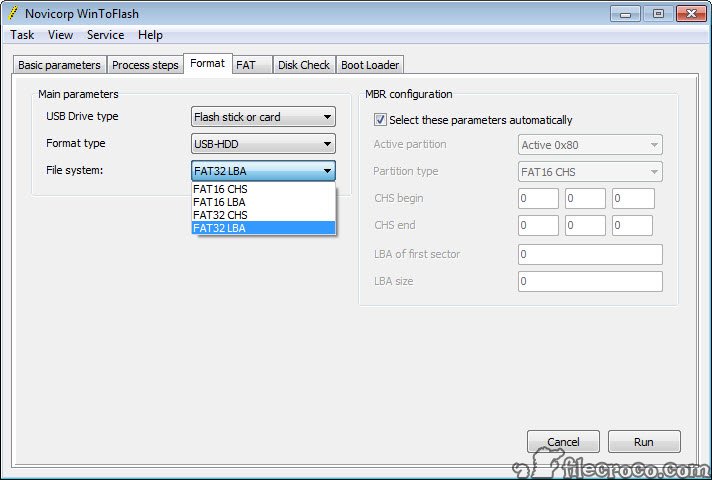
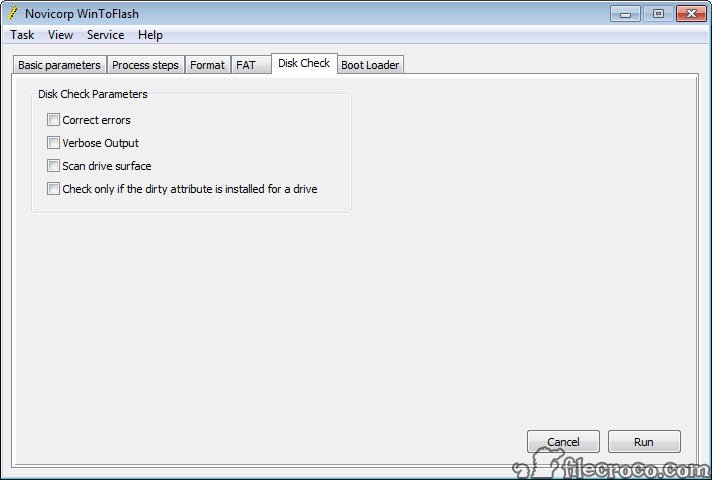
The software also performs several essential functions for anyone looking to boot off a USB device, which is necessary to install the OS. It quickly and completely erases USB media and can create a new USB drive that comes pre-loaded with an emergency boot loader. WinToFlash is a very versatile program that can handle most unforeseen circumstances you come across in Windows Setup. Since it copies your setup DVD or CD, you can customize it with any particular options you’d like to use during setup.

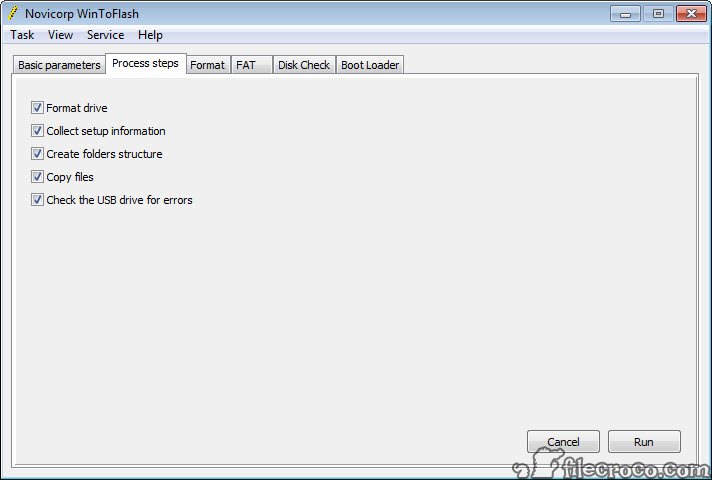
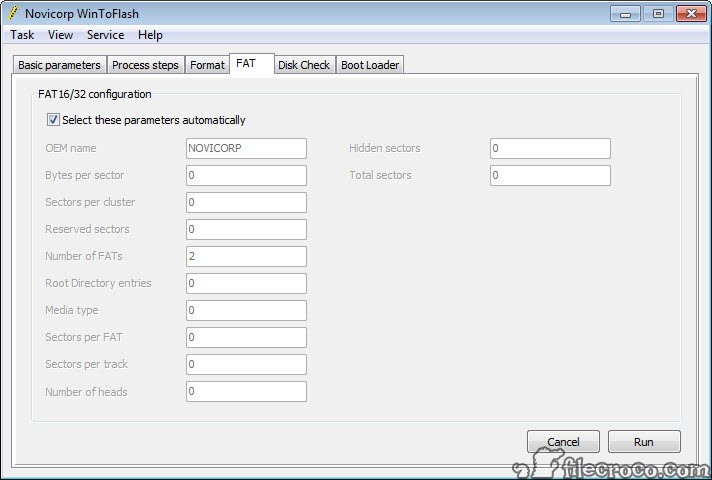
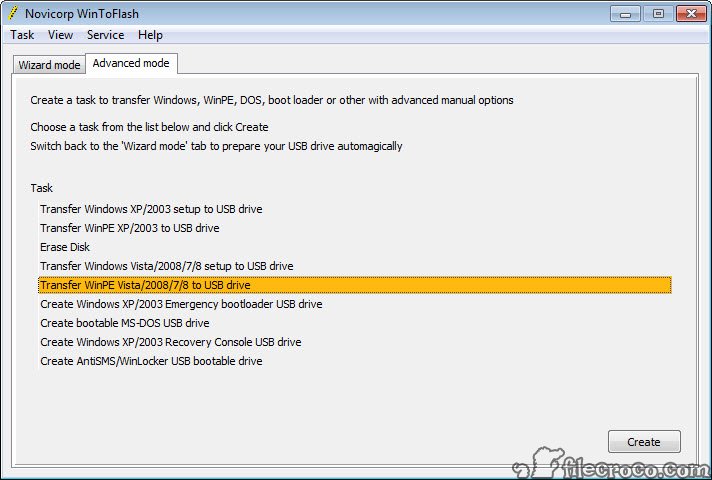
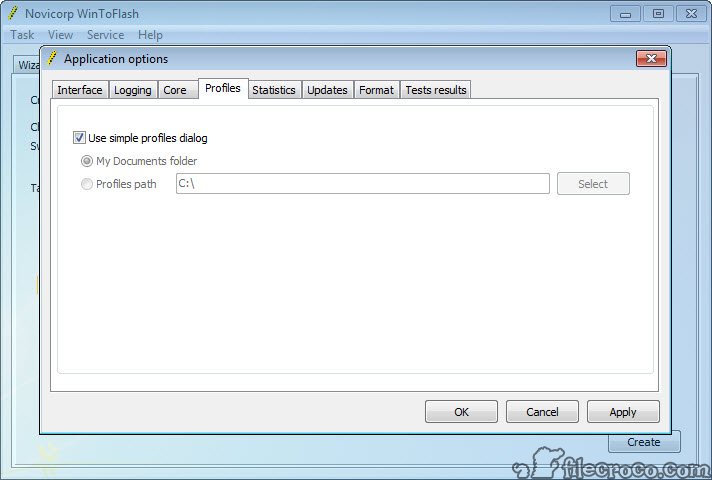
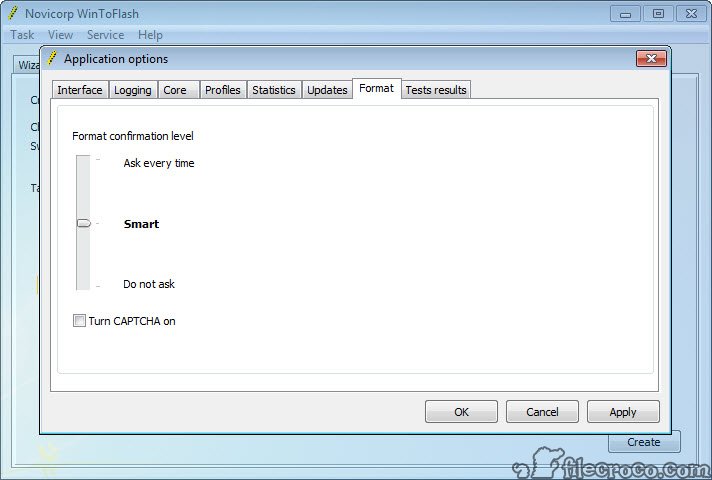
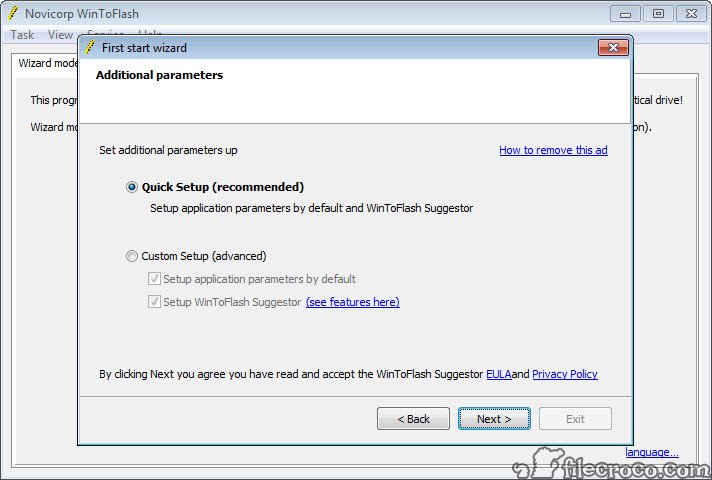
You’ll find the interface to be very straightforward and user friendly. The program has two modes Welcome and Advanced. The Advanced page simply lists all possible options in a drop-down list and allows you to run your choice. Then you’re taken through the particular procedure you requested. Like any good interface, the program makes your available options very clear and provides you an easy way to execute them.

WinToFlash has already garnered recognition throughout the online Windows community as a reliable tool for anyone who needs to install Windows in a hurry.

WinToFlash fills a very important niche in the PC management market. If you don’t want to take the time to learn the more complex areas of Windows Setup, this is a simple way to install any modern version of Windows quickly on any compatible PC.

What is new in version 0.7.0026

• Progress bar in Wizard won't freeze on huge files like install.wim or driver.cab
• Added completed present label into Wizard
• Some of language bugs fixed
• New unexpected error window
• First public test of USB drive speed test

User reviews

great
by Pero on August 25th 2011, 18:10
A great program indeed. It saved me, when I fixed my girlfriends Fujitsu Siemens laptop, so thank you!
great tool
by san on August 21st 2011, 18:16
Good software! I think it is very useful for system engineers. This will help us to troubleshoot the systems. Thanks for the support!

Add your review

Your name:*
Overall conclusion:*
Be descriptive:*
min 100 chars (0)
Your rating:*
Verification:*

Top popularity in System Utilities

1
WinToFlash 0.7.0026
Install your Windows OS from USB stick
2
Kon-Boot
Reset Windows and Linux passwords
3
VMware Workstation 8.0.2 Build 591240
Run multiple operating systems on one computer
4
MemTest Pro 4.0
Check your computer RAM for errors
5
UltraBootCD
The ultimate Boot CD solution
6
Registry Booster 2011 5.0.12.1
Clean your registry. Improve your computer performance
7
PartitionRecovery 1.0
Recover accidentaly deleted partitions