


 (7 votes, average: 3.86 out of 5)
- Review
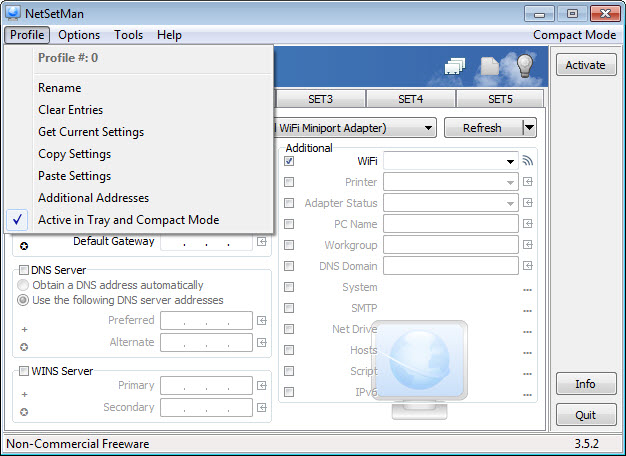
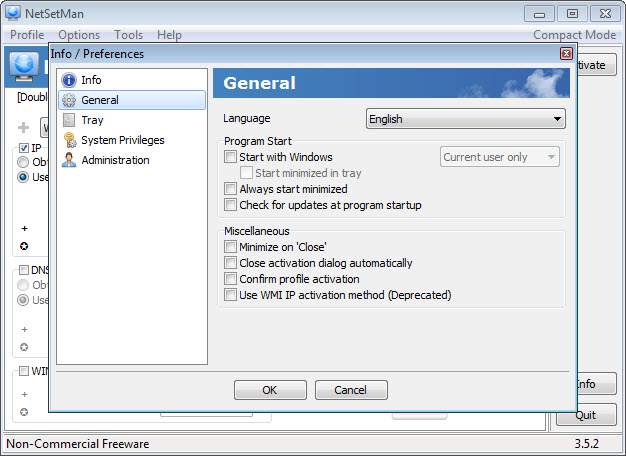
NetSetMan is a network settings manager that helps users easily switch between preconfigured internet profiles. It combines all network settings already available in Windows and adds several other features.
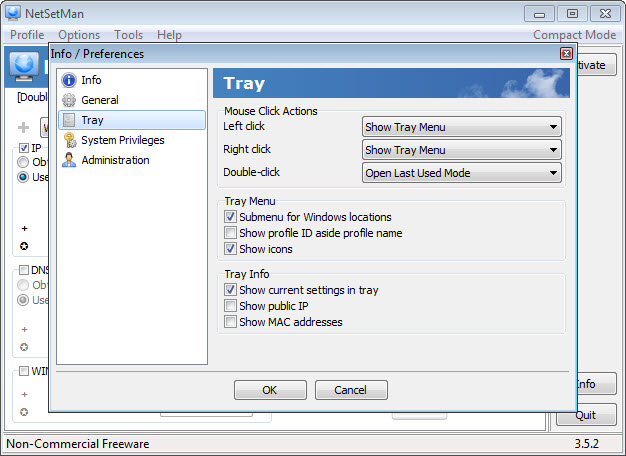
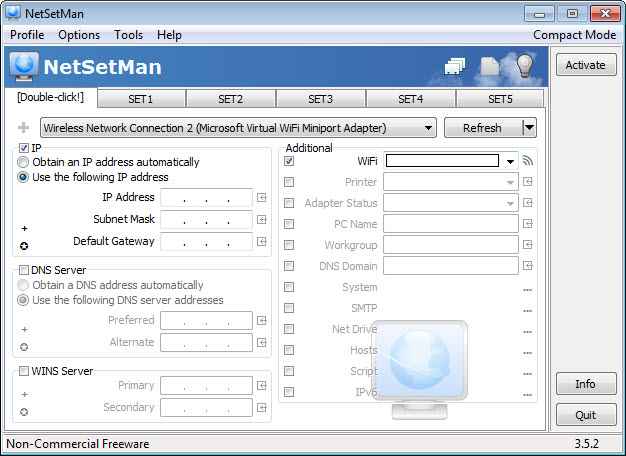
Changes are saved separately, so backups, transfers, and updates to newer versions are done on the fly. It can manage IP addresses, Wi-Fi connections, workgroups, DNS, network drives, hosts, scripts, and MAC. The tray menu becomes useful when you need to switch between profiles.
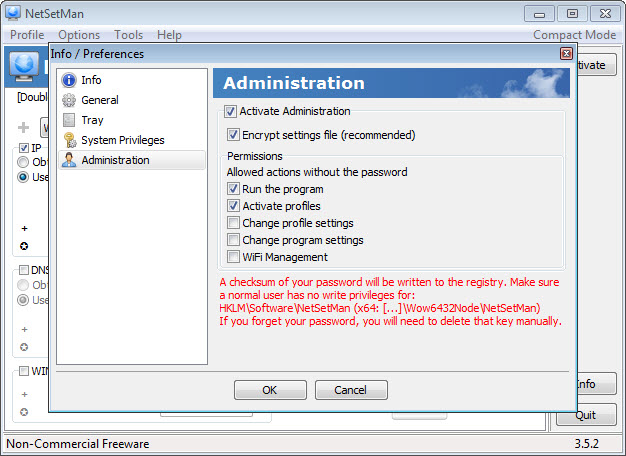
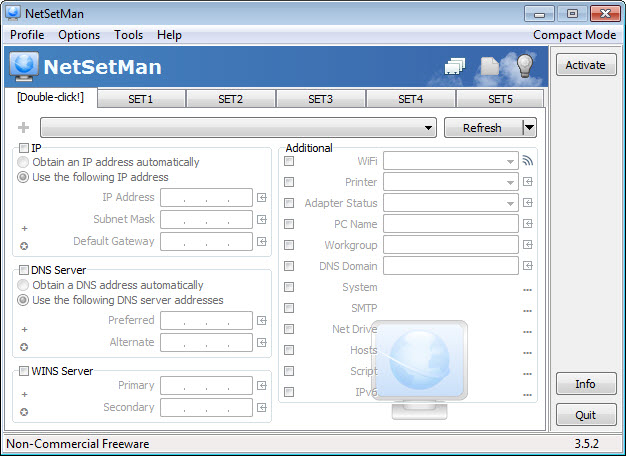
Moreover, the NSM service can be used without admin privileges. NetSetMan interface is simple, compact, and full, including multi-profiling and command line activation.
NetSetMan features and benefits:
- IP Addresses
- WiFi Management
- Computer Name
- Workgroup
- DNS Domain/Suffix
- Default Printer
- Network Drives
- NIC Status
- SMTP Server
- Hosts File Entries
- Scripts (BAT, VS, JS, ...)
- System Settings
- AutoSwitch
- Tray-Info for all current IP settings
- Tray-Menu for quickly switching profiles
- NSM Service for usage without admin privileges
- Administration for defining permissions
- Two different user interfaces (Full & Compact)
- MultiProfiles for managing several NICs in one profile
- Command line activation
- Quick access to frequently used Windows locations
Technical details
Latest version:
5.2.0
File name:
netsetman_setup_520.exe
MD5 checksum:
4AB7D8E8A2504A0D708B0CFDE80BDE9F
File size:
7.05 MB
License:
Free
Supported OS
Windows 11 / Windows 10 / Windows 8 / Windows 7
Author:
Alternative software


User reviews
Subscribe
0 Comments
Most downloaded software

NetCut is a simple and

HTTP proxy, monitor and reverse proxy

Cisco Packet Tracer is a

Change DNS settings with two clicks

inSSIDer lets you detect WiFi
