Charles 3.6.5
Date updated
February 5, 2012
Developer
Price
$50
All time downloads
148,316
License
Platform
Windows
Our rating
5 / 5

User ratings
Read user reviews (0)
Description of Charles 3.6.5
Web debugging proxy
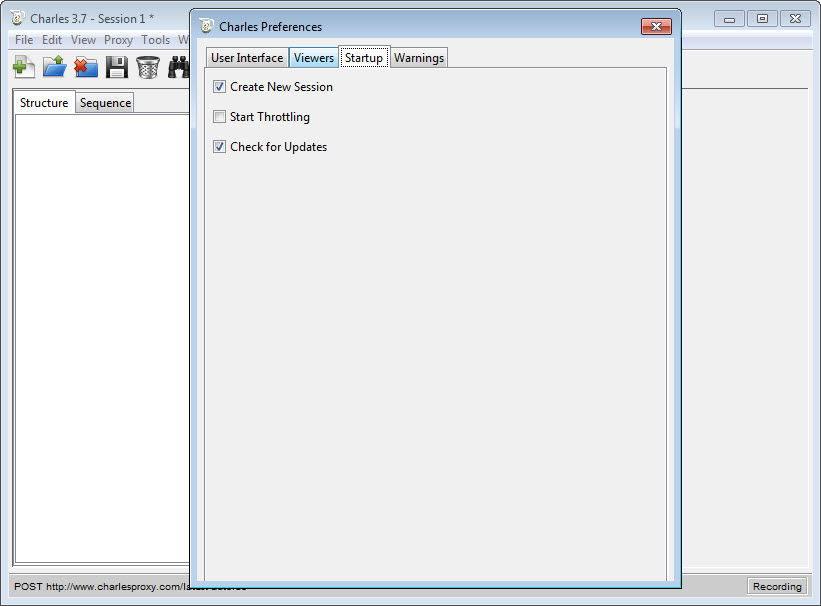
Charles is a web proxy (HTTP Proxy / HTTP Monitor) that runs on your own computer. Your web browser (or any other Internet application) is then configured to access the Internet through Charles, and Charles is then able to record and display for you all of the data that is sent and received.
In Web and Internet development you are unable to see what is being sent and received between your web browser / client and the server. Without this visibility it is difficult and time-consuming to determine exactly where the fault is. Charles makes it easy to see what is happening, so you can quickly diagnose and fix problems.
Charles makes debugging quick, reliable and advanced; saving you time and frustration!
Key features
• SSL Proxying – view SSL requests and responses in plain text
• Bandwidth Throttling to simulate slower Internet connections including latency
• AJAX debugging – view XML and JSON requests and responses as a tree or as text
• AMF – view the contents of Flash Remoting / Flex Remoting messages as a tree
• Repeat requests to test back-end changes
• Edit requests to test different inputs
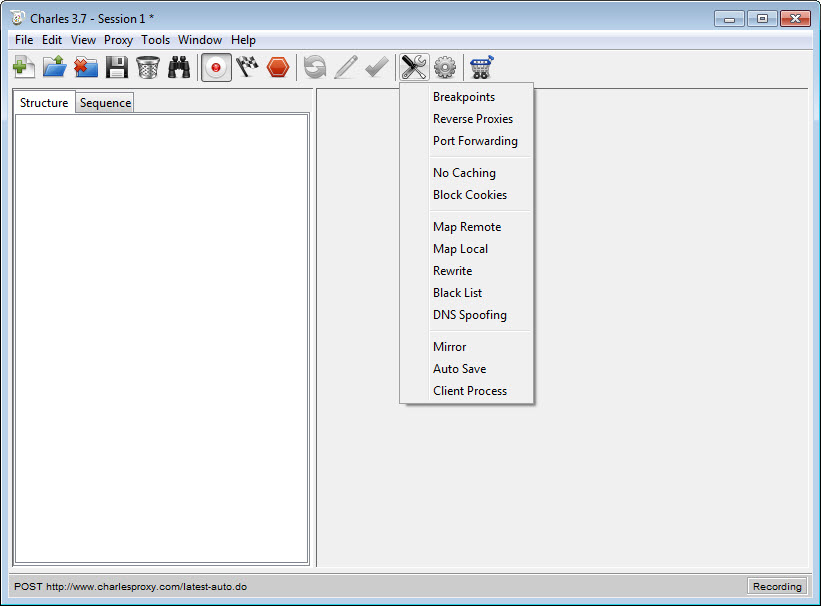
• Breakpoints to intercept and edit requests or responses
• Validate recorded HTML, CSS and RSS/atom responses using the W3C validator
Charles video preview
You need to upgrade your Flash Player
Editor's review for Charles
When it comes to web development it can sometimes be very difficult to determine what exactly is causing an error, fault or other issue with the website you are working on. Fortunately, with the right program, it is completely possible to determine what is causing the problem.
Charles Proxy is designed specifically for web designers and webmasters as a way to monitor connections and in turn troubleshoot possible errors. Charles Proxy works just like any other web proxy software but it also lets you monitor all of the connections being made. Thanks to this users are essentially able to see what connection is causing the error. Obviously this won’t directly fix the problem, but in most cases it will make troubleshooting significantly easier.
Amazingly Charles Proxy also has some additional features that are quite useful as well. Because there are a variety of internet speeds and connections available today it is important to make sure your website can load on any connection type. Charles Proxy features a unique bandwidth throttling system which will basically allow you to load a site at whatever speed you choose; this can be very useful for making sure that even the slowest connection can efficiently load your website.
Of course with a program like this ease of use is also very important. Charles Proxy is designed to automatically integrate with Windows, Mac OS X, and basically any web browser available. No more messing with connections and addresses to make the proxy work; Charles Proxy really is a one click setup. Fortunately if something does go wrong Charles Proxy has plenty of help and support available on their website in order to make sure that everything works as you need it to.
Overall Charles Proxy is a great application. There are very few other proxy programs that can do everything Charles Proxy does and none of them do it as efficiently or easily as Charles Proxy. If you are a webmaster or web designer and need an easier way to troubleshoot website problems Charles Proxy is the best way to do it.
Stop wasting time with old or slow troubleshooting methods; let Charles Proxy point out the problems today. You will be amazed at how easily Charles Proxy can pinpoint problems and lead you directly to potential fixes.
Try downloading a copy of Charles Proxy today and see what it is like. Once you start using the program you will probably never want to go back to the old ways of testing and fixing problems on your website.
What is new in version 3.6.5
Major bug fixes:
• Java 1.7 now supported. Corrects slow startup and hung responses bugs.
• Java 1.7 bad certificate error workaround for sites that use now disabled algorithms (ie. MD2withRSA)
• Windows: Fix launching Charles by opening a file
• SSL empty requests regression from 3.6.4 fixed
• SSL now records the correct remote address details
• SSL errors now more consistently displayed in the browser
• Authentication header viewer can now recover from slightly oddly formatted headers
• Closed connections regression from 3.6.4 fixed
Other changes:
• Double-clicking a request no longer switches Structure and Sequence view. I did this too many times accidentally. The contextual menu now has an option to switch.
Add your review
Top popularity in Network
1
2
3
4
AirCap
Capture 802.11 wireless networks traffic
5
6
7