


 (22 votes, average: 4.27 out of 5)
- Review
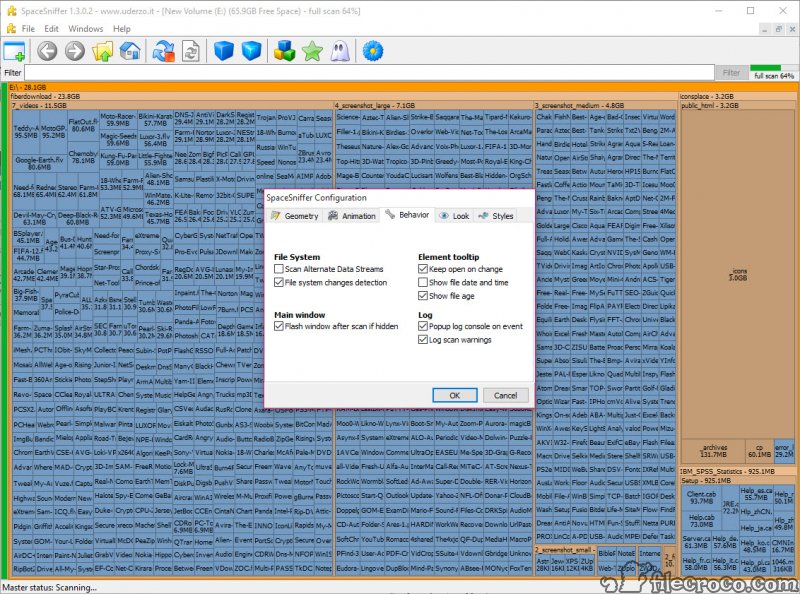
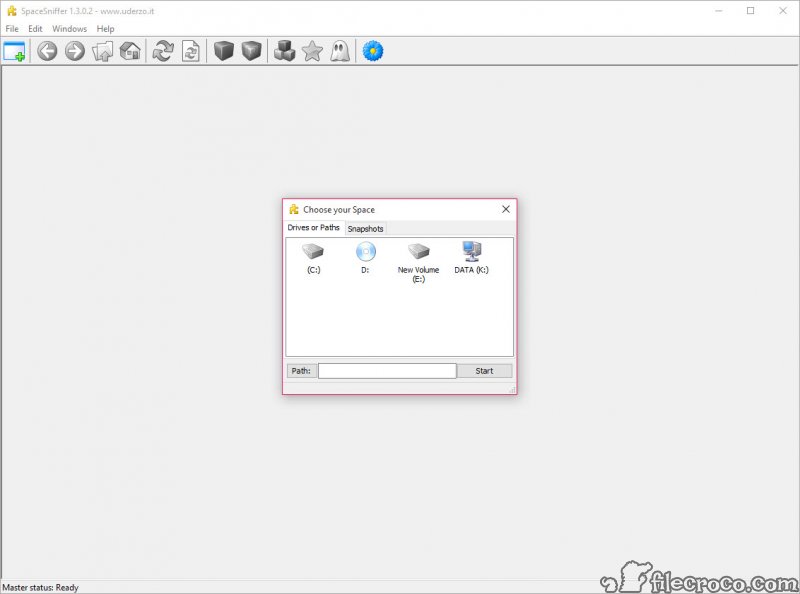
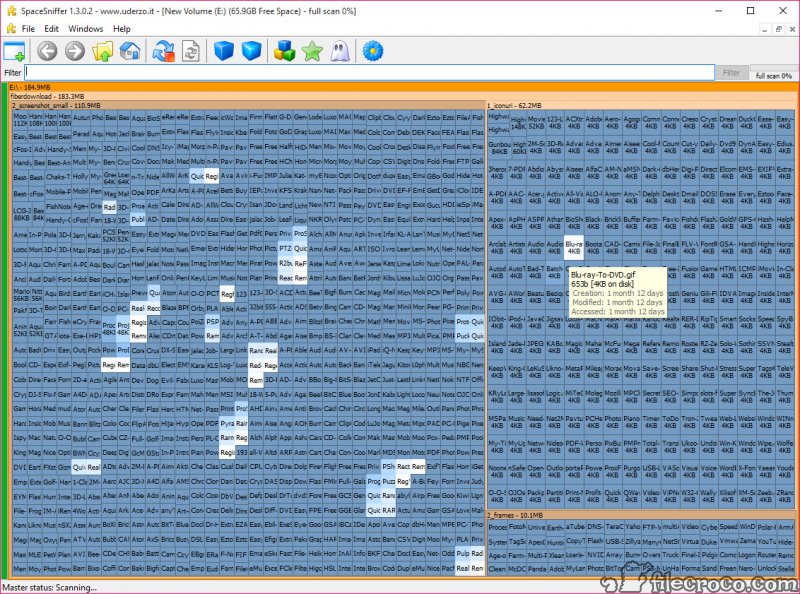
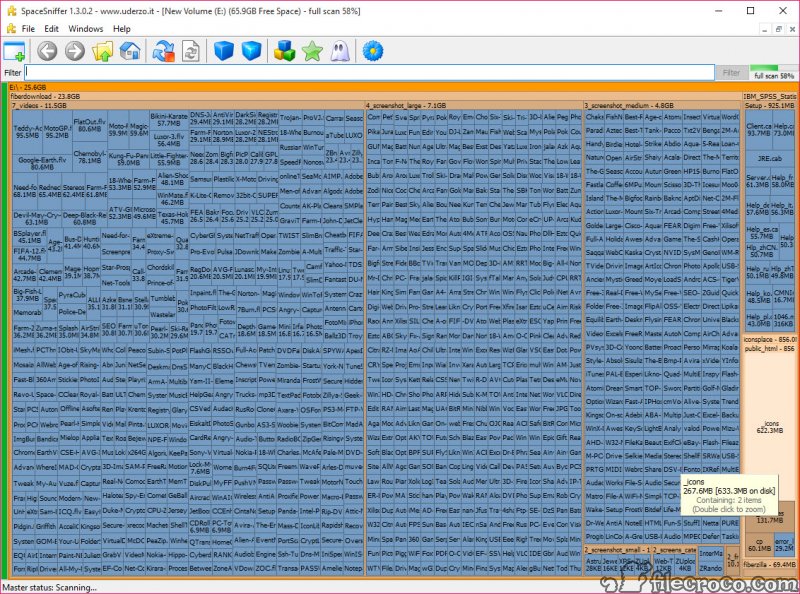
SpaceSniffer allows you to analyze your folders, see how much space they take up, and provide valuable insight into which files and folders you might want to delete.
When you have many folders on your computer, and you’re looking to save space and see how large they are, you’re bumping into a huge problem – you can’t see how large a folder is.
And if you want to scan the folder for its size, it might take a long time, especially if you have larger folders that occupy your hard drive.
This tool will provide you with insights into the sizes of your folders, which can help you save space and delete folders you don’t need. It’s an essential tool to have if you’re looking to optimize disk space.
See Folder Sizes
SpaceSniffer serves a simple yet important purpose: it will provide you with information about the sizes of your folders. It is especially important when you’re looking to delete some folders or want to know which folders might need to be deleted.
You can customize how the app looks, as it can integrate into the interface.
The app’s main interface is quite simple, as you’ll only have a toolbar where you’ll be able to configure a few things about the app.
A few things might be tough to figure out what they do, but after using the app for some time, you’ll be able to figure it out.
You can choose from four colors for tagging (red, yellow, green, and blue). For example, you can tag suspicious items with red and other files and folders with green.
You can filter using the colors you used to tag items. For example, type :red into the Filter field to display only red items.
Another nice feature is the ability to filter the data after its age. Do you need to see if you have files older than three years? No problem, just type >3years into the Filter field.
Need to find all files that are larger than a given size? No problem, just type *.avi>600MB into the Filter field.
See Treemaps of Folders
To make it even easier for you, you’ll be able to see a breakdown of all the folders that you have on your computer.
You’ll be able to see what the largest files are and what the smallest are, which can help you make sure that you can save space. It will also break down each subfolder that you have in your main folder, which is important to visualize the folder’s structure at the question.
Conclusion
Overall, SpaceSniffer can be a very valuable tool for everyone looking to save space on their computers.
It will provide you with details about your folders and the sizes of your folders, which is essential when saving space on your drive.
Technical details
Alternative software


User reviews
Most downloaded software


