Stellarium 0.11.2
Your rating
Date updated
March 13, 2012
Developer
All time downloads
1,541
License
Platform
Windows
Description of Stellarium 0.11.2
Planetarium for your computer
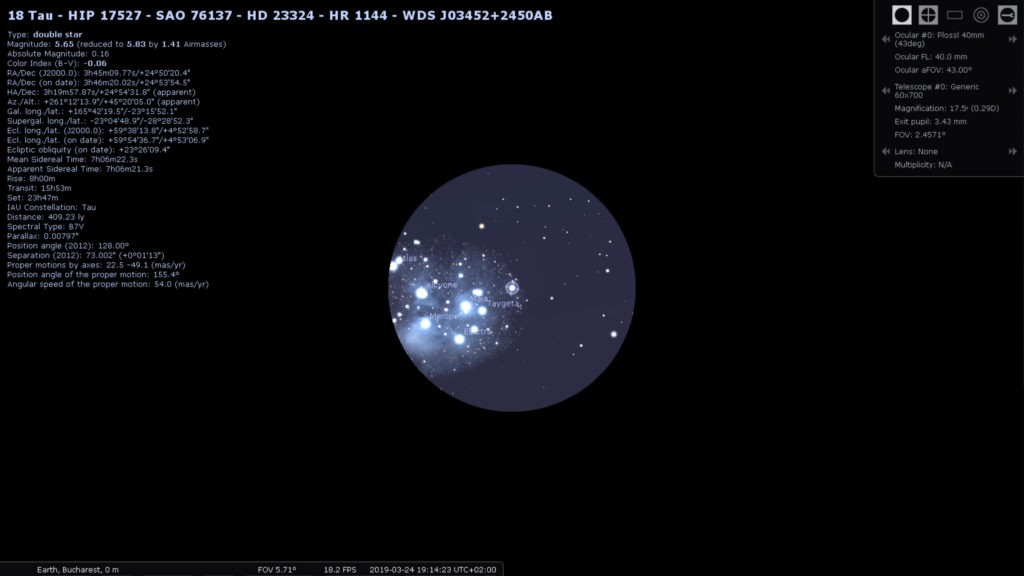
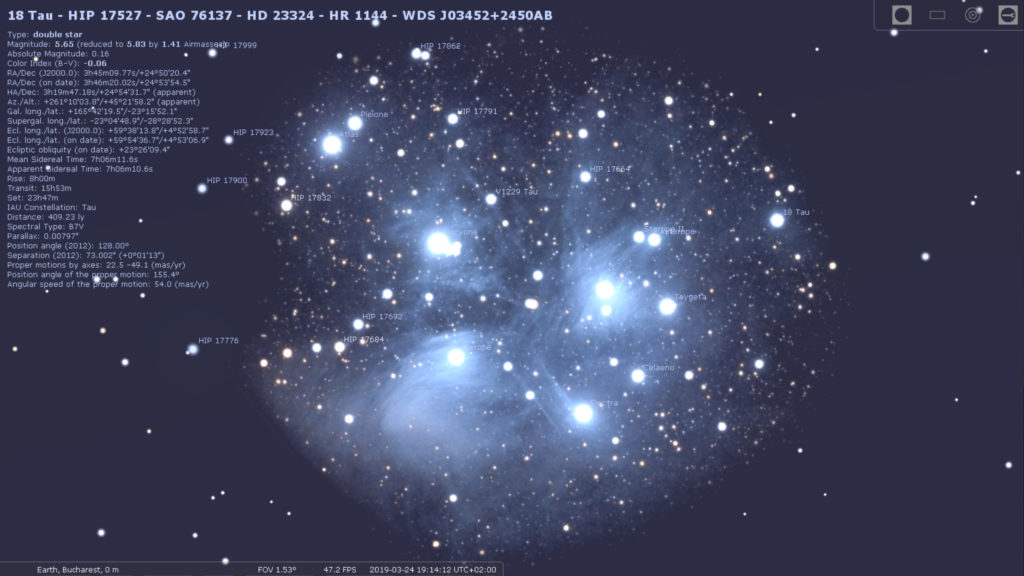
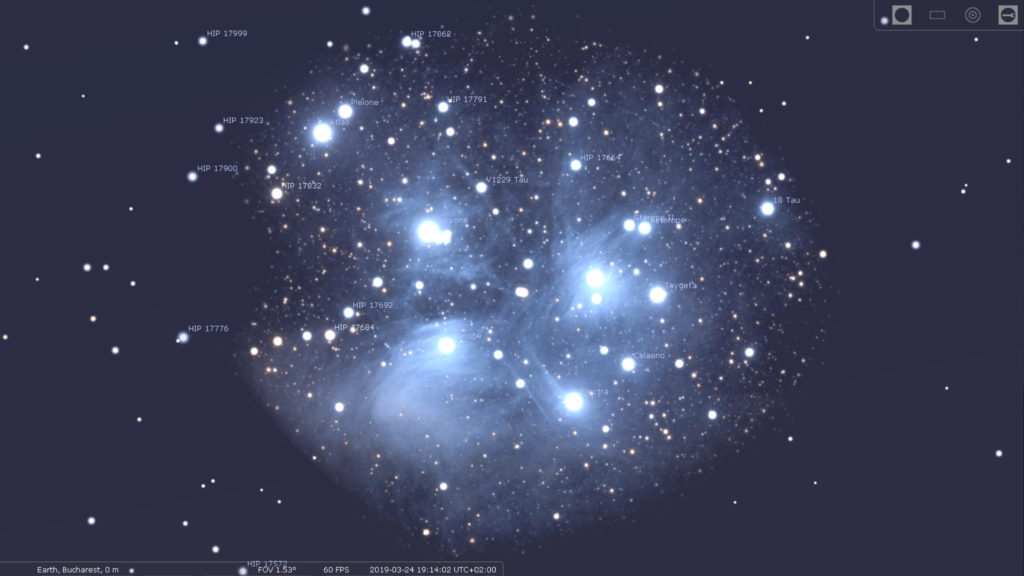
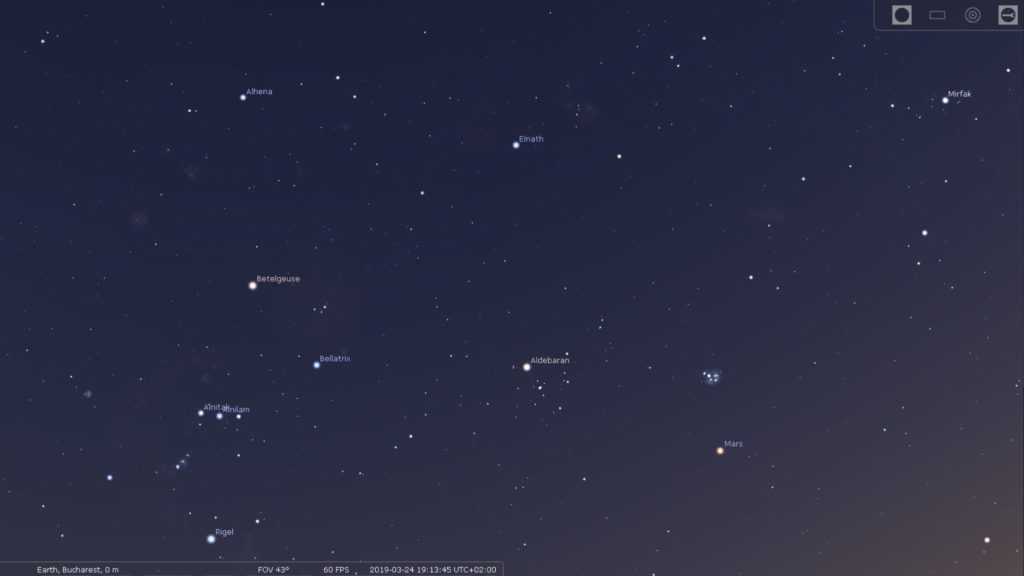
Stellarium is a free open source planetarium for your computer. It shows a realistic sky in 3D, just like what you see with the naked eye, binoculars or a telescope.
It is being used in planetarium projectors. Just set your coordinates and go.
Key features
Basic controls :
• Look around by mouse dragging, or moving your mouse against the edges of the window
• Time control: forward, backward, return to present
• Zoom
• Tabbed configuration windows
• Text user interface: minimalistic menu for use with dome projections
• Clickable world cities map to set coordinates
• Save your default location
Observation :
• All stars from the Hipparcos catalogue
• The planets of our solar system, and their natural satellites
• All Messier objects
• All NGC objects
• Planet orbits
• Cardinal points
• Azimuthal grid
• Equatorial grid
• Ecliptica
• Equator line
• Meridian line
• Moon scaling
• Object trails
• Asterisms and names of the constellations
• Constellation boundaries
• Compensation for light travel time
• Equatorial/azimuthal mount
• FOV
• Disc viewport
• Observation from another planet, and as solar system observator
Landscapes :
• Fisheye projection
• "old_style" projection, i.e. a ground texture and a number of side textures
• Spherical panorama projection
Viewing :
• Constellation art for the 88 Western constellations stemming from Greek mythology, and 11 for the Inuit sky culture
• Realistic atmosphere
• Fog near the earth's surface
• Star twinkling
• Meteor showers
• Full screen or windowed mode
• Perspective projection
• Fisheye projection
• Stereographic projection
• Spherical mirror projection
• True Type font rendering
• Frames per second display
• Frame rate limiter
• Gravity labels for use in a dome
• Light pollution simulation loosely callibrated to the Bortle Dark Sky Scale
• Eye adaptation simulation
Localization :
• Sky culture: Western, Chinese, ancient Egyptian, Polynesian
• Sky localization
• Application localization
Scripting :
• Script input window
• Script loading via text user interface
Stellarium video preview
You need to upgrade your Flash Player
What is new in version 0.11.2
The main theme of this version seems to be localization:
• most of the text used by the default plug-ins is now translatable
• landscape names are now translatable
• country names are now translatable
• scripts names and descriptions are now translatable
Oculars plug-in:
• added an optional control panel displayed in the upper-right corner of the screen as an alternative to the pop-up menu that was used to control it in the previous version;
• overhaul of the pop-up menu, the underlined letters in it can be used as keyboard shortcuts;
• added the ability to rearrange the items in the lists of oculars, telescopes and sensors;
• fixed the inappropriate flipping of the binoculars view;
Satellites plug-in:
• fixed title bar of the Satellites config window not being resized with the rest of the window
• catalog numbers are now used to identify satellites, preventing bugs with duplicate satellites and satellites renamed in the source lists
• catalog number and international designator are now displayed for each satellite
• a simple windows to add satellites has been added
Added:
• Ctrl+C binding to copy selected object info text to clipboard.
• to the Windows installer options to remove files left over from the previous installation.
• windows no longer can be dragged to unreachable positions.
• the "Save settings" button now saves the current main window position, too. the language list is now sorted by language name, not language code.
• the "Reload style" action has been removed, as the underlying feature no longer works. If you decide to design a new visual style for Stellarium, please contact us to give you a version where it works.
• distance in km (if the distance is below 0.1 AU) to the information displayed about Solar System objects.
• the StelGui::getSkyGui() method to allow plug-in developers to create their own toolbars and other GUI elements.
• an option to show the galactic coordinates grid and the galactic plane. several trans-Neptunian objects (TNOs): Sedna, Quaoar, Orcus, Haumea. the Quasars plug-in.
• the Pulsars plug-in.
• more detailed information is now added to the log file for Mac OS X. (experimental) modelling of atmospheric extinction for point objects. changed the position of the text in the Text User Interface plug-in.
• a checkbox allowing the SIMBAD on-line search to be enabled/disabled.
Fixed:
• startup script crash
• plugin names localization in the Configuration window
• resizing of the tabs in Configuration and View windows on language change sky lines' labels not translated on language change
• "Get catalog" button not translated on language change
• last star catalog not being offered for download
• proxy configuration without username/password
• Telescope Control plug-in: mishandling of IP connections in the telescope configuration window
• Pluto's moon Hydra preventing the constellation from being selected in Search and scripts
• scripting code still being included despite ENABLE_SCRIPTING set to 0 constellations lines and names not displayed
• newly created location cannot be set as default
Add your review
Top popularity in Astronomy
1
2
3
4
AstroNav 1.1.7
Star atlas, almanac, eclipses, twilights and voyage planner
5
SolarMax 1.0.9
A simulation for our solar system. All planets and over 8000 stars
6