
CATEGORIES
Mac
EDITOR'S PICKS
EasyHDR Pro 2.20.1
Create HDR images from regular photos
Multimedia and Design - Image Editing
Photogather 4
Scan ,organize and edit pictures
Multimedia and Design - Image Editing
Jpegcrop 2011
Crop, rescale and rotate JPEG files without losing quality
Multimedia and Design - Image Editing
Hornil StylePix 1.9.2.0
Free image editor with a number of advanced features
Multimedia and Design - Image Editing
PC Image Editor 4.0
Graphics editor with features of a professional product
Multimedia and Design - Image Editing
Stereomerger 1.146
3D-photo viewer, editor and batch-processor
Multimedia and Design - Image Editing

BImageStudio 1.2.1

Your rating
(0) 0 Votes
Our rating
Date updated
October 26, 2011
Developer
Stefano Perna | (more products)
All time downloads
899
License
Platform
Windows
User ratings

Description of BImageStudio 1.2.1

Free batch image editor. Edit multiple images at the same time
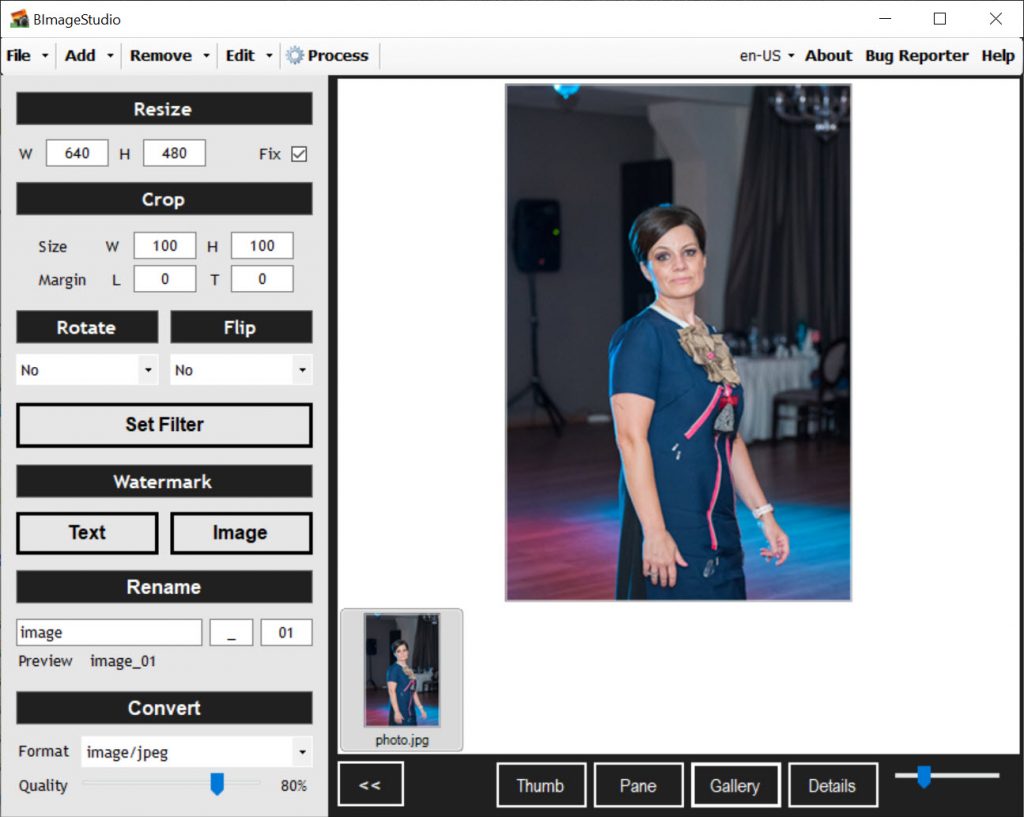
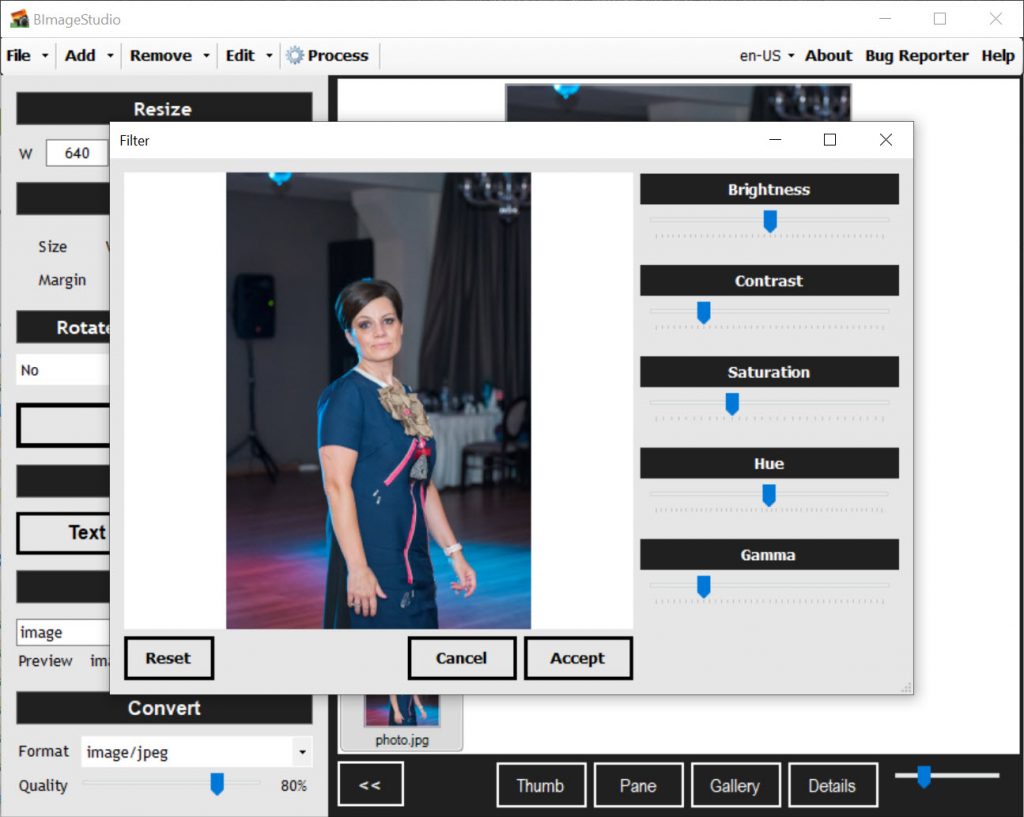
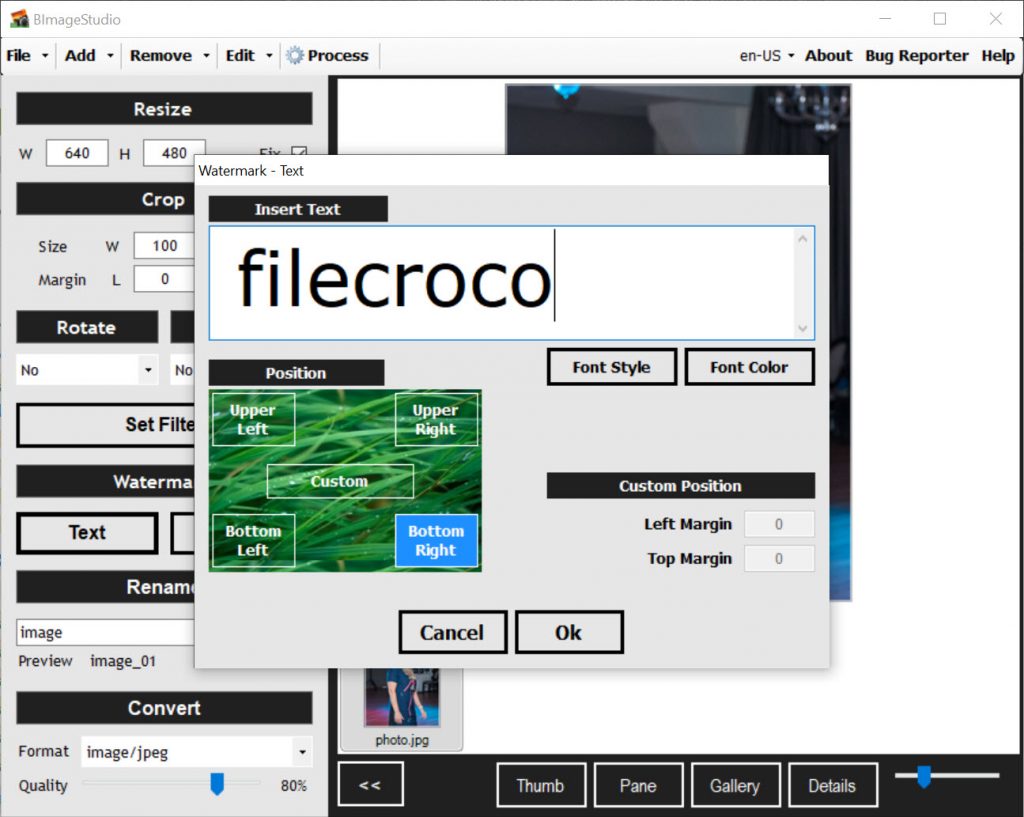
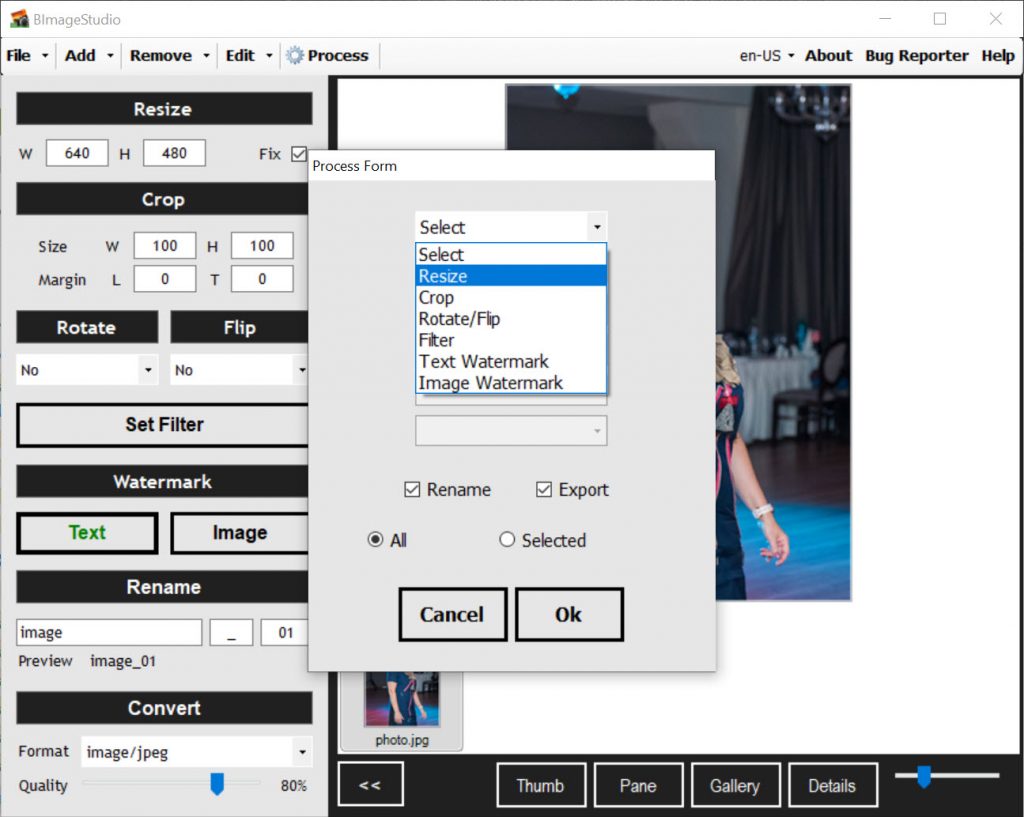
BImageStudio is a free batch images editor that let you to edit multiple images at the same time. It's unique workflows process let you to define which order to execute each step. You can edit images choosing classic process like resize, crop, rotate, flip, filter, adjust, set a watermark, rename, convert. Each process can be executed after choosing the right sequence.

Requirements for BImageStudio 1.2.1

.NET Framework 2.0

Editor's review for BImageStudio

If you deal with batches of images frequently, you will know how repetitive and time-consuming it can be to rename, resize or convert each and every image in your batch. Although several products exist to help cut down on the time required going through several batches of images and performing repetitive tasks on them, BImageStudio is perhaps one of the best of its kind – and to top it off, the product is free!

Perhaps one of the greatest advantages of using BImageStudio to edit images over one of its competitors is the product’s ease of use. Unlike other batch image editing products, BImageStudio does not bury the most fundamental of functions behind endless menus, drop-down boxes and window tabs, but neatly arranges all of its functions in a handy and easy to use toolbar on the left hand side of the application. In addition, although this may seem obvious, the very fact that it is possible to perform such a wide range of tasks from one application is a huge benefit, as it eliminates the need for the user to continuously jump from one program to another in order to perform individual tasks on batches of images.

Another benefit of using BImageStudio to perform simple tasks on image batches is its ability to convert image files from one format to another on a bulk scale. When this operation is performed on an individual basis, the user has to open each image file in a program such as Microsoft Paint, re-save the file in its new format and delete the old image file. This is time consuming even when there are just one or two images involved, making the conversion of hundreds of images from one file format to another a nightmare! BImageStudio removes the need to open each image individually, and the program’s inclusion of this feature gives it a substantial edge over its competitors.

Although many business users may shy away from using BImageStudio as a batch image editing product for the very reason that it is free, this easy to use application’s features rival those offered by some of the most expensive, top-of-the-line programs marketed by big software companies.

Save yourself the expense of investing in a costly batch image editor and consider using BImageStudio for your batch image editing needs today!

User reviews

by Paul on December 30th 2010, 10:38
Really good!

Add your review

Your name:*
Overall conclusion:*
Be descriptive:*
min 100 chars (0)
Your rating:*
Verification:*

Top popularity in Image Editing

1
Photoshine 4.2
Manage your photos collection very easy
2
Adobe Illustrator CS4
Explore new paths with the essential vector tool
3
Adobe InDesign CS4
Design professional layouts for print and digital publishing
4
Adobe Photoshop CS4 11.0
Adjust images in half a time
5
Diagram Designer 1.25
Create flowcharts, UML class diagrams, illustrations
6
PCStitch Pro 9.01
Professional design software
7
Adobe Camera Raw 6.7
One of the best plug in for RAW images
