


- Review
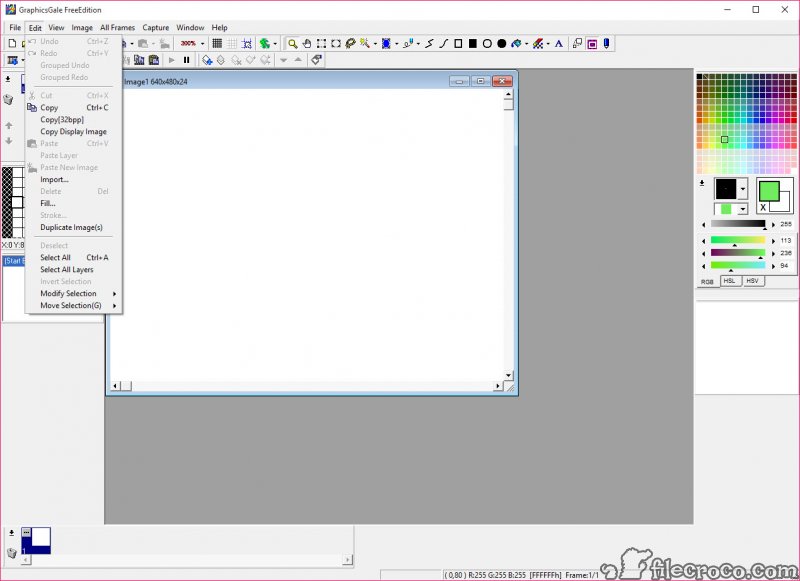
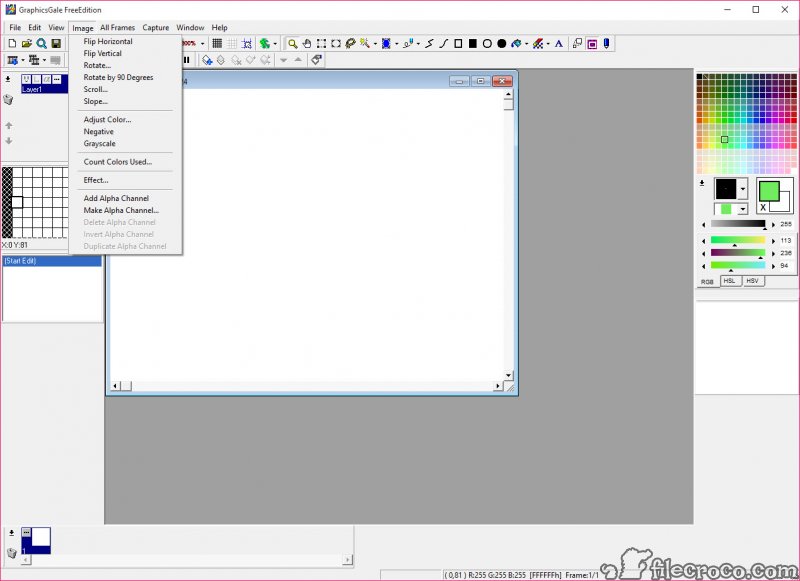
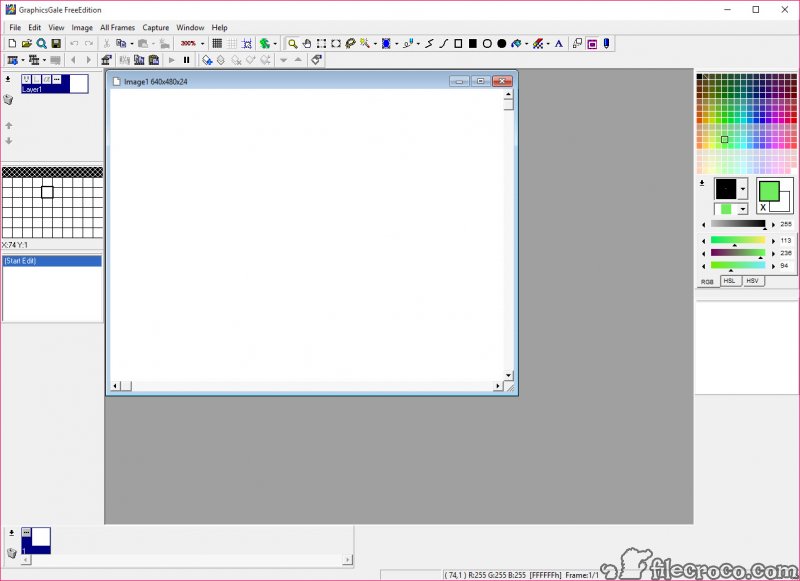
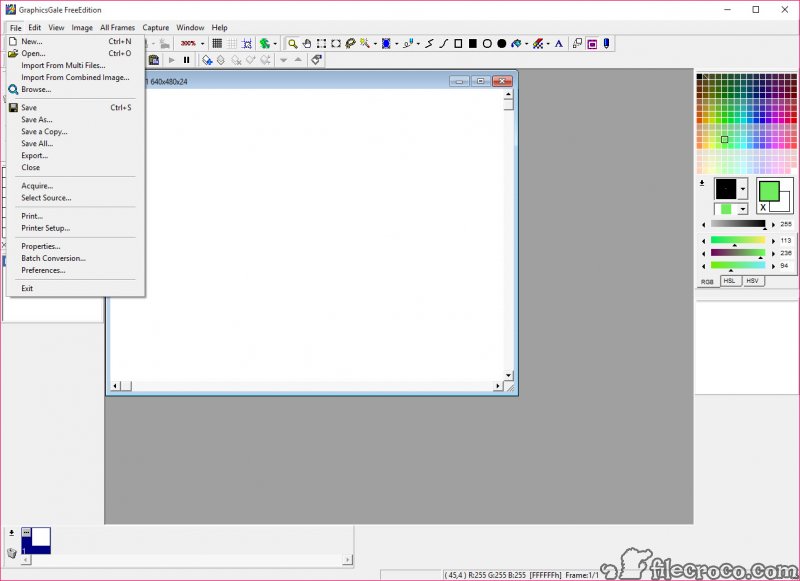
GraphicsGale is a raster graphics editor that you can use for a wide variety of purposes, from pixel art and spriting to animations. You can not only animate various images, but also edit the graphics and cursors that come with your Windows operating system. You can make an interesting skin for your operating system using this tool alone. You can edit graphics with ease, as well as apply a wide host of effects. Also, you can convert images between various extensions with ease. With a simple and clean user interface, this program doesn’t look like much.
However, it comes with a comprehensive set of features, such as a color palette, a loupe (magnifier), a comprehensive Help section, many image editing tools, and even a batch converting option. When it comes to editing images, you can use layers (like in Adobe Photoshop), TWAIN acquisition, and a set of tools to draw, paint, and do a lot of other things to your graphics. You can open Windows graphics and cursors and edit them with ease.
The program supports most of the common graphic formats, such as JPEG, PNG, GIF, AVI, ICO, CUR, ANI, GAL, BMP, DIB, and TGA. In addition, the program supports Alpha channel. The Onion Skin feature enables you to see both the previous and next frame on the current frame. This is very useful when you are working on an animation. You can not only change the properties of the image (width, height, background, etc.), but also print your graphics with ease. Playing and pausing the animation is a breeze, and you can add new frames or delete old frames at any time.
The software is able to create transparent GIF and PNG files. This makes it perfect if you need to create some catchy graphics for your website or blog. The batch convert feature is able to convert all files of a type from a specified folder to another format. The process is fast and you can specify where you want the new images to be stored. Working on graphics pixel by pixel is an arduous process, but this program simplifies it as much as possible.
We were very impressed with the speed with which we could create images pixel by pixel. Bottom line, GraphicsGale is an easy to use program that makes editing graphics and creating animations a breeze. It doesn’t come with the advanced features of Adobe Photoshop, but this program costs just a small fraction of Photoshop’s price as well.
Technical details
Alternative software


User reviews
Most downloaded software


