CATEGORIES
Mac
EDITOR'S PICKS
EasyHDR Pro 2.30.4
Create HDR images from regular photos
Multimedia and Design - Image Editing
Photogather 4
Scan ,organize and edit pictures
Multimedia and Design - Image Editing
Jpegcrop 2012.08
Crop, rescale and rotate JPEG files without losing quality
Multimedia and Design - Image Editing
PC Image Editor 5.2
Graphics editor with features of a professional product
Multimedia and Design - Image Editing
Hornil StylePix 1.12.3
Free image editor with a number of advanced features
Multimedia and Design - Image Editing
Stereomerger 1.146
3D-photo viewer, editor and batch-processor
Multimedia and Design - Image Editing

Hornil StylePix 1.12.3

Your rating
(4.4) 7 Votes
Date updated
May 8, 2013
Developer
Hornil | (more products)
All time downloads
1,881
License
Platform
Windows
Size
2.20 MB

Description of Hornil StylePix 1.12.3

Free image editor with a number of advanced features
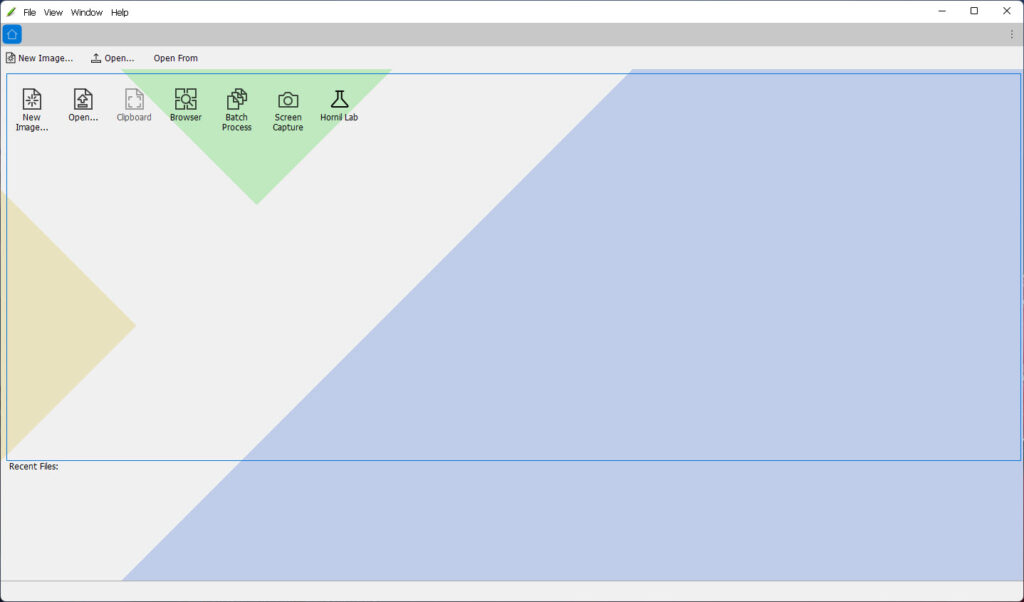
Hornil StylePix, or simply StylePix, is a graphics editing program with a number of advanced features. Stylepix is an acronym for "Style Pictures". This means your pictures with nice style.

Hornil StylePix has intuitive user interface. It is designed to control the selected functions easy and conveniently. Even if you have no experience, you can easily learn how to edit image and retouching your photos. As a result, Hornil StylePix's intuitive UI reduces your time to work.

To better speed editing, Hornil StylePix is designed to focus on light and powerful. We are always striving to improve the performance of Hornil StylePix. Hornil StylePix runs on fewer resources environment such as Net-books and laptop computer or virtual machines (vmware, virtual box and etc.) with full image handling features.

Key features

Luna User Interface:
• Newly applied Luna user interface enhances the degree of freedom for editing. More quickly, you can identify what you want to accomplish in editing and change the variety options.

Lightweight design:
• To better speed editing, Hornil StylePix Pro is designed to focus on lightweight and powerful. Hornil StylePix runs on fewer resources environment such as Net-books and laptop computer or virtual machines(vmware, virtual box, virtual pc and etc.) with full image handling features. We are always striving to improve the performance of Hornil StylePix.

Layer mask:
• A layer mask is linked to a layer and hides part of the layer from the picture without damage of source picture.

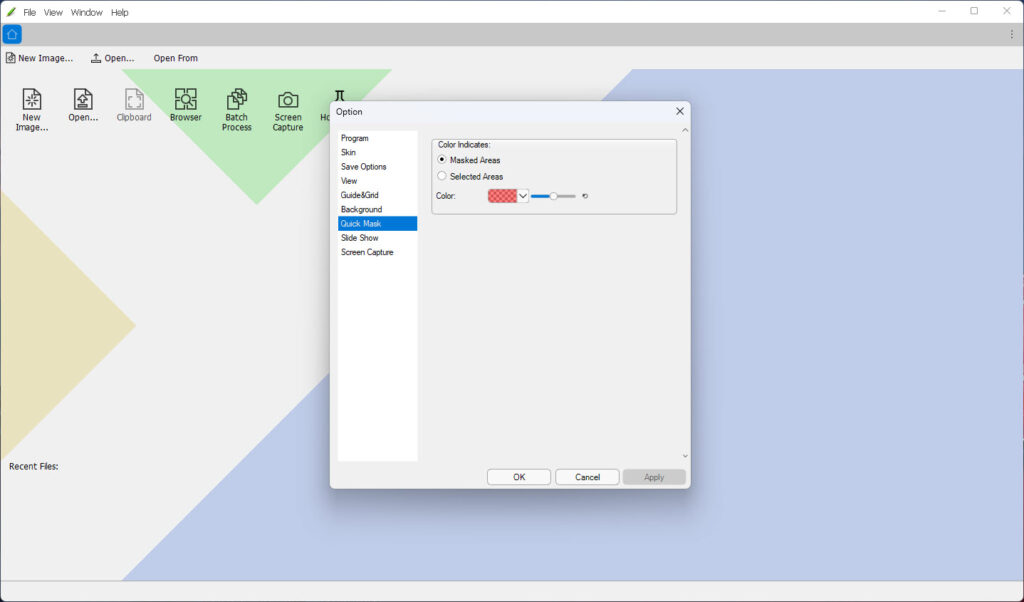
Quick mask:
• Quick mask is used to selection a desired portion of the picture. You can make a selection with brush and other drawing tools in quick mask mode.

Make your own brush:
• You can create your own brushes by characters, letters, photos and anything you want. Also, your own brushes can be more qnique and dynamic with various options like rotation, scaling and scattering.

• Image: keep color, anti-alias, flip, angle.
• Rotation: random, dradual, ditection.
• Scaling: random, fade.
• Scattering: random.
• Color Effects: hue, saturation, brightness.
• Opacity: random, fade.
• Newly created brush can be stored in the preset and can be used repeatedly.

Let's use the style:
• Outline
• Border
• Rounding
• Drop shadow
• Inner shadow
• Outer glow
• Inner glow
• Bevel and emboss
• Reflection
• Frame
• Texture
• Color fill
• Gradation fill with Transparent
• Style has an advantage, it does not damage the source picture. Also, the appearance you created with styles can be stored in the preset and can be used repeatedly.

Browse Images and slideshow:
• Browse Images tool lets you easily explore the images before open an image. Also you can open, copy, delete, and rename the images or directories .
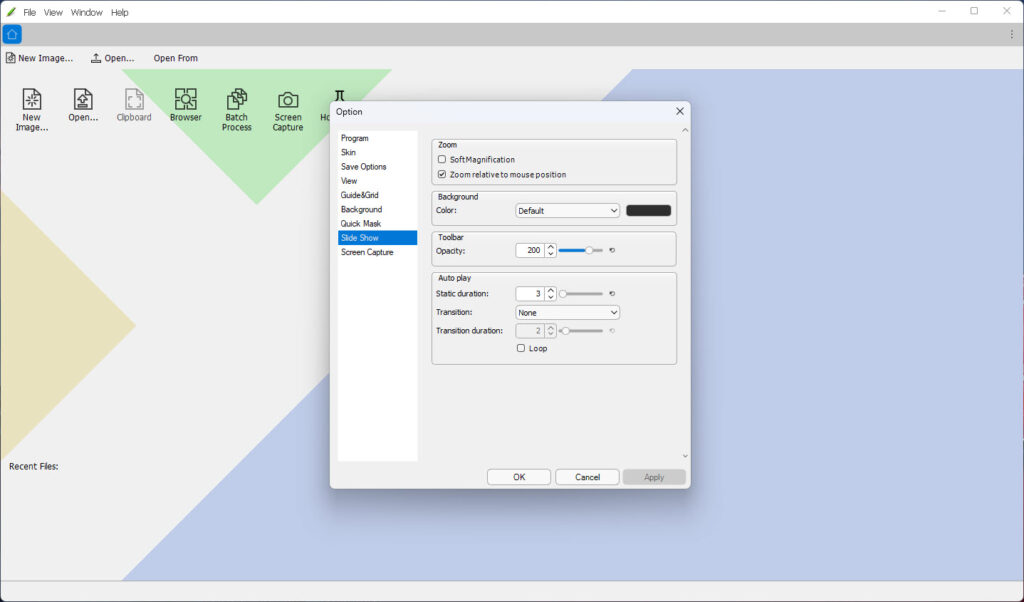
• Slideshow displays a series of chosen pictures is located in current working path with full-screen mode.
• Supported file formats: JPEG, PNG, GIF, TIF, TGA, BMP and TSP.

Convenient working environment:
• Working with multiple files can be opened simultaneously. The opened images are arranged by tab in MDI(Multiple document interface) container. MDI supports cascade, tile vertically, tile horizontally and arrange icons arrangement.
• Fast image-switching: To switch between canvas windows, press Ctrl + Tab keys. If you want to go back, press Ctrl + Shift + Tab keys. If you press the above mentioned keys, the switch window is popped. Then, if you want to select next canvas, press the Tab key.
• Zoom in/out and the full-screen view and guides, rulers, grid support. The Ruler, grid and guide help you to edit. You can show/hide these you need.
• Thumbnail, histogram and waveform view for current editing image.
• The histogram shows quantity of pixels in image as a graph. The horizontal axis of the graph represents tone and the vertical axis represents quantity.
• The waveform shows quantity of pixels in image as a graph unlike the histogram.

Multi-layer & grouping support:
• Layers are used in Hornil StylePix to separate different objects of the canvas. Layers are like transparencies stacked on another. Each layer can have different object. Hornil StylePix supports four object type(image, shape text and path) and group object. The group object contains other objects. In addition, the group may contain a other group. You can manage the layers using the hierachy.
• Hornil StylePix supports blending modes are used to determine how two layers are blended into each other. In StylePix, you can use 21 types of blending mode.

Selection tools:
Hornil StylePix support region selection tool like following:
• Automatic range selection and the color range selection tool
• Square, circle select tool
• Polygons, and the lasso selection tool
• You can make a region selection by above mentioned tools with following modes: new, add, subtract and intersect.
• The existing region selection can be modified by operations: Border, Expand, Contract and Softness.

50 kinds of practical image filter:
• Color adjustment filters: Auto Level, Auto Contrast, Auto Color Balance, Level, Curves, Color Balance, Brightness/Contrast, Hue/Saturation, Gamma Correction, Desaturate, Invert, Grayscale, Threshold, Quantize, Histogram Equalize, Posterize.
• Sharpen and blur filters
• Pixelate filters
• Rendering filters
• Noise filters
• Distort filters
• Convolve filters
• Style filters
• Morphological filters
• Photo Enhancement filters

Drawing tools:
• Hornil StylePix supports various drawing tools like Brush, eraser, line, curve, spray, clone-brush, flood fill, gradient fill, path, and shape.
• You can draw different pictures using these tools with several options like size, antialiasing, opacity and blending mode.

Text tool:
• The text tool allows you to type text on the canvas. The character string in a text can be modified not only at normal state, but also rotated state without losing object properties.
• Typeface
• Size
• Width rate
• Kerning
• Tracking
• Leading
• Align

Transform and alignment:
• The Transform tool allows you to transform the selecting region or objects. It is only enabled when the region selection exists. When the Transform tool is activated, you can rotate and resize it.
• The selected objects can be transformed or arranged by following commands: Flip Horizontal, Flip Vertical, Rotate Left, Rotate Right, Rotate 180 degree, Bring to Front, Send to Back, Brint to Top, Send to Bottom, Align Left, Align Horizontal Center, Align Right, Align Top, Align Vertical Center, Align Bottom, Align Center

Enhance and restore tools:
• The enhance tool allows you to enhance an image based on darken, dodge, blur and sharpen tools.
• Lighten(dodge) / darken(burn) Tools
• Blur / Sharpen Tools
• The restore tool allows you to restore an image that has scratch or red eye etc.
• Dust / Point Removal Tools
• Red Eye Removal Tool

Crop tool:
• The Crop Tool is used to crop or clip an image. It works on all the layers of the image, visible and invisible.
• It provides several useful ratio preset such as 4 x 3 half card. Preset is divided landscape and portrait. The landscape contains the presets relating to device that has longer horizontal axis than vertical axis such as HDTV, Widescreen and etc. Conversely, portrait contains the presets that often used in portrait. If you select one of the presets,custome values are auto setted and the with or height is automatically adjusted according to preset's ratio.

Multilevel undo, redo and action list:
• Multilevel undo, redo support: The action list remembers what you've done to your image and lets you revert back to any earlier version of the image. Every time you select, paint, and resize etc, each of those states is listed seperately in the action list. To revert to a previous state of the image, click the name of the state on the action list or press Ctrl + z.

Batch Processing:
• The batch processing is a very useful tool to process the repetitive tasks such as changing the size or type of an image file.
• Prefix, suffix and numbering of file name
• Resize, flip or rotate for multiple image
• Inserting a common logo and painting
• Some color adjustment filters

Supported 53 languages:
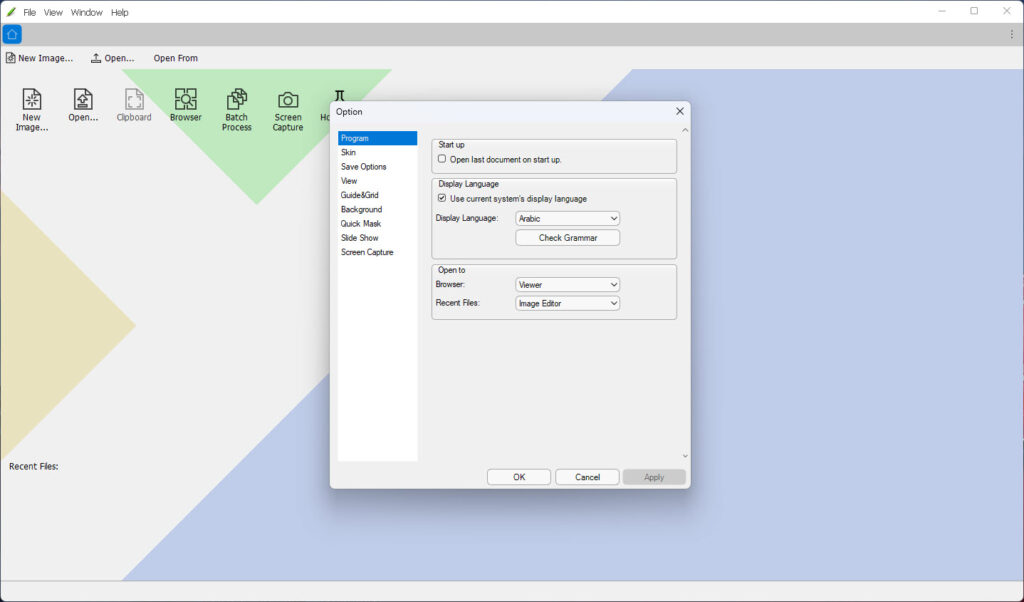
• Afrikaans , Albanian , Arabic , Belarusian , Bulgarian , Catalan , Chinese Simplified , Chinese Traditional , Croatian , Czech, Danish , Dutch , English, Estonian , Filipino , Finnish , French , Galician , German , Greek , Hebrew , Hindi , Hungarian , Icelandic , Indonesian , Irish , Italian , Japanese , Korean, Latvian , Lithuanian , Macedonian , Malay , Maltese , Norwegian , Persian , Polish , Portuguese , Romanian , Russian , Serbian , Slovak , Slovenian , Spanish , Swahili , Swedish , Tagalog , Thai , Turkish , Ukrainian , Vietnamese , Welsh , Yiddish.

Hornil StylePix video preview

You need to upgrade your Flash Player

What is new in version 1.12.3

Bug fixes:
• Fixed bugs that the program crashed with built-in image viewer.
• Fixed bugs that the update message displayed after you have completed the update.

Add your review

Your name:*
Overall conclusion:*
Be descriptive:*
min 100 chars (0)
Your rating:*
Verification:*

Top popularity in Image Editing

1
Photoshine 4.6
Manage your photos collection very easy
2
Diagram Designer 1.25
Create flowcharts, UML class diagrams, illustrations
3
Adobe Photoshop CS4 11.0
Adjust images in half a time
4
Adobe InDesign CS4
Design professional layouts for print and digital publishing
5
Adobe Illustrator CS4
Explore new paths with the essential vector tool
6
Adobe Camera Raw 7.1
One of the best plug in for RAW images
7
PCStitch 10.00.22
Professional design software