CATEGORIES
Mac
EDITOR'S PICKS
RJ TextEd 8.61
An unicode source and text editor
Utilities - Text Editors
NFOPad 1.66
NFO viewer and text editor
Utilities - Text Editors
NotePad Delphi 1.1
A notepad with multiple options and utilities
Utilities - Text Editors
EditCrypt
Text editor tool with a lots of functions
Utilities - Text Editors
xMarkup 2.1.7
A text transformation utility
Utilities - Text Editors
Case Changer 1.1
Simple text case changer that interacts with the clipboard
Utilities - Text Editors

Notepad++ 6.3.3

Your rating
(0) 0 Votes
Date updated
May 7, 2013
Developer
Notepad | (more products)
All time downloads
1,666
License
Platform
Windows
Size
6.70 MB

Description of Notepad++ 6.3.3

Text editor which can replace classic Notepad
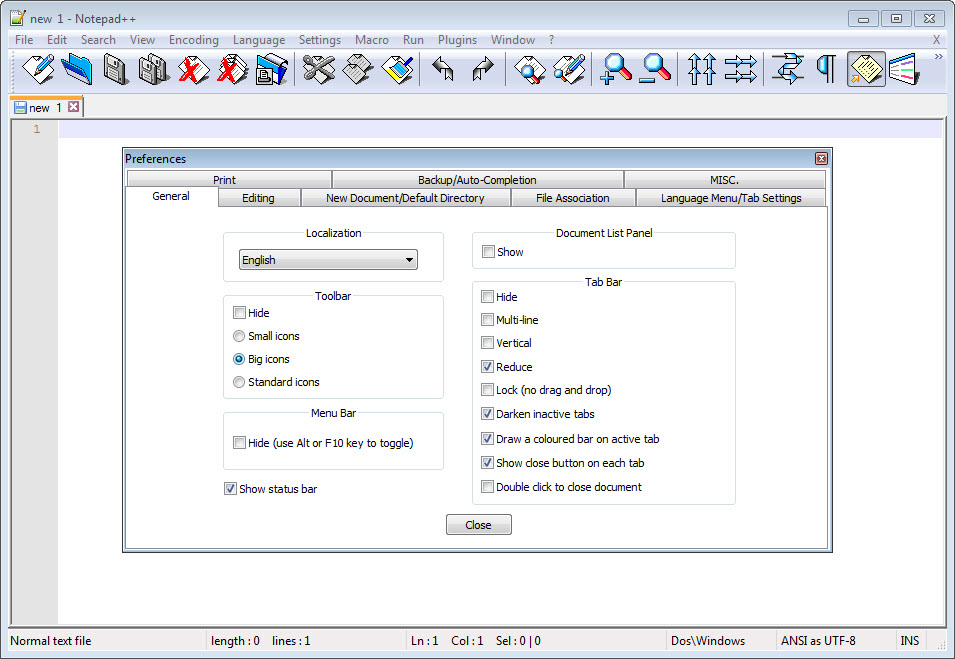
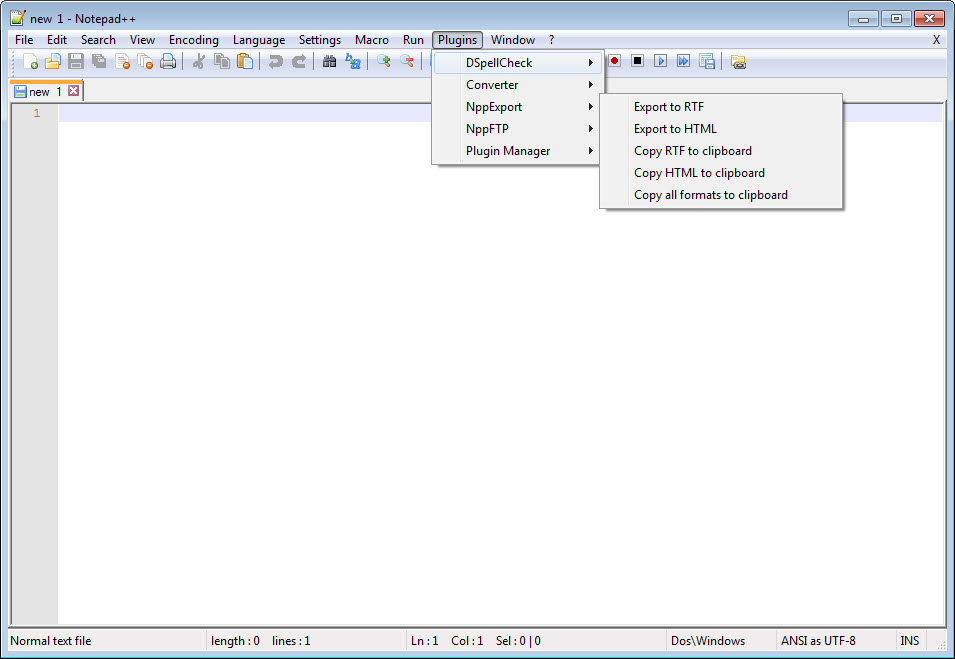
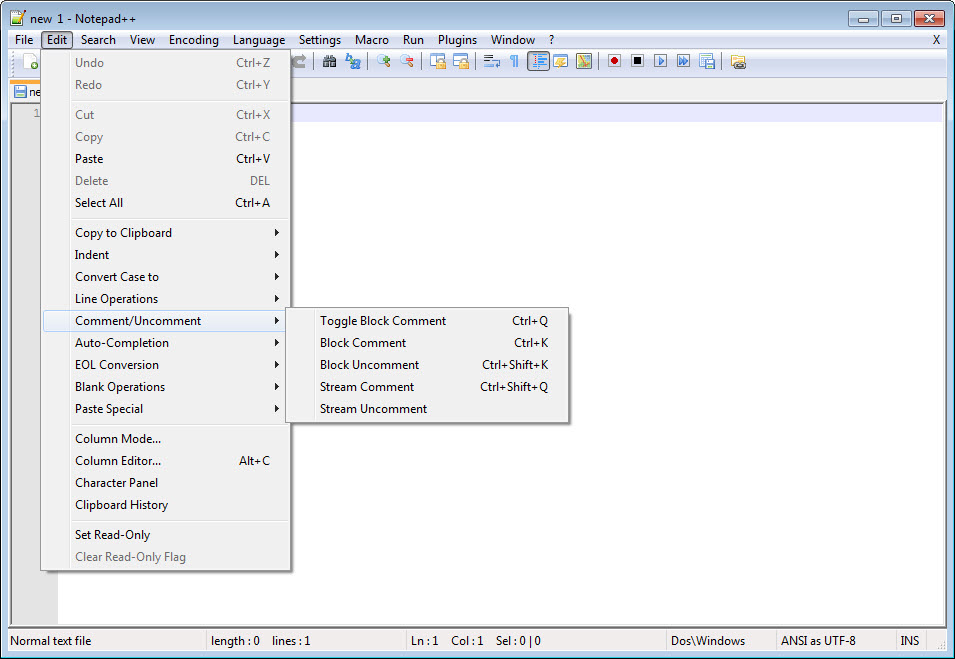
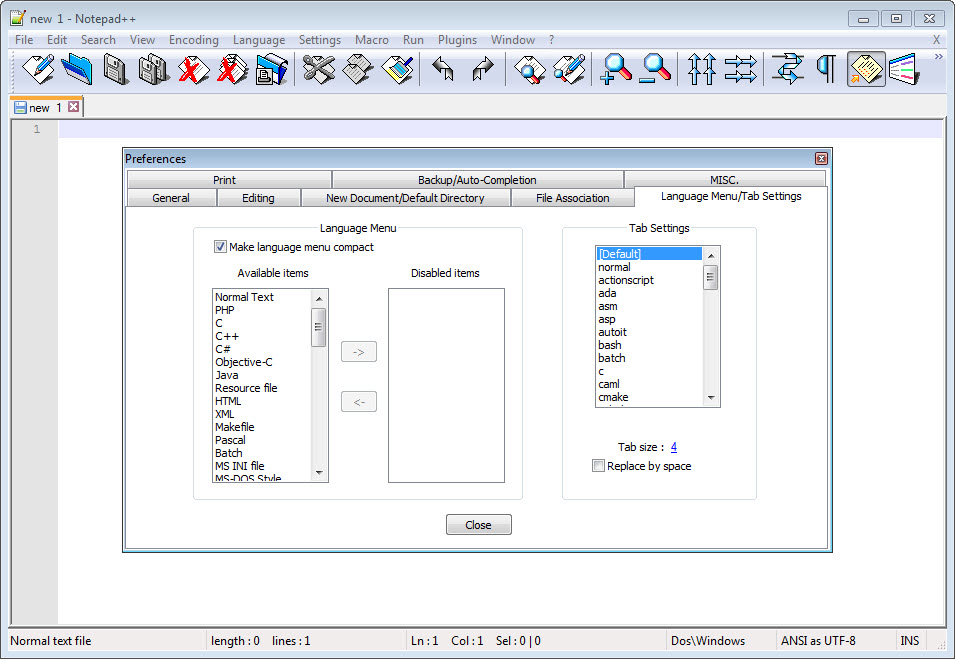
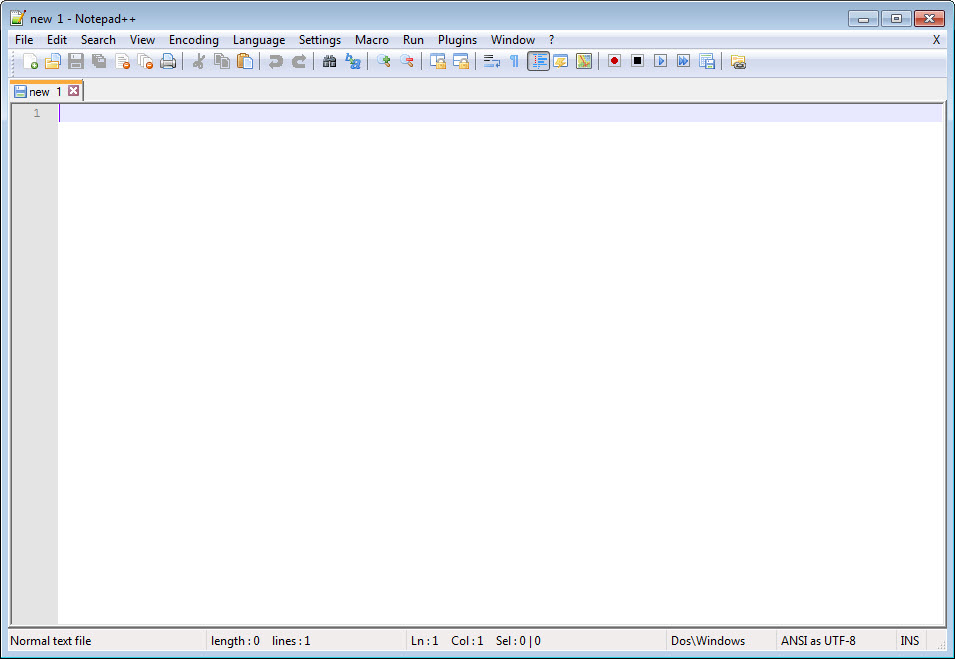
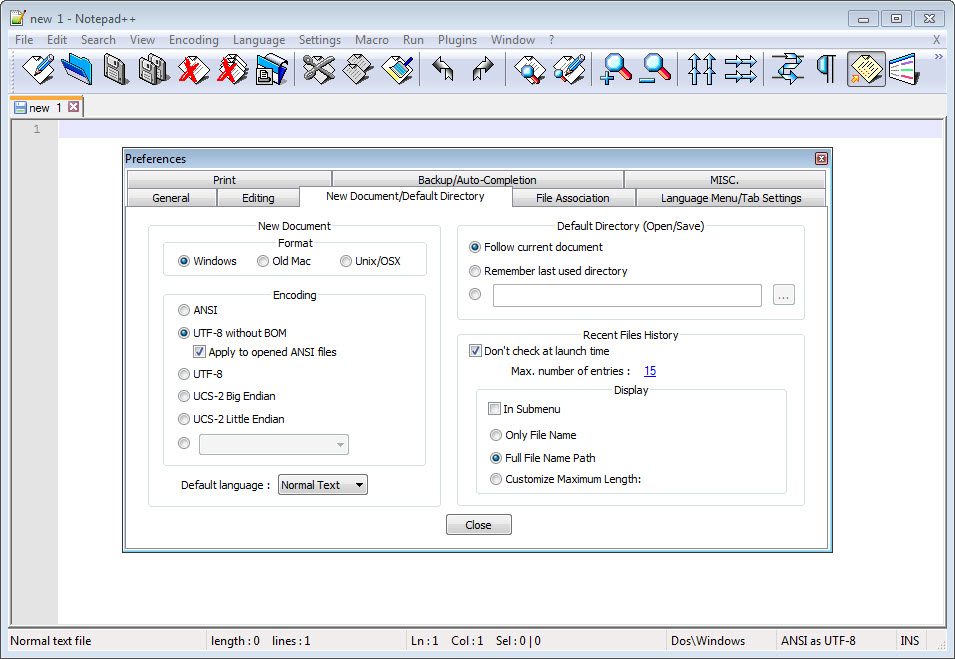
Notepad++ is a free (free as in "free speech", but also as in "free beer") source code editor and Notepad replacement, which supports several programming languages, running under the MS Windows environment. This project, based on the Scintilla edit component (a very powerful editor component), written in C++ with pure win32 api and STL (that ensures the higher execution speed and smaller size of the program), is under the GPL Licence.

This project is mature. However, as you can see it's a one-man-project, there are still some bugs and missing features. If you have any question or suggestion about this project, please post them on the forums. As well, if you have any feature requests, you can always make the demand, but there's no guarantee that I'll implement it.

You're encouraged to translate Notepad++ (if it is not present in the Download Section) and/or to translate the Notepad++ official site into your native language.

I hope you enjoy Notepad++ as much as I enjoy coding it.

Key features

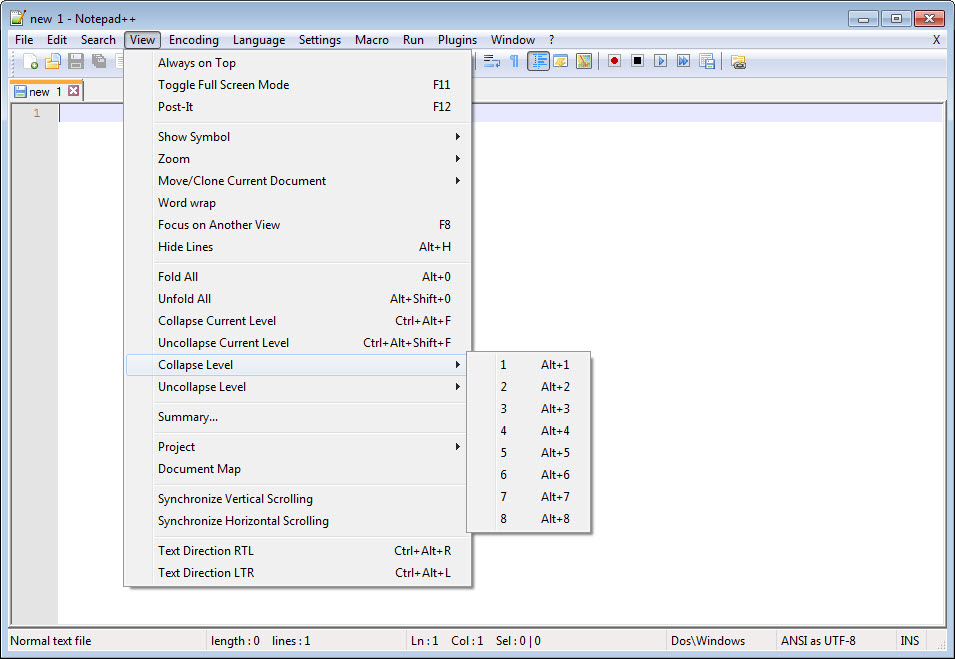
• Syntax Highlighting and Syntax Folding - Supported languages: C, C++, Java, C#, XML, HTML, PHP, CSS, makefile, ASCII art (.nfo), doxygen, ini file, batch file, Javascript, ASP, VB/VBS, SQL, Objective-C, RC resource file, Pascal, Perl, Python, Lua, TeX, TCL, Assembler, Ruby, Lisp, Scheme, Properties, Diff, Smalltalk, Postscript, VHDL, Ada, Caml, AutoIt, KiXtart, Matlab, Verilog, Haskell, InnoSetup, CMake.
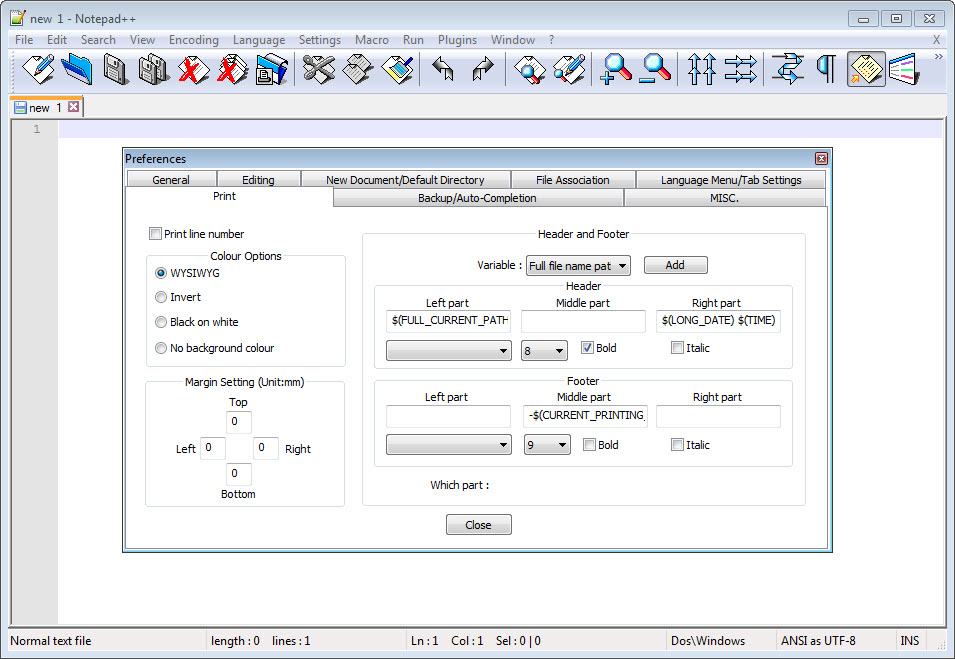
• WYSIWYG - If you have a colour printer, print your source code (or whatever you want) in colour.
• User Defined Syntax Highlighting - It allows user to define his own language : not only the syntax highlighting keywords, but also the syntax folding keywords, comment keywords and the operators.
• Auto-completion - For most supported languages, user can make his/her own API list (or download the api files from dowload section). Once the api file is ready, type Ctrl+Space to launch this action.
• Multi-Document - You can edit several documents at the same time.
• Multi-View - You have two views at same time. That means you can visualize (edit) 2 different documents at the same time. You can visualize (edit) in the 2 views one document at 2 different positions as well. The modification of document in one view will carry out in another view (i.e. you modify the SAME document when you are in clone mode).
• Regular Expression Search/Replace supported - You can search and replace one string in the document by using the regular expression.
• Full Drag 'N' Drop supported - You can open a document by drag & drop. You can also move your document from a position (or even a view) to another by drag & drop.
• Dynamic position of Views - The user can set the position of the views dynamically (only in 2 views mode: the splitter can be set in horizontal or in vertical).
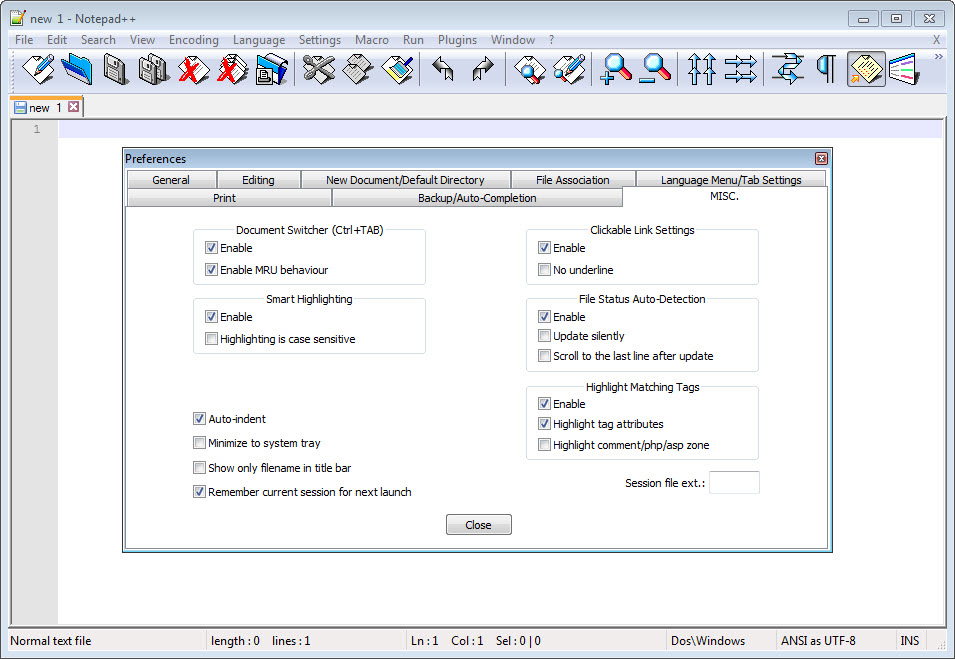
• File Status Auto-detection - If you modify or delete a file which opened in Notepad++, you will be notified to update your document (reload the file or remove the file).
• Zoom in and zoom out - That's another fantastic function of Scintilla component.
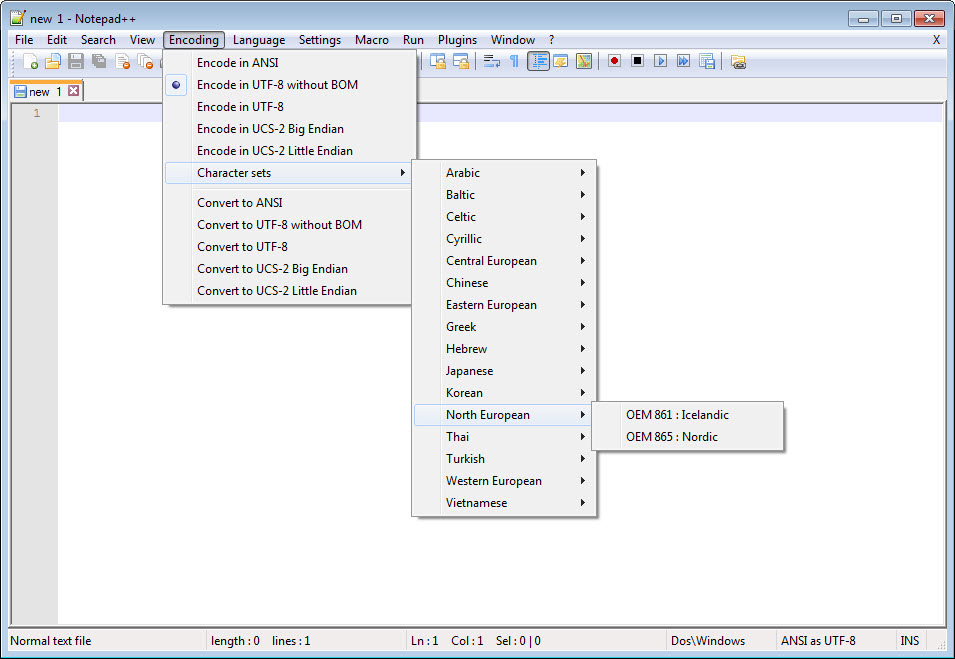
• Multi-Language environment supported - The Chinese, Japanese, Korean, Arabic and Hebrew Windows environments are supported.
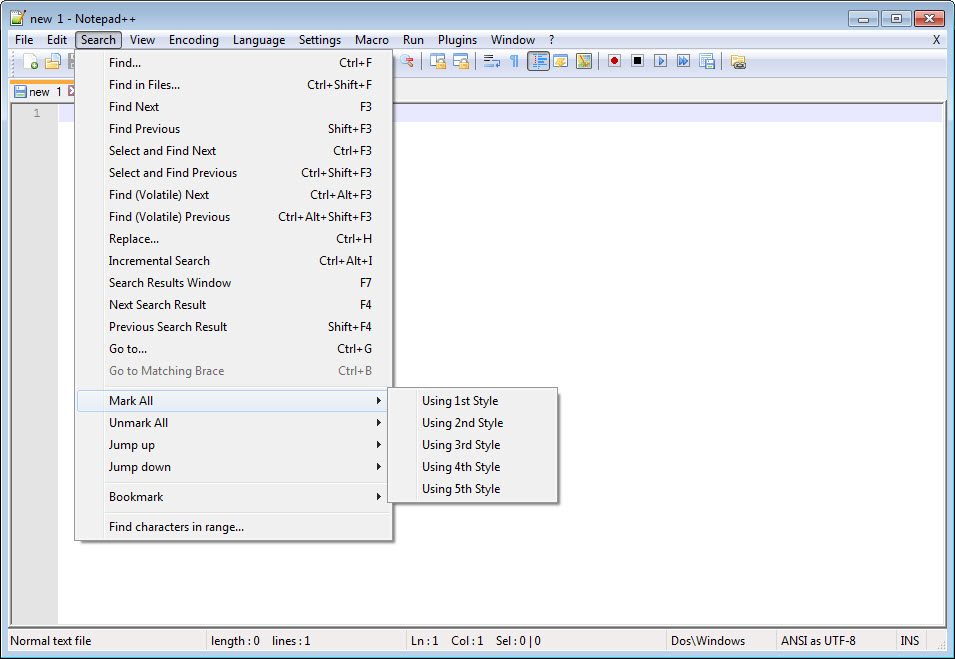
• Bookmark - User can just click on the bookmark margin (located right side of line number margin) or type Ctrl+F2 to toggle a book mark. To reach the bookmark, type just F2 (Next bookmark) or Shift+F2 (Previous bookmark). To clear all bookmarks, click the Menu Search->Clear All bookmarks.
• Brace and Indent guideline Highlighting - When the caret stay beside of one of those symbol { } [ ] ( ) , the symbol beside of caret and its symmetric opposite symbol will be highlighted, as well as the indent guideline (if any) in order to locate the block more easily.
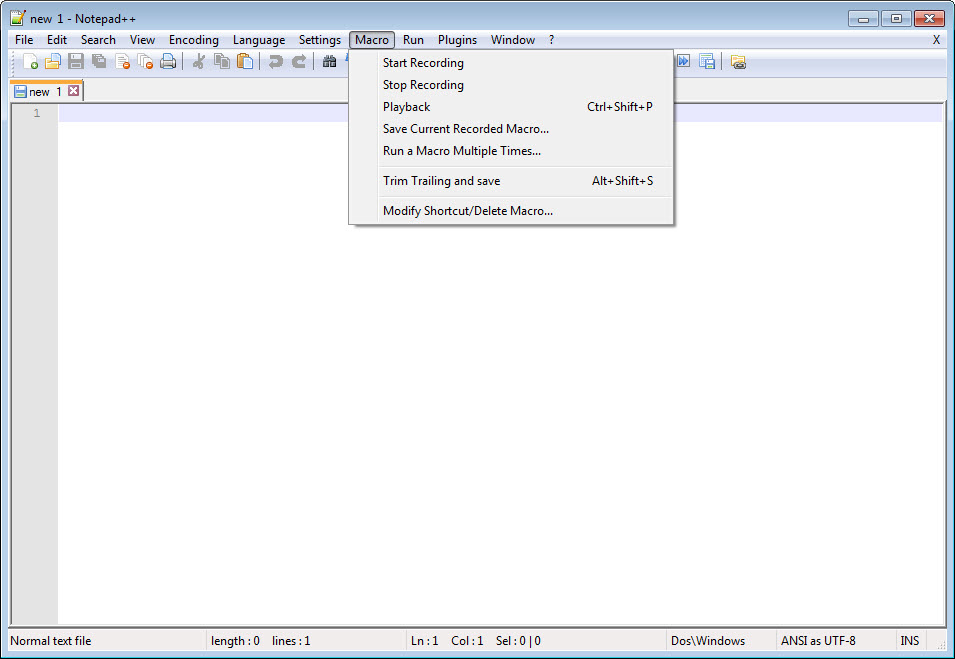
• Macro recording and playback - You can save several macros and edit their keyboard shorcuts for the next use.

Notepad++ video preview

You need to upgrade your Flash Player

What is new in version 6.3.3

• Remember folding states of last session.
• Close selected/non-selected files.
• New spell checker.

Add your review

Your name:*
Overall conclusion:*
Be descriptive:*
min 100 chars (0)
Your rating:*
Verification:*

Top popularity in Text Editors

1
UltraEdit 18.20.0.1017
Very professional text editor. Versatile and easy to use
2
Breakpoint Hex Workshop 6.7.3
Hex editor, sector editor, base converter and hex calulator
3
TextPad 6.0
Multi featured text editor
4
RJ TextEd 8.61
An unicode source and text editor
5
Tizma CSV Easy 1.1.13
Powerful CSV editor and converter
6
Memo 2.0.7.2313
Versatile text editor for various programming languages
7
Notepad++ 6.3.3
Text editor which can replace classic Notepad