
WinZip 17.5.10480.0
Your rating
Date updated
May 13, 2013
Developer
All time downloads
2,760
License / Price
Platform
Windows
Size
0.35 MB
Description of WinZip 17.5.10480.0
The compression utility for Windows
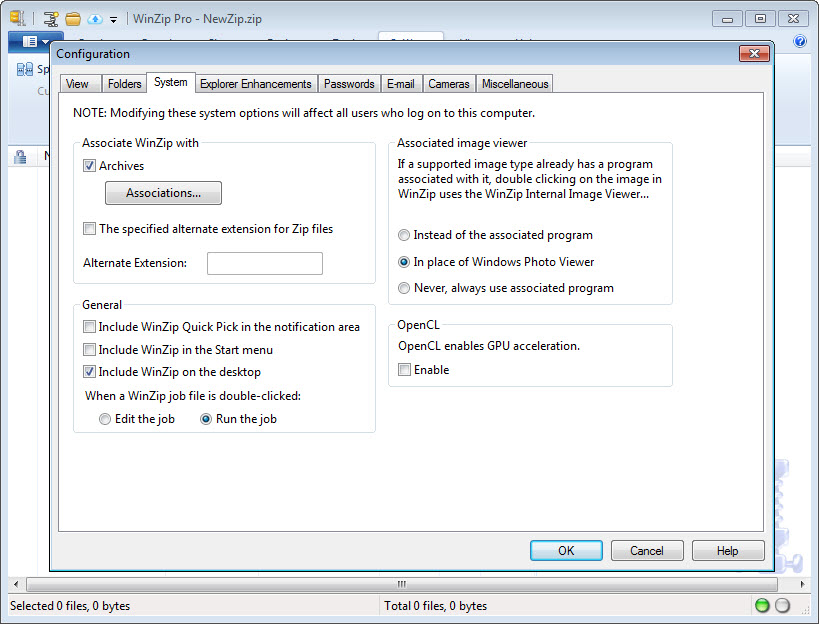
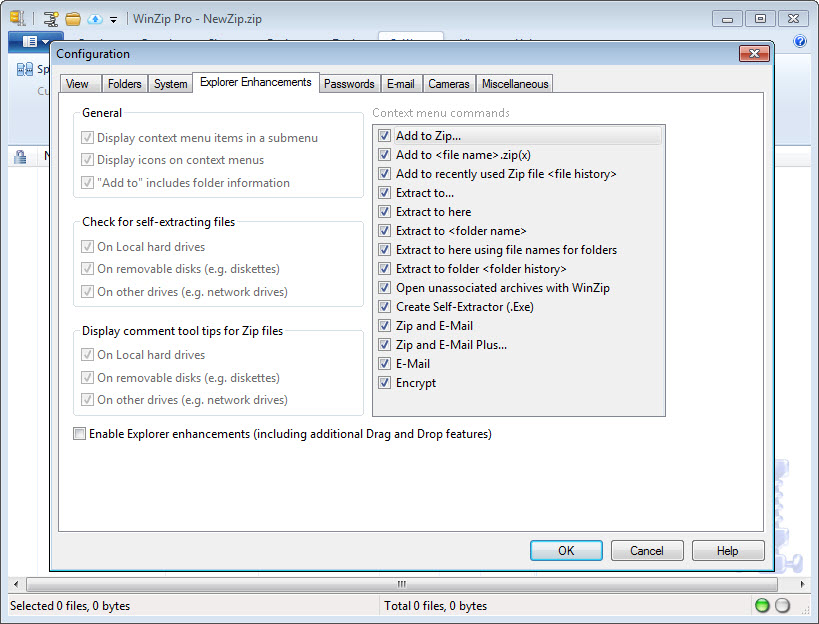
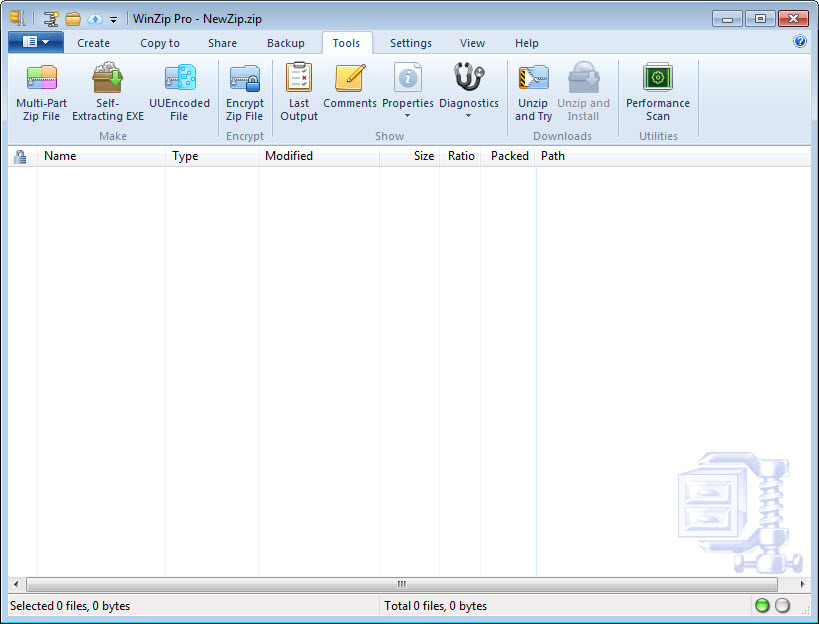
WinZip is the original and most trusted file compression software for Windows. No other compression utility is as easy-to-use or offers the comprehensive feature set and productivity-enhancing approach that has made WinZip the gold standard in file compression tools. The new WinZip provides deep integration with Windows, including Microsoft’s latest operating system - Windows 7 - as well as innovative features that improve zipping security and simplicity.
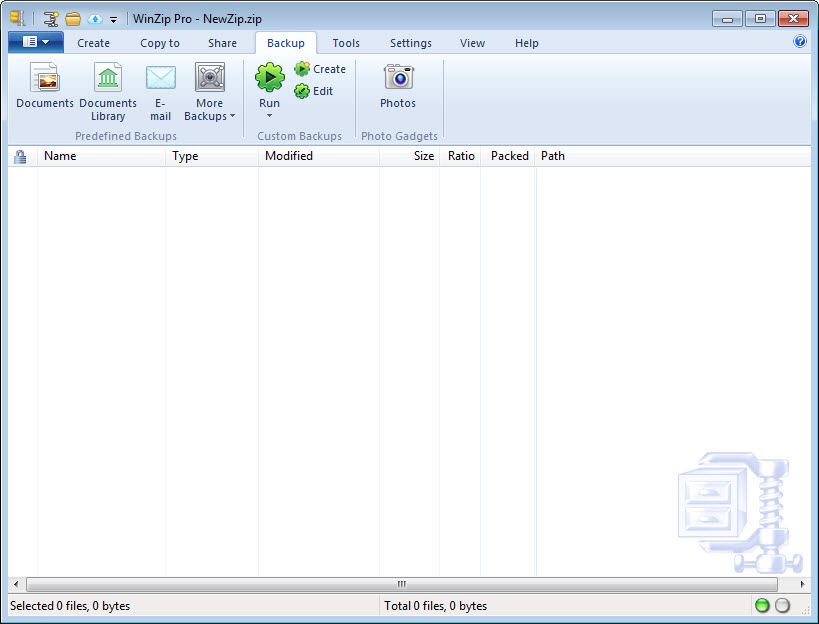
With WinZip you can quickly zip and unzip files to conserve storage space, speed up e-mail transmission, and reduce download times. In addition to state-of-the-art file compression, WinZip offers strong AES encryption for securing sensitive data, the ability to bundle files into convenient, compressed packages, and an automated data backup facility to prevent data loss. WinZip creates Zip, LHA, and Zipx files—the smallest Zip files ever—and it opens Zip, Zipx, RAR, 7Z, BZ2, CAB, JAR, IMG, and most other compressed file types.
WinZip even supports photo and image compression. Now you can compress your digital photographs and graphic images by 20 to 25% with no loss of photo quality or data integrity. This lets you send pictures faster and fit more on your flash drive, CD/DVD, or hard disc than ever before.
Use WinZip for all your compression, encryption, file packaging, and data backup needs.
Key features
• Compress files to save space and reduce transmission times
• Create Zip, LHA, and new Zipx files – the smallest Zip files ever
• Let WinZip select the "best" compression method based on file type to maximize efficiency
• Compress JPEG image files by 20 to 25% with no loss of photo quality or data integrity
• Open and extract from Zip, Zipx, RAR, 7Z, LHA BZ2, CAB, IMG, ISO, and other archive files
• Experience better performance on most files with LZMA compression
• View international characters in filenames through Unicode support
• Create and read Zip files larger than 4GB
• Secure sensitive data with FIPS-197 certified AES encryption (128- and 256-bit)
• Encrypt and decrypt confidential files and email attachments
• Auto-wipe ("shred") temporarily extracted copies of encrypted files
• Feel safe knowing Auto-wipe uses the U.S. Department of Defense (DoD 5220.22-M) standard
• Set password policy by controlling complexity requirements
• Set or disable available encryption methods
• Take advantage of hardware support in certain Intel-based computers for even faster AES encryption
• Bundle files into zipped packages, creating convenient, logical groups of related files
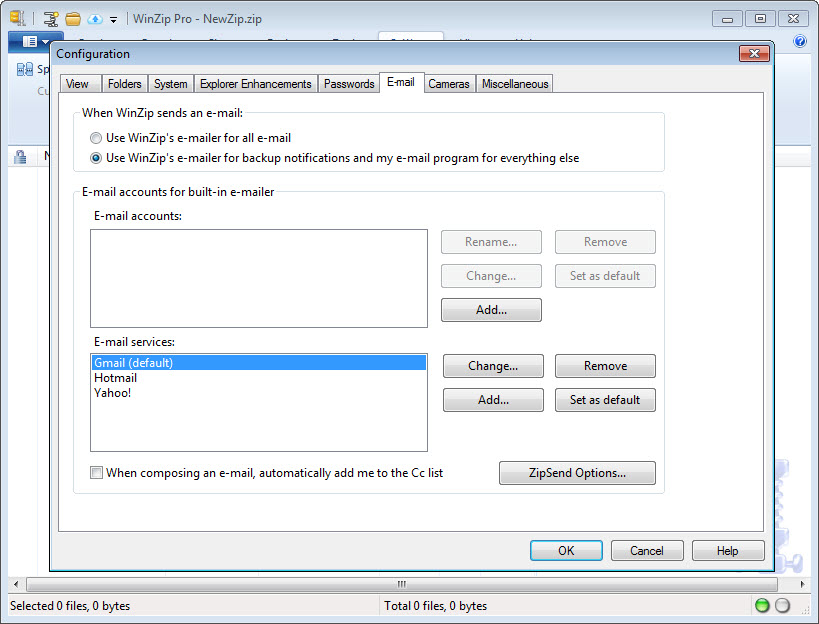
• Organize and secure email attachments, which transmit faster thanks to smaller file sizes
• See the content of Zip file attachments in Outlook 2007 using the Zip file previewer
• Double click on a file in the Zip file previewer for Outlook 2007 to open it for viewing
• View photos in Zip files without extracting, using WinZip’s internal image viewer
• Resize Photos when using Zip and E-Mail
• Quickly create and send Zip files with one-click "Zip and E-Mail"
• Resize photos from a Zip file when sending by email or to a new Zip file
• Use “Send To” to send new and existing Zip files as e-mail attachments
• Use Save As, Rename, and New Folder commands to easily manage Zip files
• Create Self-Extracting Archives with Self-Extractor Personal Edition
• Split Zip files to make large Zip files fit on removable media
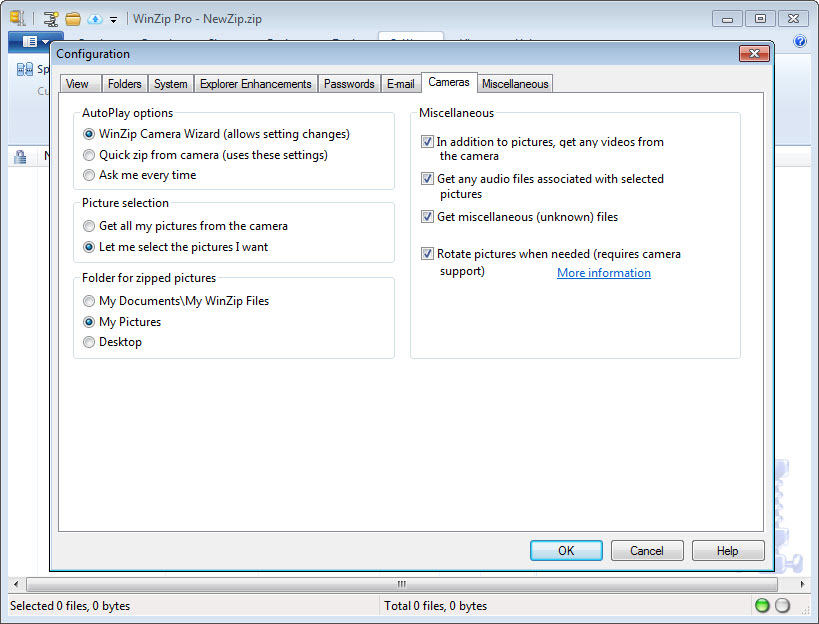
• Use Zip from Camera Wizard to quickly transfer, rotate, and compress photos from supported cameras
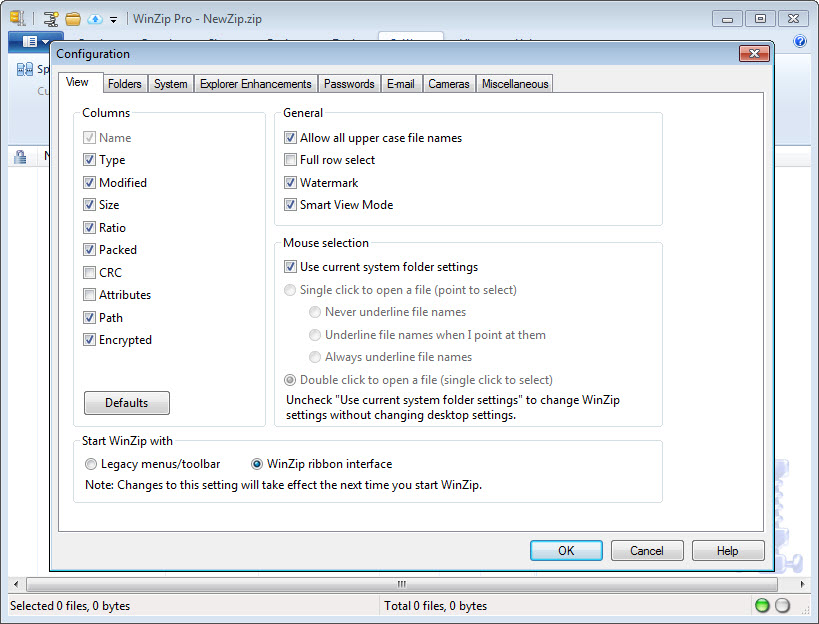
• Choose your interface style – Wizard, Classic, Windows Shell Integration
• Get easy access to recent Zip files, Jobs, and WinZip commands with Windows 7 Jump List support
• Easily locate files, folders, and libraries using updated, Windows 7 style WinZip dialogs, including New, Open, Add, and Extract
• Zip just the files you want using the Add dialog’s Include and Exclude filters
• Zip your Windows 7 libraries and unzip into Windows 7 libraries
• See the content of your Zip files in Explorer with the Zip file previewer for Windows 7 and Vista
• Double Click on a file in the Explorer Zip file previewer to open it for viewing
• Utilize Windows 7 touch screen gestures—simple finger movements—to simplify tasks
• Temporarily extract Zip files using the Check Out feature and have WinZip clean them up when done
• Rotate, Resize, and View full sized images directly from a Zip file
• Use the content-sensitive Smart View to logically display the files in a Zip file
WinZip video preview
You need to upgrade your Flash Player
What is new in version 17.5.10480.0
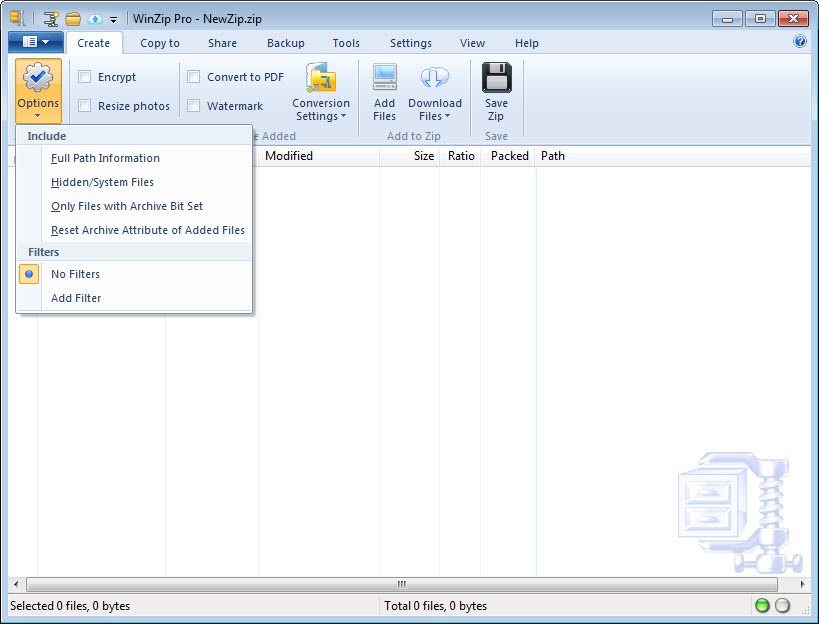
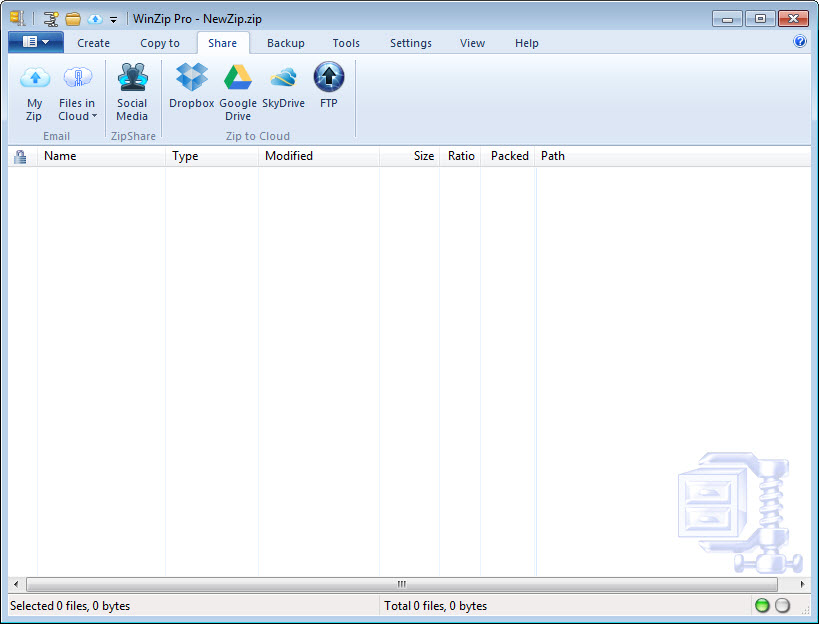
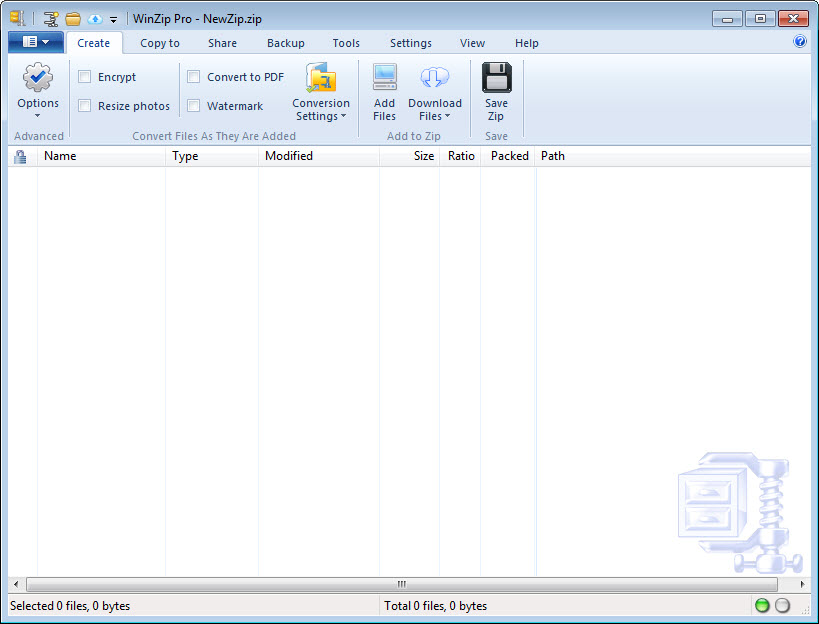
WinZip? 17.5connects directly to SkyDrive, Dropbox, Google Drive, Facebook, Twitter and LinkedIn, converts files to PDF, applies custom watermarks, resizes images for easier sharing, and more.A revamped interface with new context-sensitive toolbars makes it easy to find the tools you need.
Add your review
Top popularity in File Compression
1
WinRAR 4.20
A powerful archive manager. Fast compression
2
3
4
5
7-Zip 9.21
File archiver with a high compression ratio.
6
7
