
CATEGORIES
Mac
EDITOR'S PICKS
IrfanView 4.35
Image viewer for almost all multimedia formats
Multimedia and Design - Viewers
Martview 2.5
Flipping book reader compatible with PDF
Multimedia and Design - Viewers
BS Picture 3.00
Format, save, convert, print, rotate, zoom images
Multimedia and Design - Viewers

XnView 2.03

Your rating
(1) 1 Votes
Date updated
May 30, 2013
Developer
Pierre E Gougelet | (more products)
All time downloads
2,615
License
Platform
Windows
Size
2.86 MB

Description of XnView 2.03

Free software to view, organise, convert graphics files
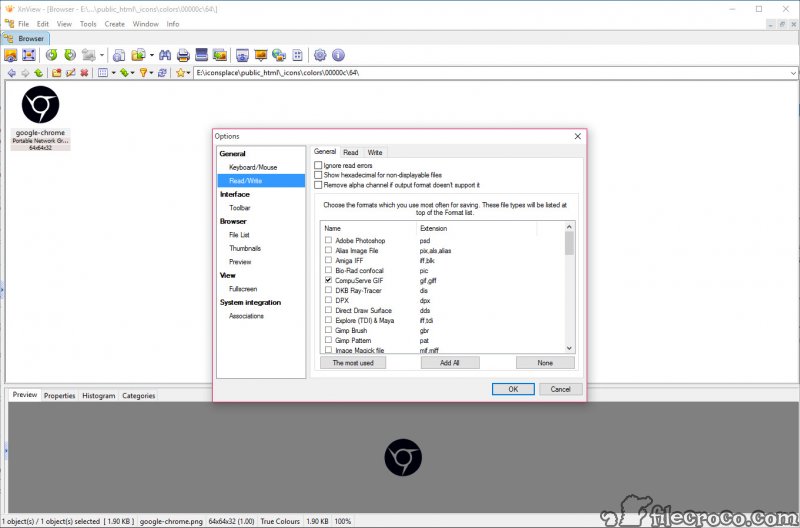
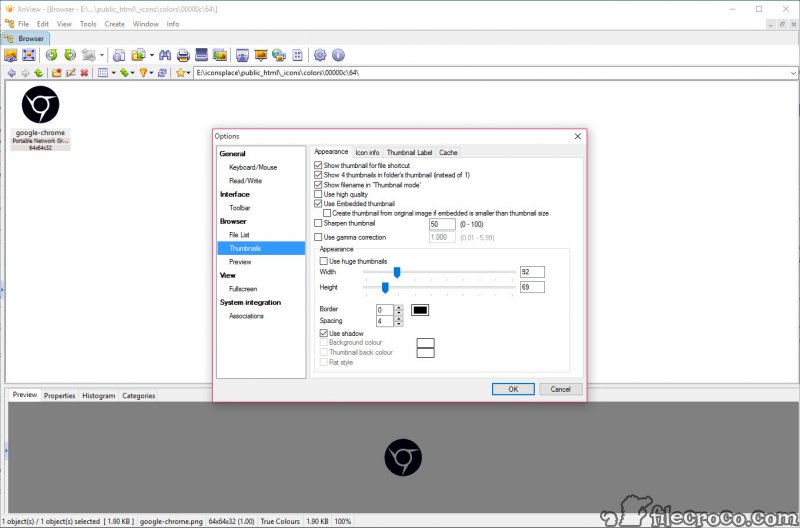
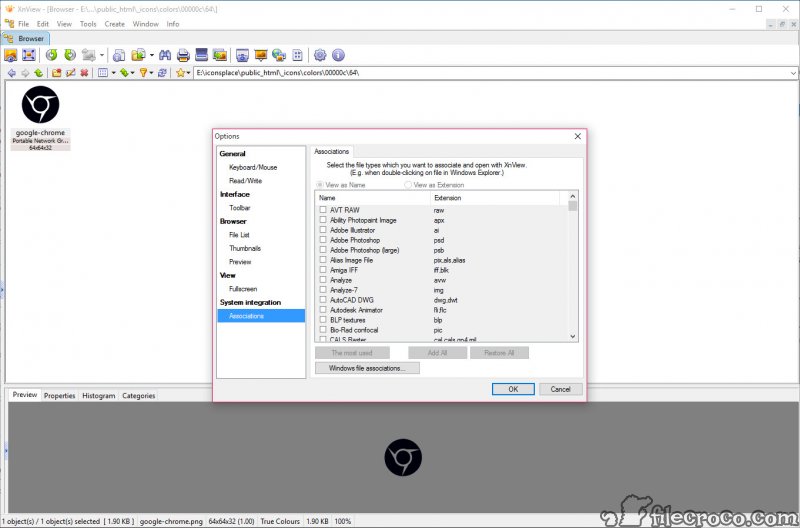
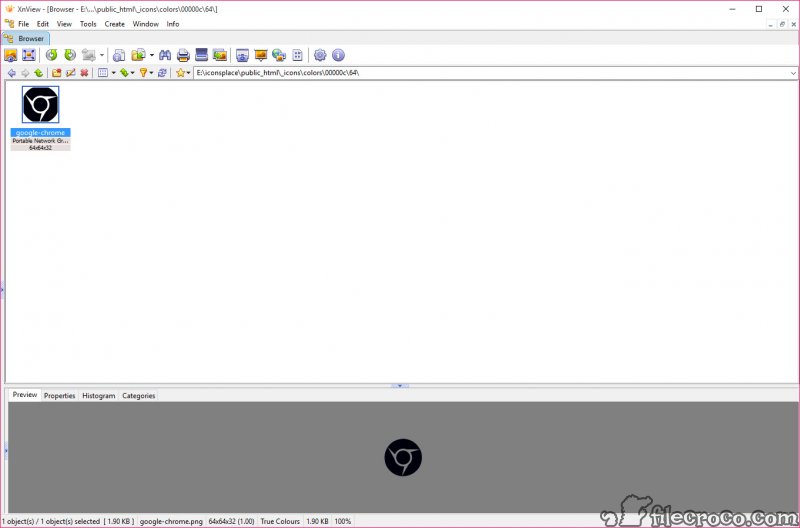
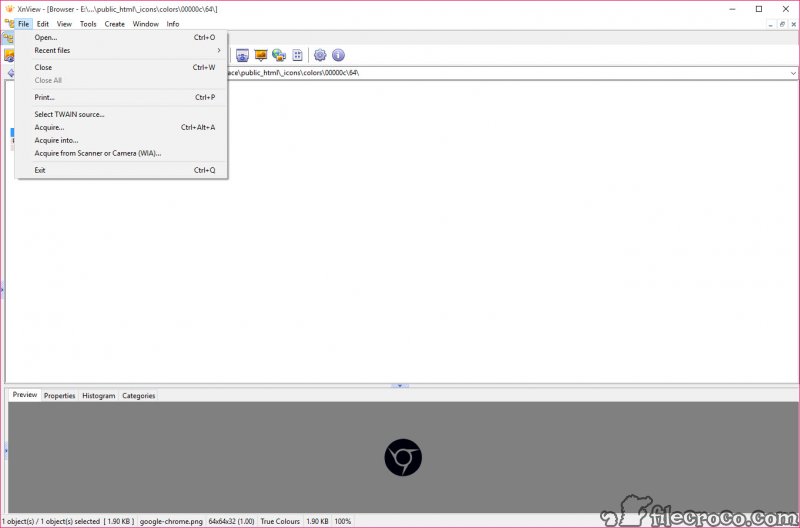
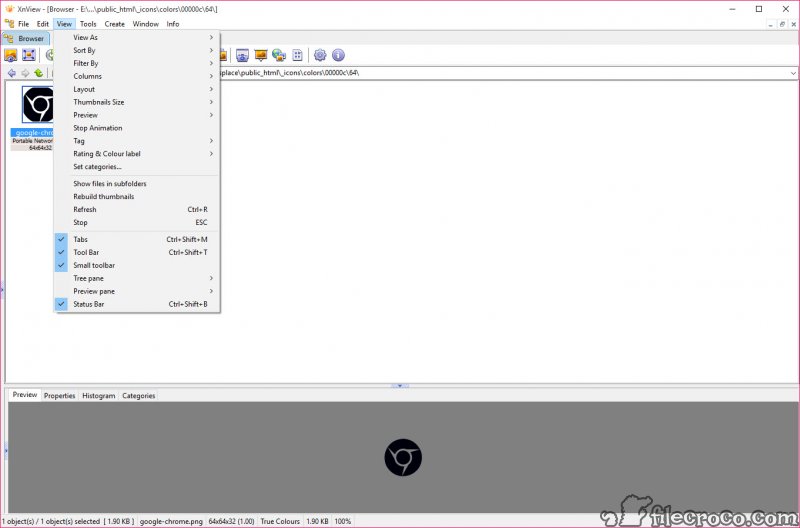
XnView is a fast multi-format graphics browser, viewer, and converter. It can read more than 400 file formats, e.g. gif, bmp, jpeg, png, targa, multipage tiff, mpeg, avi, quicktime, and many more. XnView has an Explorer like viewer that allows quick browsing of directory contents in both thumbnail and preview views.

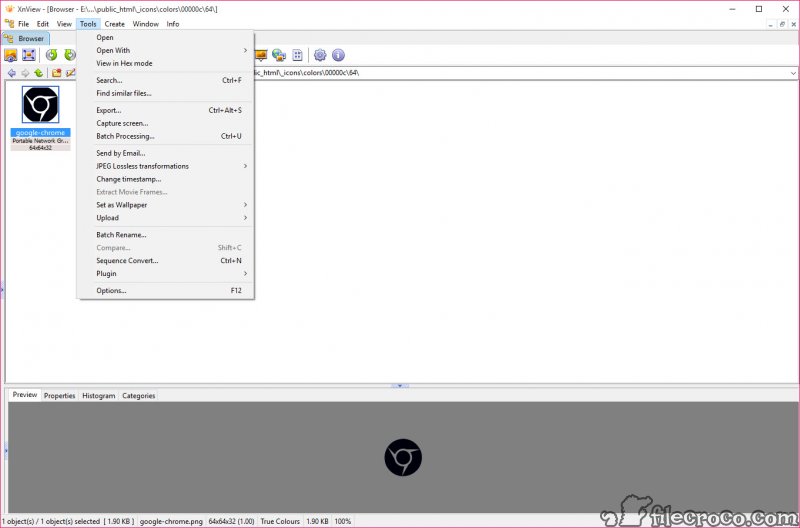
Its features include HTML page generation, contact sheets, twain support (scanner & digital cameras), batch conversion and image processing, full screen slide shows, image manipulation with effects like 'Tile' or 'Glass', screen capture and file operations.

Key features

• Export about 50 graphic file formats
• Multipage TIFF, Animated GIF, Animated ICO support
• Image IPTC, EXIF metadata support
• Lossless rotate & crop (jpeg) support
• Adjust brightness, contrast...
• Auto levels, contrast
• EXIF auto rotation support
• IPTC editing
• Resize, rotate, crop support
• Modify number of colors
• Apply filters (blur, average, emboss, ...)
• Apply effects (lens, wave, ...)
• Fullscreen mode
• Slide show with effects
• Batch convert, batch rename
• Create WEB page easily
• Create or edit Multi-page file (TIFF, DCX, LDF)
• TWAIN & WIA support
• Screen capture
• Create contact Sheet
• Print support
• Drag & Drop support
• Compare image side by side
• Filmstrip layout
• 44 languages support
• No Adware, No Spyware

Editor's review for XnView

If you are an aspiring web designer, or simply an aspiring graphic designer, then you no doubt have an overflow of graphic files. In any case, with the growing inclusion of the web in everyday life many people have an overflow of graphics in their computers.

However, viewing these files and converting them into formats that can be stored and viewed across a server is a completely different story, especially if you have clients with multiple operating systems or simply a network that contains many different operating levels. The XNView can solve all of these problems in one easy installation making it a great utility to consider.

At its core, the XNView was created to be used as tool that allows users to convert and view graphic files. However, it is filled with so many features that it quickly becomes the type of graphic tool that can enhance and change the way that you deal with your graphics forever.

Due to an abundance of unique features, the XNView makes working with graphics a simple task that can even be enjoyable given perks such as filters, effects, and slide show effects. In fact, it is easy to get carried away with the fun features of the XNView, so while trying out the product if you have a project to complete you will want to be careful to remember to get back to task.

Among the fun features included in the XNView, which is free for both educational and private use, making it a great tool to practice graphic design on, especially with the ability to blur, wave, contrast, brighten, and emboss graphics and photos along with dozens of other special photo effects. For those who have ever wondered how to get perfect websites with stunning effects, the XNView is the answer because its easy user interface makes it a snap to create websites that rank up there with professional websites.

Even better, you can also rotate, crop, export, import, covert, IPTC edit, contrast, and modify the colour content of your photos with the simple click of a button in either full screen or actual view. Add on the ability to convert batches of photos at a time, view graphics in a slide show, drag and drop support, and the ability to stack images side by side so that you can see which changes you like the best, and the XNView is simply fun to use as well as a great learning tool.

XNView is easily one of the most popular graphic viewers out there on the web. Given its free (and can be purchased for commercial use), there is no reason not to test out the full features of the customizable interface and find out for yourself how easy it is to create graphic filled websites in a flash, no pun intended.

What is new in version 2.03

- Folders with thumbnails of images contained - Sending images via e-mail - De-Scewing of scanned images - Hanning filter for resizing - Handling of name clashes in Batch rename

Add your review

Your name:*
Overall conclusion:*
Be descriptive:*
min 100 chars (0)
Your rating:*
Verification:*

Top popularity in Viewers

1
XnView 2.03
Free software to view, organise, convert graphics files
2
SView5 3.84
Image display, conversion and processing tool
3
IrfanView 4.35
Image viewer for almost all multimedia formats
4
Fresh View 8.40
Free multimedia manager that supports many popular formats
5
Martview 2.5
Flipping book reader compatible with PDF
6
STDU Viewer 1.6.206
View all most popular documents formats by one program
7
Ashampoo Photo Commander 8 9.3.0
Great organizer and edition tool for your photos
